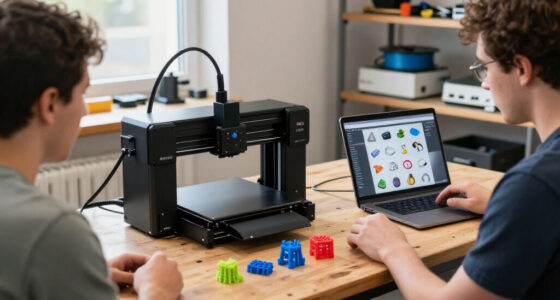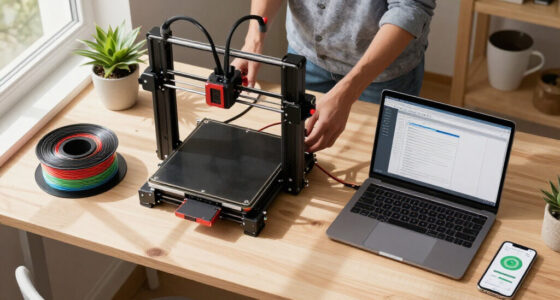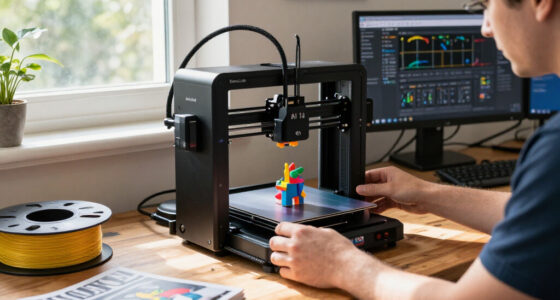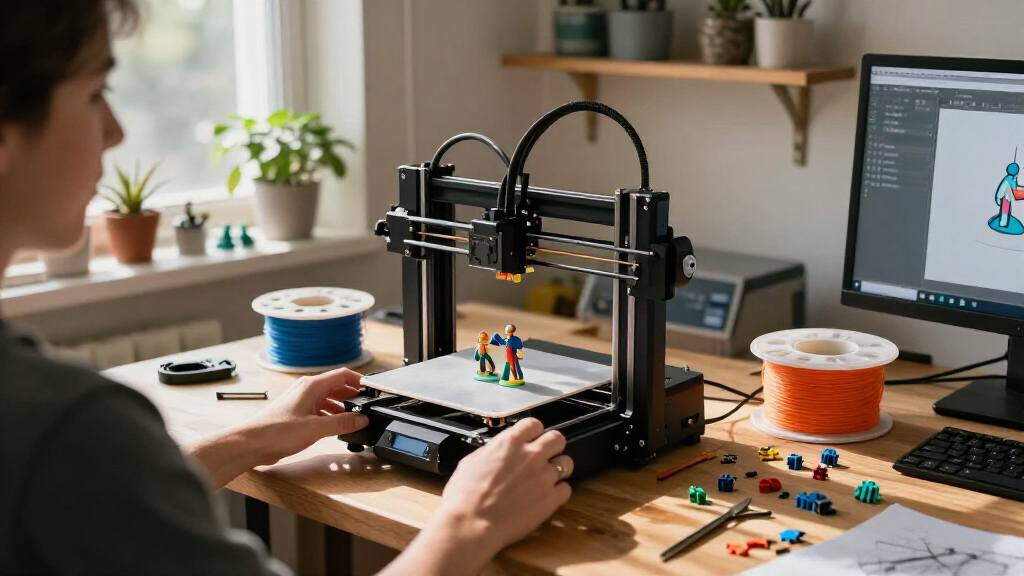

🔍 Read the full analysis: 10 Best 3D Printers For Home Makers: Hobby Projects And Multicolor Prints In 2027 on ThorstenMeyerAI.com

Get business pricing on monitors, keyboards and dev gear
- Business-only prices and quantity discounts
- Tax-exempt purchasing
- Multiple users, one account, clear invoices
TL;DR
A ThorstenMeyerAI.com roundup compares 10 home 3D printers by project fit, enclosure, multicolor workflow, setup and maintenance. It names the Bambu Lab P1S as its broad-use starting point, while noting that no model suits every buyer and that multicolor systems bring additional equipment and workflow demands.
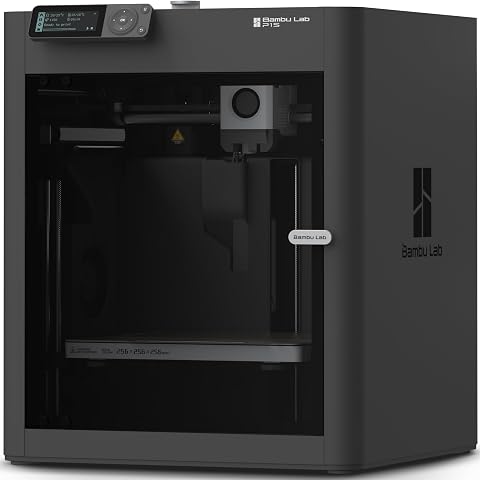
ThorstenMeyerAI.com has published a comparison of 10 home 3D printers, weighing project flexibility, setup and material workflows for hobbyists choosing between single-color machines, multicolor systems and compact beginner models. The roundup names the Bambu Lab P1S as its general-purpose starting point, but frames the ranking as a matter of buyer fit rather than a claim that one printer is best for everyone.
The list covers machines with different approaches to home printing. The source favors the enclosed P1S for varied filament projects, describes the FLASHFORGE Adventurer 5M as an accessible option for fast single-color printing, and points to the Bambu Lab P2S Combo with AMS 2 Pro for buyers seeking a bundled multicolor setup. These are assessments from the roundup, not independently verified performance tests in the supplied material. For another roundup, see this 3D printer comparison.
Other models named include the Bambu Lab P1S Combo and A1 Combo, the Snapmaker U1, the FLASHFORGE Creator 5 Pro and the Tina2C. The source also refers to several four-toolhead or CFS models, but does not give their names in the provided text. Its stated comparison considers whether machines are enclosed or open, how they manage colors or tool changes, and how their size and workflow match likely projects.
The article highlights tradeoffs rather than treating speed or color count as decisive on their own. Multicolor bundles and multiple toolheads can expand project options, but add equipment and material-management demands. The Tina2C is described as a compact, beginner- and kid-oriented choice, not a replacement for larger machines when projects require more capacity.
The 10 picks
- 1
 Bambu Lab P2S Combo 3D Printer with AMS 2 ProView on Amazon →
- 2
 Snapmaker U1 3D Printer with 4‑Toolhead and 5‑Second Toolchanger, Multi‑Color…View on Amazon →
- 3
 FLASHFORGE Creator 5 Pro 4-Toolhead 3D PrinterView on Amazon →
- 4
 Creality K2 Combo 3D Printer, Multicolor Printing, Max 600mm/s Speed, Auto Le…View on Amazon →
- 5
 Bambu Lab P1S Combo 3D Printer with AMSView on Amazon →
- 6
 Bambu Lab A1 Combo + LED Lamp Kit, Multi-Color 3D Printing (with AMS lite)View on Amazon →
- 7
 Bambu Lab P1S Enclosed FDM 3D PrinterView on Amazon →
- 8
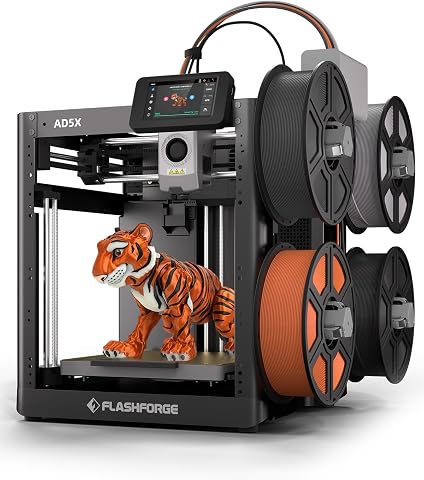 FLASHFORGE AD5X Multi-Color CoreXY 3D PrinterView on Amazon →
- 9
 FLASHFORGE Adventurer 5M High-Speed 3D PrinterView on Amazon →
- 10
 Entina Tina2C Mini 3D Printer for Beginners and KidsView on Amazon →
Choosing a Printer Around Your Projects
The comparison addresses a practical purchase decision: which capabilities justify the cost and complexity for the kinds of objects a home maker expects to print. A buyer making functional, single-color parts may get little value from a color-changing system, while someone printing decorative models or labeled pieces may consider multicolor handling worth the added setup.
Build size, enclosure and maintenance also affect everyday use. A compact machine can fit small projects and limited space, but larger objects may need to be split into sections and assembled. An enclosed design may suit some materials or environments, but the source cautions that it does not make every filament appropriate or eliminate the need to follow manufacturer guidance on ventilation and use.
Products Worth Considering

Apple AirPods Pro 3 Wireless Earbuds

Logitech MX Keys S Combo Wireless Keyboard and Mouse, Graphite

Apple MacBook Air 13-inch Laptop with M5 Chip, 16GB Memory, 512GB SSD, Liquid Retina Display, and 12MP Center Stage Camera (Midnight)
As an affiliate, we earn on qualifying purchases.
How the Roundup Weighs Tradeoffs
The source says it ranked the printers by project range, machine format, workflow and apparent ease of use. It gives preference to versatility and a manageable entry into regular printing, which helps explain why it places the P1S ahead of more specialized or open-frame options. Its methodology, as provided, is a buyer-fit comparison; it does not supply controlled test results, measured print speeds, prices or reliability data.
For multicolor printing, the roundup distinguishes material-changing systems from toolhead-based designs. It names the Snapmaker U1 and FLASHFORGE Creator 5 Pro as four-toolhead examples and advises comparing how the mechanisms work rather than assuming every multicolor printer has the same workflow. The supplied source does not include a dated model-by-model specification table, so readers should check current manufacturer information before purchasing.
“The P1S is the roundup’s strongest general-purpose starting point.”
— ThorstenMeyerAI.com roundup
Details Buyers Should Verify
The supplied material does not identify a publication date or provide current prices, build volumes, measured speeds, test conditions or warranty details. It also does not name every four-toolhead or CFS model referenced, and the provided text does not contain a complete numbered list with a separate assessment of all 10 machines. The headline’s year is truncated as “202,” so the intended year cannot be confirmed.
Claims about ease of setup, versatility and suitability are presented as the roundup’s evaluations; the provided source does not describe independent lab testing or user data to substantiate them. Product configurations, bundled accessories and availability can change. Buyers should confirm the exact package, supported materials, maintenance requirements and manufacturer safety instructions for the model being considered.
Check Current Models Before Buying
The next step for readers is to match the printer to expected part size, workspace and material use, then check current manufacturer specifications and package contents. Buyers considering multicolor printing should compare the material-handling or tool-changing workflow and account for extra equipment, setup and potential waste. Those prioritizing a simpler purchase can assess whether a single-color model meets their actual projects before paying for color features.
No product launch, test update or follow-up publication is announced in the supplied material. The roundup’s recommendations should be treated as a snapshot whose relevance depends on current prices, firmware, availability and product configurations.
Key Questions
Which printer does the roundup recommend as a general-purpose starting point?
The source identifies the Bambu Lab P1S, citing its enclosed design and suitability for varied filament projects. That is the roundup’s assessment, not a universal recommendation or an independently verified test result in the supplied material.
Which models does it associate with multicolor printing?
The source names the Bambu Lab P2S Combo with AMS 2 Pro, P1S Combo and A1 Combo, along with several four-toolhead or CFS models. It does not identify all of those additional models in the supplied text.
Is a multicolor printer the right choice for every home maker?
No. The roundup says multicolor systems add equipment and material-management demands. They may suit decorative or labeled prints, while buyers making mostly functional, single-color parts may prefer a simpler workflow.
What should buyers check before choosing a printer?
Consider the size of planned prints, available workspace, enclosure, material workflow and routine maintenance. Check current manufacturer specifications and the exact bundle, since the supplied comparison does not include dated prices or a complete specification table.
Source: ThorstenMeyerAI.com