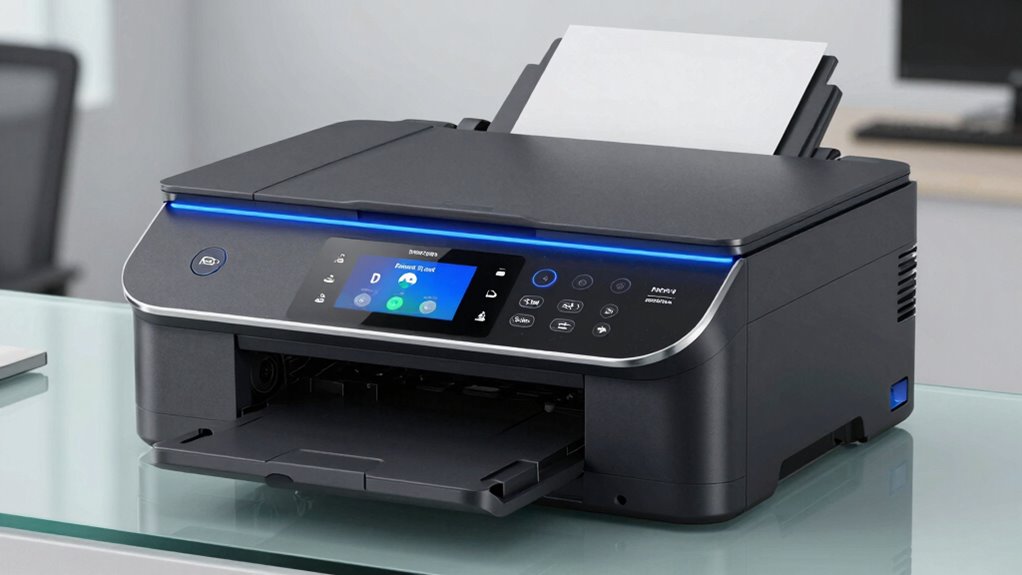
Firmware updates are more important than most print teams realize because they protect your devices from security threats, improve performance, and guarantee compatibility with new hardware and software. Neglecting these updates can leave vulnerabilities open to cyberattacks, cause malfunctions, and shorten your equipment’s lifespan. Staying current helps prevent costly downtime and keeps everything running smoothly. Continue exploring why keeping firmware updated can save you time, money, and headaches in the long run.

Get business pricing on monitors, keyboards and dev gear
- Business-only prices and quantity discounts
- Tax-exempt purchasing
- Multiple users, one account, clear invoices
Key Takeaways
- Firmware updates protect printers from security vulnerabilities and cyber threats that can lead to data breaches.
- Outdated firmware can cause compatibility issues, reducing device performance and causing operational downtime.
- Regular updates ensure ongoing manufacturer support and enhance security protocols against emerging threats.
- Keeping firmware current extends device lifespan and improves efficiency, reducing long-term maintenance costs.
- Neglecting updates increases risk of malfunctions, connectivity problems, and costly security incidents.
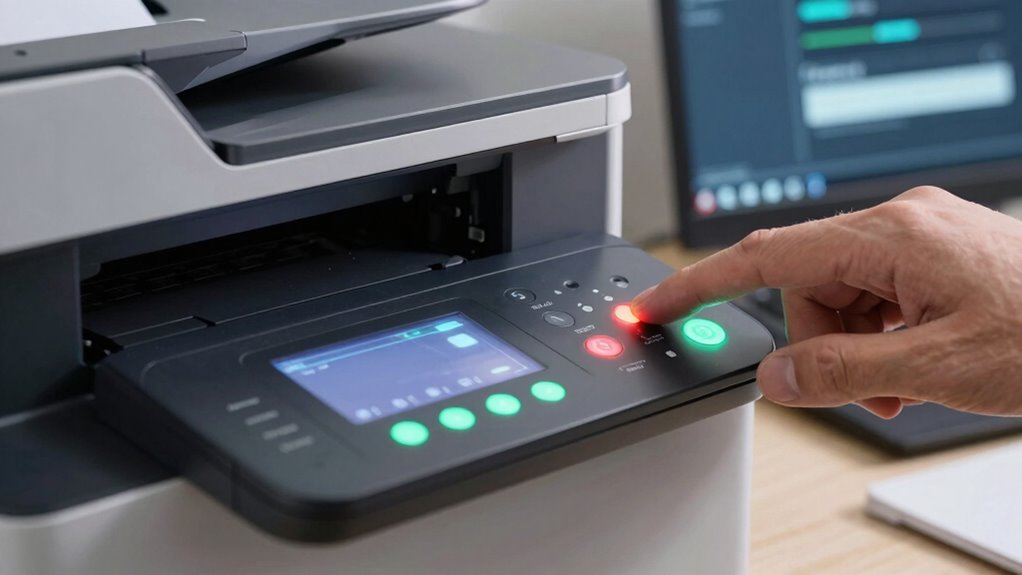
Firmware updates might seem like minor tweaks, but they play a fundamental role in keeping your devices secure and running smoothly. Many print teams underestimate their importance, assuming updates are just about fixing bugs or adding features. In reality, neglecting firmware updates can leave your systems vulnerable to security vulnerabilities that cybercriminals actively exploit. Outdated firmware can serve as an open door for malware, ransomware, or unauthorized access, putting sensitive information and network integrity at risk. When you delay or ignore these updates, you inadvertently give hackers an advantage, which could lead to costly data breaches or operational disruptions.
Beyond security, firmware updates are indispensable for maintaining device compatibility. As technology evolves, manufacturers release updates to guarantee their devices stay compatible with new hardware, software, and network standards. If you skip updates, you might find that your printers or other peripherals no longer work correctly with the latest operating systems or network configurations. This can cause frustrating downtime, decreased productivity, and the need for costly troubleshooting or replacements. Firmware updates often include enhancements that improve device performance, stability, and interoperability, making certain your equipment works seamlessly within your existing infrastructure. Staying aware of device firmware updates can help you anticipate and prevent potential issues before they impact your workflow. Regular updates also help in maintaining system security, reducing the risk of cyber threats that target outdated firmware. Additionally, manufacturer support often depends on current firmware versions, so staying updated ensures you continue to receive assistance when needed.
You might think that because your printers are functioning fine now, there’s no need to update their firmware. But that’s a risky mindset. Cyber threats are constantly evolving, and manufacturers regularly release patches to address newly discovered vulnerabilities. By keeping your firmware current, you protect your devices from known security vulnerabilities that could otherwise be exploited. Additionally, manufacturers often improve security protocols in updates, making it harder for malicious actors to breach your systems. Regular firmware updates can also help address various hardware vulnerabilities that may not be immediately obvious but could pose significant risks over time. Delaying updates creates a window of opportunity for cybercriminals to target outdated devices.
Device compatibility issues can also cause headaches if you don’t stay current. Newer software versions, security protocols, or network devices may not work correctly with outdated firmware, leading to connectivity issues, slower performance, or even device malfunctions. Up-to-date firmware ensures your printers and associated hardware can communicate effectively with other systems, supporting your team’s workflow without interruptions. Regular firmware updates are also essential for device health maintenance, ensuring your equipment operates at its best and minimizes unexpected failures. Keeping firmware current can also extend the overall lifespan of your devices by addressing ongoing hardware and software challenges. Moreover, staying current with firmware updates can improve energy efficiency and reduce operational costs over time.
As an affiliate, we earn on qualifying purchases.
Frequently Asked Questions
How Often Should Firmware Updates Be Performed on Printing Devices?
You should perform firmware updates on your printing devices as often as recommended by the manufacturer, typically every few months or when a critical update is released. Consistent update scheduling guarantees firmware compatibility with new software and security patches. Regular updates prevent disruptions, improve device performance, and protect against vulnerabilities, so keeping an eye on manufacturer notices helps you maintain peak printing operations without unnecessary downtime.
Can Outdated Firmware Cause Security Vulnerabilities in Printers?
Yes, outdated firmware can cause security vulnerabilities in printers. When firmware isn’t updated, it may lack the latest security patches, leaving your device exposed to cyber threats. Additionally, outdated firmware can lead to device compatibility issues, making it harder to integrate with newer systems. Regularly updating firmware guarantees your printer receives important security patches and maintains compatibility, protecting your network and sensitive data from potential breaches.
Are Firmware Updates Compatible Across Different Printer Models?
Imagine updating one printer model, but the firmware isn’t compatible with another. Firmware updates often vary by device, so compatibility isn’t universal. For example, a firmware update for Model A might not work on Model B, risking device stability. To guarantee device compatibility, always check manufacturer notes and firmware release details. Proper updates improve firmware stability and prevent issues, but mismatched updates can cause malfunctions or security gaps.
What Are the Risks of Ignoring Firmware Updates?
Ignoring firmware updates risks compatibility issues, which can cause printer malfunctions or reduced performance. You might miss critical security patches, leaving your devices vulnerable to cyber threats. If update notifications are frequent, it can be tempting to delay, but staying current guarantees peak firmware compatibility and stability. Failing to update can lead to increased downtime, costly repairs, and compromised print quality, so it’s essential to keep your firmware up-to-date regularly.
How Do Firmware Updates Improve Print Quality and Speed?
Like upgrading from a rotary phone, firmware updates modernize your printer’s capabilities. They enhance print quality and speed by refining print calibration and ensuring color consistency. These updates fix bugs, optimize processes, and improve hardware communication. By keeping your firmware current, you reduce errors, achieve sharper images, and speed up production, making your printing process more efficient and professional. Skipping updates is like sticking with outdated tech—holding you back.
printer firmware updater software
As an affiliate, we earn on qualifying purchases.
As an affiliate, we earn on qualifying purchases.
Conclusion
Staying on top of firmware updates isn’t just a task—it’s the heartbeat of your printer’s health. Think of each update as a shield, guarding your equipment from unseen threats and ensuring it runs smoothly. Ignoring them is like leaving your ship unanchored in a storm. Embrace these updates, and you’ll keep your print team sailing smoothly through any challenge. Remember, a well-maintained printer is the steady hand guiding your success.
network printer security firmware
As an affiliate, we earn on qualifying purchases.
As an affiliate, we earn on qualifying purchases.
As an affiliate, we earn on qualifying purchases.
Columbus Day / Indigenous Peoples' Day Picks
long weekend sales
As an affiliate, we earn on qualifying purchases.