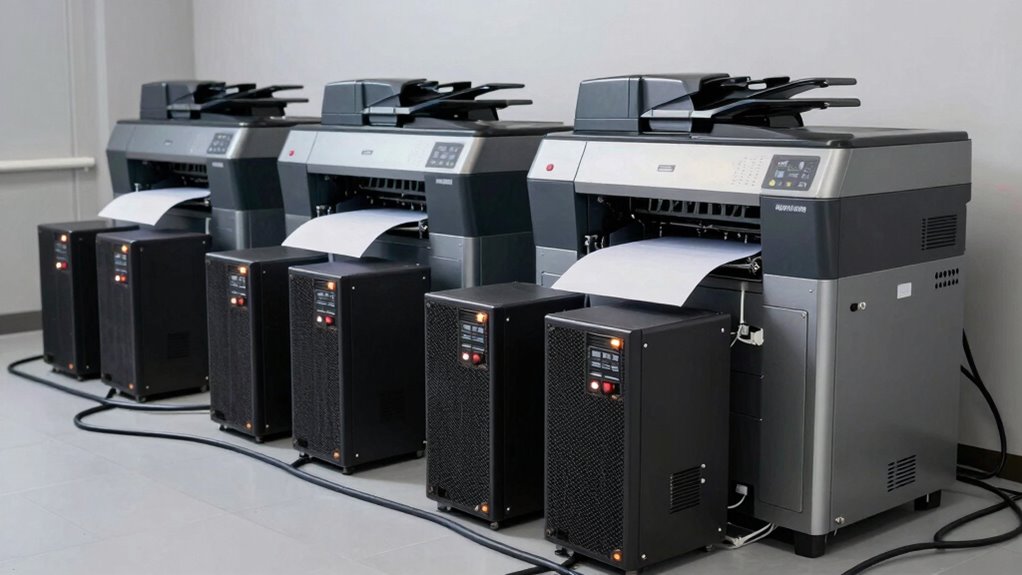

Using a UPS for large printers isn’t just insurance; it’s essential for keeping your workflow smooth and protecting your investment. It provides reliable backup during outages, prevents costly mistakes like incomplete prints or damage, and shields equipment from power fluctuations and surges. Plus, it helps maintain high print quality and extends your printer’s lifespan. If you want to know how a UPS can safeguard your operation and save you money, keep going for more details.

Get business pricing on monitors, keyboards and dev gear
- Business-only prices and quantity discounts
- Tax-exempt purchasing
- Multiple users, one account, clear invoices
Key Takeaways
- UPS units ensure continuous operation, preventing costly printing delays and equipment damage during power outages.
- They protect sensitive components from electrical surges, extending printer lifespan and reducing repair costs.
- UPS systems maintain stable power quality, improving print consistency and avoiding defects caused by voltage fluctuations.
- Implementing UPS units enhances workflow reliability, minimizing downtime and boosting operational efficiency.
- They serve as essential safeguards, making UPS units a critical investment rather than just an insurance policy.
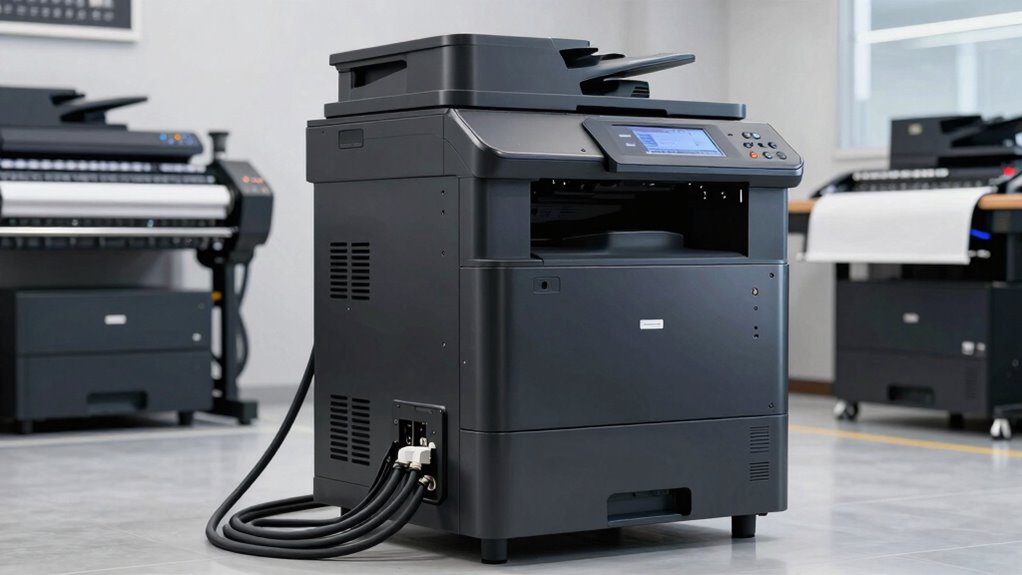
Are you worried about power outages disrupting your large printer’s operation? If so, investing in a UPS unit might seem like just an insurance policy, but it’s much more than that. A UPS provides essential benefits that keep your printing processes smooth and reliable. One of the key advantages is its ability to offer a dependable battery backup, ensuring your printer continues to run during unexpected outages. This backup isn’t just about avoiding interruptions; it’s about protecting your equipment and maintaining workflow continuity. When the power flickers or goes out, a good UPS steps in instantly, preventing incomplete print jobs, paper jams, or potential damage that sudden shutdowns can cause. This continuous power supply helps you finish critical jobs and avoid costly reprints or repairs.
Beyond just battery backup, power stability is a vital factor. Large printers, especially those used in professional settings, require consistent, clean power for peak performance. Fluctuations can lead to print quality issues, data corruption, or even hardware failures over time. A UPS acts as a buffer, smoothing out voltage spikes and drops, so your printer receives a steady power flow. This stability ensures your large printer operates at its best, producing high-quality prints without interruptions or defects caused by inconsistent power. It also minimizes the risk of electrical damage, which can be expensive to repair or replace. Protecting sensitive electronic components is crucial for extending the lifespan of your equipment. Additionally, a UPS can help prevent electrical damage caused by power surges, further safeguarding your investment. Using a UPS also helps in maintaining the overall power quality, which is especially important for high-end or sensitive printing equipment. Maintaining power supply reliability is critical for avoiding costly downtime and ensuring your operations run smoothly.
Large Printer UPS Backup Power Supply
As an affiliate, we earn on qualifying purchases.
As an affiliate, we earn on qualifying purchases.
Frequently Asked Questions
How Do UPS Units Impact Printing Speed and Efficiency?
UPS units improve printing speed and efficiency by providing a reliable battery backup and ensuring power stability. When power fluctuations or outages occur, your large printer keeps running smoothly without interruptions, preventing delays. This stability allows you to complete print jobs faster and reduces downtime. With a UPS, you maintain consistent power, avoiding damage or errors caused by sudden outages, ultimately boosting your overall productivity and workflow efficiency.
Are There Specific UPS Models Recommended for Large Printers?
Think of choosing UPS models for large printers as selecting a guardian knight. You should look for robust, reliable units like APC Smart-UPS or CyberPower OL series that can handle high power loads and provide backup during outages. Make certain they support your printer’s power needs, consider ink compatibility, and facilitate smooth printer maintenance. These models keep your printing castle safe, guaranteeing uninterrupted operation and protecting your investment.
What Are the Long-Term Cost Savings of Using UPS Units?
Using UPS units can save you money long-term by protecting your large printer from power surges and outages, which helps avoid costly repairs or replacements. With proper installation considerations, like ensuring correct capacity and placement, your UPS’s battery lifespan extends, reducing frequent replacements. This proactive approach minimizes downtime and maintenance costs, ultimately offering significant long-term savings while keeping your printer running smoothly and efficiently.
How Does UPS Capacity Correlate With Printer Power Requirements?
Your UPS capacity directly correlates with your printer’s power needs, ensuring it can handle power fluctuations and prevent interruptions. You should choose a UPS with enough battery capacity to support your printer’s startup and operation demands. Regular battery maintenance is essential to keep the UPS functioning smoothly, especially during power fluctuations, so your large printer stays protected and operational without unexpected shutdowns.
Can UPS Units Protect Against Power Surges and Outages Simultaneously?
Yes, UPS units can protect against power surges and outages simultaneously. They act as a barrier, absorbing power surges to protect your printer’s electronics, while providing backup power during outages. This dual function guarantees your large printer stays operational and safe from sudden electrical spikes. Investing in a quality UPS guarantees continuous operation and safeguards your equipment, especially during unpredictable power fluctuations or outages.
Professional Printer Uninterruptible Power Supply
As an affiliate, we earn on qualifying purchases.
As an affiliate, we earn on qualifying purchases.
Conclusion
Think of a UPS unit for your large printer as a sturdy anchor in a stormy sea—protecting your valuable equipment from sudden power surges and outages. While some see it as just insurance, it’s really an essential safeguard that keeps your workflow steady and your investments secure. Without it, you’re sailing blind through unpredictable waters. Investing in a UPS isn’t just a precaution; it’s the lighthouse guiding your business safely to harbor.
High Capacity UPS for Large Format Printers
As an affiliate, we earn on qualifying purchases.
As an affiliate, we earn on qualifying purchases.
Printer Surge Protector and Power Stabilizer
As an affiliate, we earn on qualifying purchases.
As an affiliate, we earn on qualifying purchases.
Fall Picks
fall essentials
As an affiliate, we earn on qualifying purchases.