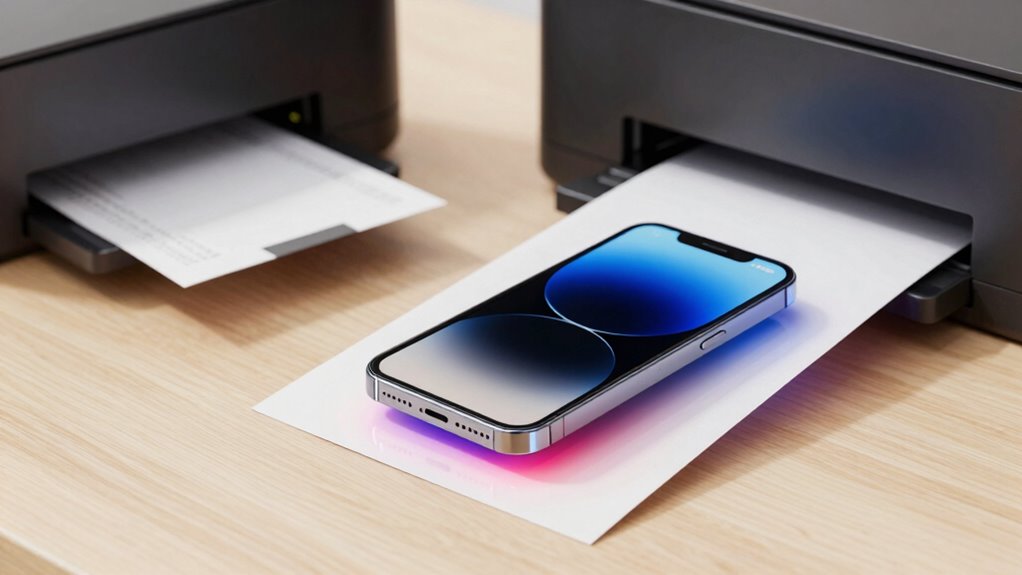

Mobile printing sounds ideal because it’s convenient and saves time, letting you print without a computer or walking to a printer. However, it sometimes doesn’t work well due to connection problems, wireless interference, and security risks. Weak signals, incompatible devices, and network congestion can cause delays or failed print jobs. If you keep exploring, you’ll discover how to improve your chances of smooth, reliable mobile printing and solve common issues.

Get business pricing on monitors, keyboards and dev gear
- Business-only prices and quantity discounts
- Tax-exempt purchasing
- Multiple users, one account, clear invoices
Key Takeaways
- Wireless interference from other devices can disrupt mobile printing, affecting reliability despite its convenience.
- Compatibility issues between mobile devices and printers often cause connection failures.
- Weak Wi-Fi signals lead to print job failures and repeated reconnections, reducing efficiency.
- Security vulnerabilities in wireless printing can result in data breaches or unauthorized access.
- Technical problems like printer recognition or queue congestion can turn quick tasks into delays.
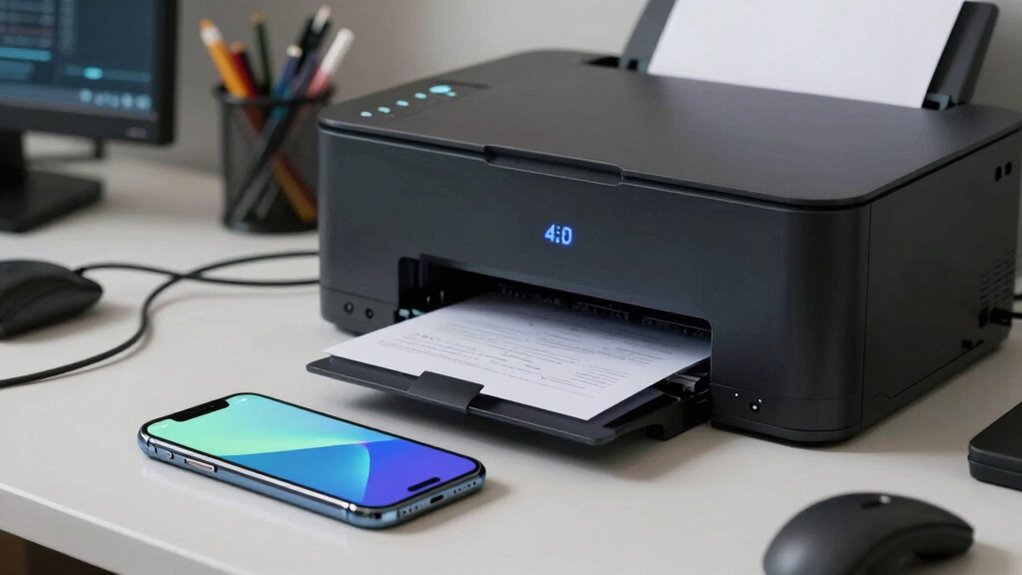
Mobile printing has become increasingly popular for its convenience, but it often sacrifices reliability in the process. When you try to print from your phone or tablet, you might notice that the connection isn’t always seamless. Wireless connectivity is a major factor here. While it offers the freedom to print from anywhere within your network, it can also be unstable. Interference from other devices, weak Wi-Fi signals, or compatibility issues can cause your print job to drop or fail altogether. You may find yourself repeatedly trying to reconnect or resend documents, which defeats the purpose of having a quick and easy printing solution. Additionally, wireless connectivity issues are a common source of frustration that can disrupt your workflow. Understanding wireless interference and how it impacts your connection can help you troubleshoot and improve your mobile printing experience.
Wireless printing offers convenience but can be unreliable due to interference, weak signals, and compatibility issues.
Print security is another concern that arises with mobile printing. Because you’re sending sensitive documents wirelessly, there’s always a risk of unauthorized access. Many printers and apps lack robust security measures, making your data vulnerable during transmission. When you’re in a busy office or using public Wi-Fi, the risk increases even further. You want your documents to stay private, but if the security isn’t tight, confidential information could be intercepted or accessed by unintended recipients. This makes it crucial to choose solutions that prioritize print security, such as encrypted connections and secure authentication methods.
Despite the allure of effortless, on-the-go printing, these technical issues can make the experience frustrating. You might think that wireless connectivity would streamline your workflow, but interruptions often cause delays. Sometimes, the printer simply refuses to recognize your device, or the print queue gets congested with multiple jobs. These hiccups can turn what should be a quick task into a drawn-out process, making you question whether mobile printing is worth the hassle.
However, when it works smoothly, mobile printing feels almost magical. You can print important documents without needing to find a computer or walk to a printer across the room. The convenience is undeniable. Still, the key is understanding that reliability isn’t guaranteed. Investing in quality printers with strong wireless connectivity and enhanced print security can help, but you’ll always need to be prepared for occasional failures. Recognizing these limitations doesn’t mean giving up on mobile printing altogether; instead, it helps you set realistic expectations and take steps to mitigate issues. When you do that, you’ll find that the benefits can outweigh the challenges, even if the experience isn’t consistently perfect.
As an affiliate, we earn on qualifying purchases.
Frequently Asked Questions
How Can I Improve My Mobile Printer’s Connection Stability?
To improve your mobile printer’s connection stability, guarantee your device uses strong wireless connectivity, preferably Wi-Fi instead of Bluetooth, for better range and reliability. Check for compatibility issues between your printer and mobile device, updating firmware and app versions as needed. Keep your Wi-Fi signal strong and minimize interference from other devices. Restart both your printer and mobile device regularly, and consider repositioning the printer closer to your router for a more stable connection.
What Are the Best Apps for Mobile Printing?
Think of the best apps for mobile printing as your digital bridge, seamlessly connecting your device to your printer. Apps like Google Cloud Print, PrinterOn, and Epson iPrint excel in wireless compatibility and app synchronization, making printing effortless. They simplify the process, ensuring your documents and photos are just a tap away. With these apps, you turn your device into a portable printing station, transforming your mobile printing experience into a smooth, reliable journey.
Why Does My Mobile Printer Sometimes Print Blank Pages?
Your mobile printer sometimes prints blank pages due to issues like poor printer maintenance or ink incompatibility. Regularly clean the print heads and make certain your ink cartridges are compatible with your printer model. Check for any clogs or dried ink that could block ink flow. Updating printer drivers and resetting your device can also help. These steps improve print quality and prevent blank pages, making your mobile printing experience smoother.
How Do I Troubleshoot Print Quality Issues?
To troubleshoot print quality issues, start by checking your printer’s wireless security settings to make a secure connection, which can prevent interruptions. Next, verify ink or toner levels and clean the print heads if needed. Adjust print customization settings for the best results, and update your printer drivers. These steps help resolve common problems, guaranteeing your mobile printing experience is smooth and the output looks professional.
Are There Specific Devices That Work Better With Mobile Printing?
Some devices handle mobile printing more gracefully than others, making your experience smoother. When choosing a device, focus on those with excellent device compatibility and straightforward printer setup options. Smartphones from major brands like Apple and Samsung often integrate seamlessly with most printers, especially if they support popular printing protocols. Ensuring your device gets regular updates also helps maintain peak mobile printing performance, making the process more reliable and enjoyable.
secure mobile printing solutions
As an affiliate, we earn on qualifying purchases.
As an affiliate, we earn on qualifying purchases.
Conclusion
While mobile printing offers a charming serenade of sound, its performance can sometimes drift into quiet, unpredictable corners. You might find yourself gently guiding it back on course, like coaxing a shy bird from hiding. Though it occasionally whispers instead of shouts, with patience, you’ll enjoy the soft, subtle notes it delivers. Remember, even in its quiet moments, the promise of a perfect print remains just a gentle nudge away, waiting to bloom anew.
compatible wireless printers for smartphones
As an affiliate, we earn on qualifying purchases.
As an affiliate, we earn on qualifying purchases.
As an affiliate, we earn on qualifying purchases.
Halloween Picks
halloween
As an affiliate, we earn on qualifying purchases.