
Many first-time scanner buyers believe that higher resolution automatically means better image quality, but that’s a common misconception. Increasing DPI doesn’t guarantee sharper scans because image clarity depends more on the quality of the sensor, optics, and image processing. A high DPI with poor components can produce worse results than a lower DPI with better technology. To truly understand what impacts scan quality, it helps to look beyond resolution—there’s more to it than just pixels.
Get ready for Prime Big Deal Days — try Prime free
Exclusive member deals on October 6–7, plus fast free delivery. Cancel anytime.
As an affiliate, we earn on qualifying purchases.
Key Takeaways
- Higher DPI doesn’t always mean sharper or better quality scans; other factors like optics and sensors matter more.
- Resolution quality depends on scanner components, not just pixel count or DPI settings.
- Image clarity is influenced by optics, sensors, lighting, and processing, not resolution alone.
- Modern scanner technology and image processing can improve scan quality beyond just increasing DPI.
- Focusing solely on resolution can lead to subpar results if scanner components and features are outdated or low-quality.
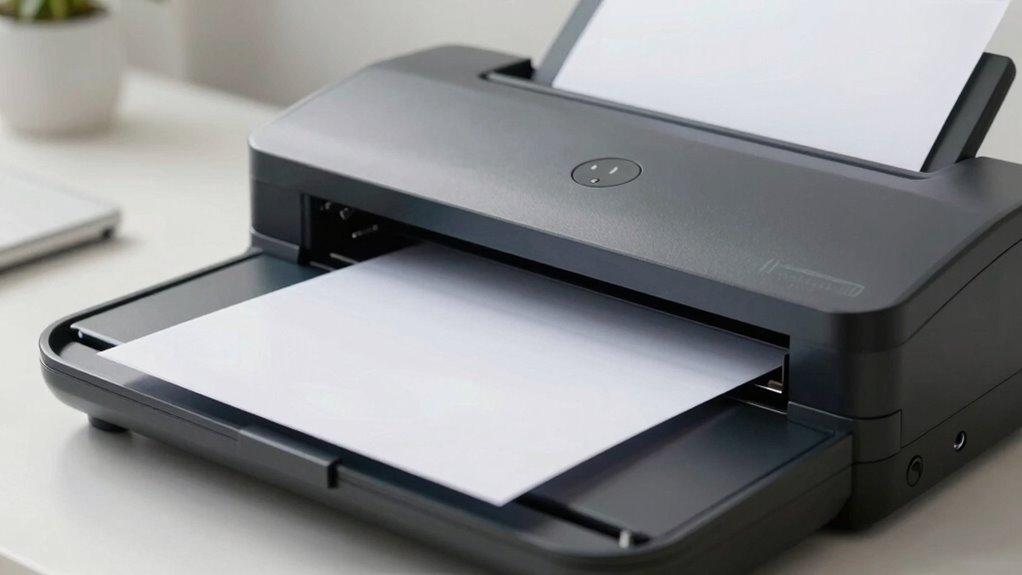
Have you ever believed that higher resolution always means better scans? It’s a common misconception among first-time scanner buyers. Many assume that the more pixels a scanner can capture, the sharper and more detailed the image will be. But the truth is, scanner technology isn’t just about cranking up the resolution. It’s about how well the scanner translates those pixels into a clear, usable image. Higher resolution can seem appealing, but it doesn’t automatically guarantee better image clarity, especially if other factors like optics and sensor quality aren’t up to par.
Higher resolution doesn’t always mean better scans; quality depends on optics, sensors, and image processing.
When you’re evaluating scanners, it’s essential to understand that resolution, often measured in dots per inch (DPI), is just one piece of the puzzle. For instance, a scanner with a resolution of 1200 DPI might produce a sharper image than one with 2400 DPI if its sensor isn’t advanced enough or if the optics are subpar. The core of good scan quality lies in how the scanner’s technology captures and processes light and detail. A high-resolution scanner with outdated or low-quality components may produce images that are no clearer than those from a lower-resolution model with better optical design. Additionally, sensor quality plays a pivotal role in determining how well fine details are captured, regardless of resolution.
Image clarity depends heavily on the synergy of the scanner’s components, including how well the optical system and sensor work together to capture fine details. Modern scanner technology includes features like optical filters, improved sensors, and advanced image processing algorithms, all of which contribute to sharper, more accurate reproductions. When you focus solely on resolution, you might overlook these vital aspects. The technological advancements in scanner design play a crucial role in achieving superior image quality, beyond just increasing DPI. In addition, factors like the scanner’s lighting system can significantly affect the overall image clarity and detail captured.
As an affiliate, we earn on qualifying purchases.
Frequently Asked Questions
How Does Scanner Resolution Impact Everyday Document Scanning?
Higher scanner resolution improves the clarity of your scanned documents, making text sharper and images more detailed. It also enhances scanner ergonomics by reducing the need for rescans, saving you time and effort. A user interface that’s easy to navigate helps you select the right resolution settings effortlessly. Ultimately, choosing the right resolution guarantees your scans are clear, saving you frustration and making your document management more efficient.
Are Higher Resolutions Necessary for Color or Grayscale Images?
For color images, higher resolutions often improve color accuracy, but you don’t always need maximum resolution. Studies show that 300 dpi is sufficient for most color and grayscale scans, balancing resolution vs. file size. Higher resolutions increase file size without noticeable quality gains for everyday use. If color accuracy matters, opt for 300-600 dpi, but for simple grayscale, lower resolutions save space without sacrificing clarity.
What Is the Difference Between Optical and Interpolated Resolution?
Optical resolution is the scanner’s true ability to capture detail, established by its lens and sensor, while interpolated resolution involves software enhancement, which artificially increases image size. You should focus on resolution calibration for accurate detail and refrain from relying solely on interpolated resolution for image enhancement. Higher optical resolution ensures clearer scans, especially for detailed images, whereas interpolation can introduce artifacts, making your images look sharper but less authentic.
Does Resolution Affect the Scanning Speed Significantly?
Yes, resolution can affect scanning speed considerably. Higher resolutions increase resolution interference, which demands more processing power and time, slowing down the scan. This also impacts scanning accuracy, especially with intricate details. If you prioritize speed over detail, lower resolutions may be better, but for sharper, more precise scans, expect longer scan times. Balancing resolution and speed ensures ideal results based on your scanning needs.
Which Resolution Is Best for Archival Quality Scans?
For archival quality scans, you should choose a high image resolution, typically 600 dpi or higher, to capture fine details. Additionally, opt for a higher color depth, like 24-bit or 48-bit, to guarantee accurate color representation and longevity. This combination preserves the integrity of your original materials, making your digital copies suitable for long-term storage and future use. Lower resolutions or color depths may compromise quality over time.
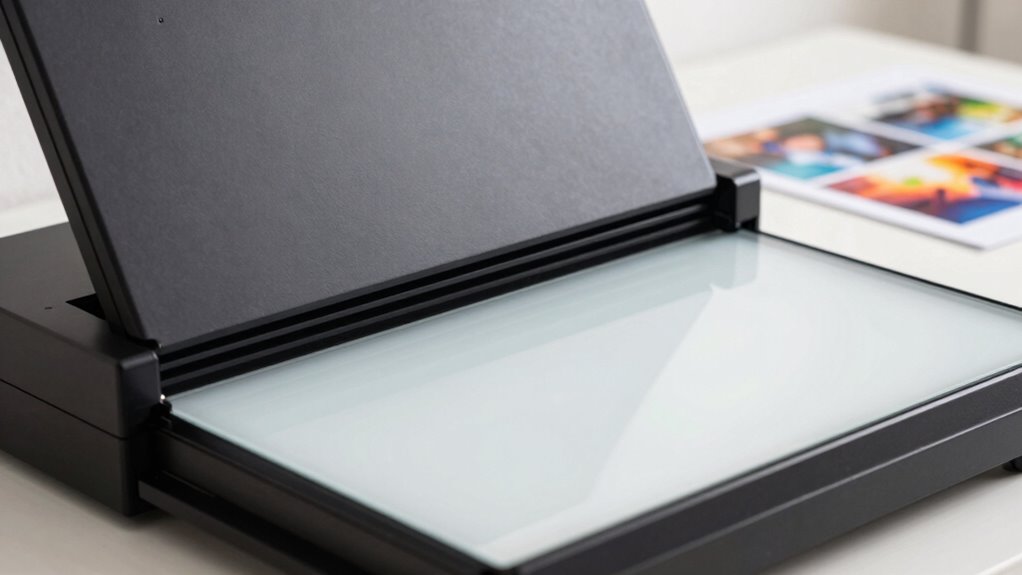
professional photo scanner with advanced optics
As an affiliate, we earn on qualifying purchases.
As an affiliate, we earn on qualifying purchases.
Conclusion
Don’t let the resolution myth muddle your mind. Remember, it’s not about the megapixels but the magic of meticulous detail and meaningful images. As you navigate your first scanner purchase, focus on features that fit your needs, not false figures. Seek simplicity, skip the scatter, and settle for a scanner that suits your style. With clarity and confidence, you’ll capture crisp, compelling scans—making your memories meaningful, not just megapixels.
scanner with high sensor quality
As an affiliate, we earn on qualifying purchases.
As an affiliate, we earn on qualifying purchases.
modern image scanner with image processing
As an affiliate, we earn on qualifying purchases.
As an affiliate, we earn on qualifying purchases.
Fall Picks
fall essentials
As an affiliate, we earn on qualifying purchases.