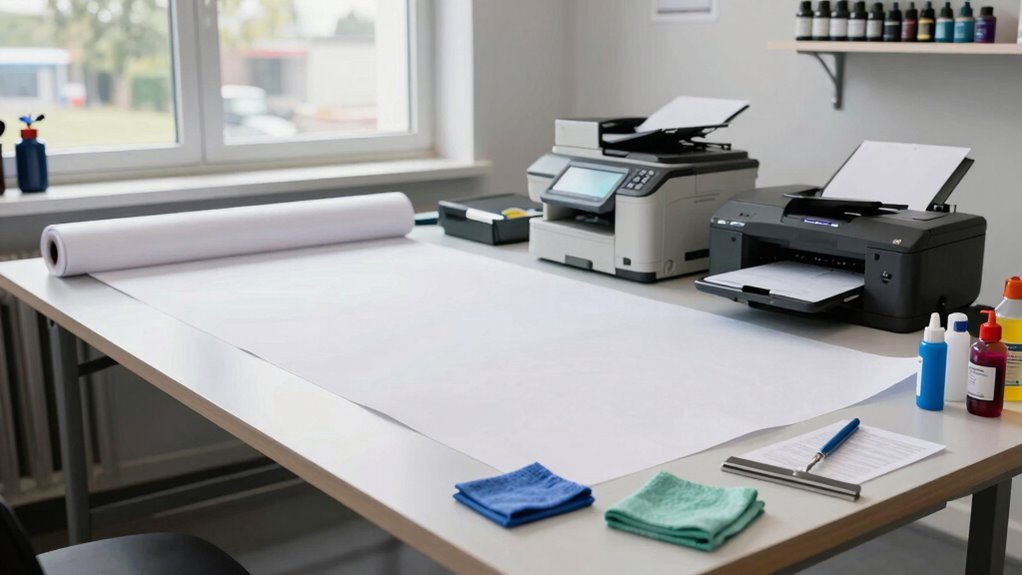

To build a cleaner workflow for oversized prints, start by integrating color management tools and standardized profiles to guarantee consistent output. Choose the right materials carefully and test them beforehand to avoid issues. Incorporate quality control at each stage, including calibration and sample checks, to catch problems early. Organize your process for efficiency, reducing reprints and mistakes. Keep refining your steps, and you’ll quickly see how a streamlined workflow leads to better results—and more confidence in every print.

Get business pricing on monitors, keyboards and dev gear
- Business-only prices and quantity discounts
- Tax-exempt purchasing
- Multiple users, one account, clear invoices
Key Takeaways
- Integrate standardized procedures for material handling, color calibration, and quality checks to minimize errors and reprints.
- Use calibrated monitors and consistent color profiles to ensure accurate color reproduction throughout the workflow.
- Test materials with sample prints to verify handling, color accuracy, and compatibility before large-scale production.
- Implement regular equipment calibration and quality control checkpoints to maintain consistency and detect issues early.
- Organize tasks efficiently from design to installation, reducing bottlenecks and ensuring smooth project progression.
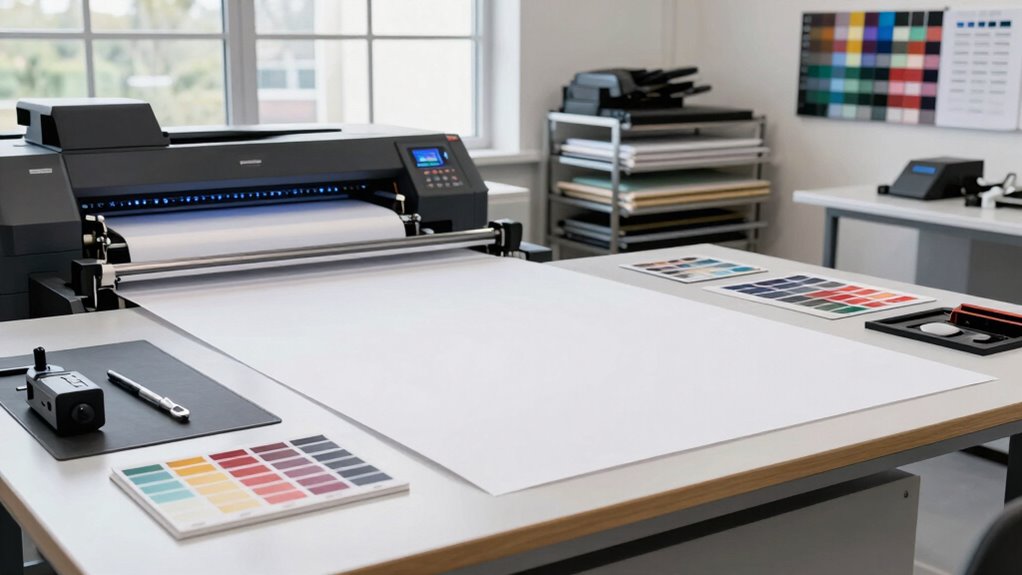
Creating a streamlined workflow for oversized prints can considerably improve your productivity and print quality. When dealing with large-format projects, every step counts—especially color management and material selection. These two elements are the backbone of a consistent, professional output. If your colors don’t match your client’s expectations or your materials aren’t optimized for large prints, you risk waste, reprints, and delays. By focusing on precise color management, you guarantee that your prints accurately reflect your design vision from monitor to final product. Use calibrated monitors and color profiles specifically tailored for your printing process. This practice aligns with cloud server solutions that support color data storage and sharing, ensuring consistency across teams and locations. Implementing color management software that integrates seamlessly with your workflow can automate much of this process, assuring consistency across multiple projects and printers. Additionally, maintaining a standardized color profile for each material type minimizes variation and secures predictable results. Proper material selection is equally vital. Not all materials are created equal, especially when it comes to oversized prints. You want to choose substrates that are compatible with your printer and suited for the environment where the print will be displayed or used. For example, vinyl and canvas are popular choices for large banners and murals, but each has different handling requirements and durability characteristics. You should evaluate the weight, texture, and adhesive qualities of your materials before committing. Proper material selection reduces issues like warping, color bleeding, or adhesion failures during printing and installation. It also affects your workflow because knowing the properties of your substrates allows you to set up your printer correctly, adjust ink settings, and plan for post-processing. Having a reliable supplier of high-quality materials ensures consistency and less troubleshooting later on. Implementing quality control measures can further help catch potential issues early and maintain high standards throughout the process. Integrating these two facets—color management and material selection—into your workflow streamlines the entire process. Pre-press preparations should include verifying color profiles and testing materials with sample prints. Establishing a standard operating procedure for material handling and color calibration keeps your team on the same page and minimizes errors. Additionally, proper workflow organization can help prevent bottlenecks and ensure smooth operations from start to finish. When your workflow is well-organized in these areas, you reduce the need for reprints, save time, and deliver superior quality. Ultimately, a cleaner workflow isn’t just about faster production; it’s about achieving precision and consistency in every oversized print you produce. By paying close attention to color management and material selection, you set the foundation for successful projects that meet both your standards and your clients’ expectations.
Products Worth Considering

LG UltraGear 32GX850A-B 32-Inch 4K UHD Glossy OLED Gaming Monitor

Samsung 27-inch Odyssey OLED G6 QD-OLED QHD Gaming Monitor

LG 34GX90SA-W 34-inch Ultragear WQHD OLED Curved Gaming Monitor
As an affiliate, we earn on qualifying purchases.
Frequently Asked Questions
What Equipment Is Essential for Cleaning Oversized Prints?
For cleaning oversized prints, you need essential equipment like large, soft brushes, microfiber cloths, and gentle cleaning solutions to prevent damage during print cleaning. A high-quality, extendable cleaning roller can help remove dust efficiently. Make certain your equipment is well-maintained; regular equipment maintenance guarantees peak performance and avoids contaminating prints. Using the right tools guarantees thorough cleaning, preserves print quality, and extends the lifespan of your printing equipment.
How Often Should I Clean My Printing Equipment?
Imagine your printing equipment as a busy artist’s studio, where dust and ink residues settle like shadows. You should clean your equipment regularly—ideally after every large print run—especially during print drying phases, to prevent ink compatibility issues. Frequent cleaning keeps your tools in top shape, ensuring vibrant colors and sharp details. Consistent maintenance minimizes smudges and prolongs equipment life, so your oversized prints always look their best.
Are There Eco-Friendly Cleaning Options Available?
Yes, eco-friendly cleaning options are available. You can use eco friendly solvents and biodegradable cleaners to keep your printing equipment clean without harming the environment. These alternatives are effective at removing ink and other residues, while minimizing chemical waste. By choosing biodegradable cleaners, you support sustainability and reduce your ecological footprint. Incorporate these products into your workflow to maintain clean, efficient equipment responsibly and environmentally conscious.
How Can I Prevent Smudges During Handling?
You might find it a coincidence that handling gloves and dust removal go hand-in-hand to prevent smudges during handling. By wearing gloves, you avoid fingerprints, and using a soft brush or cloth helps remove dust without touching the print. Always handle prints with clean, dry hands or gloves, and keep your workspace dust-free. These simple steps guarantee your oversized prints stay pristine and free of smudges.
What Safety Precautions Should I Follow During Cleaning?
When cleaning oversized prints, you should follow chemical safety by wearing gloves and eye protection to prevent irritation. Use cleaning solutions in well-ventilated areas to avoid inhaling fumes. Always read labels for proper chemical handling instructions. After cleaning, guarantee proper disposal of used materials and chemicals according to local regulations. These precautions protect you and the environment, ensuring a safe, efficient cleaning process for your oversized prints.
Conclusion
By streamlining your workflow, oversized prints become less intimidating and more manageable. Sure, it might seem overwhelming at first—imagine dealing with a mountain of paper or tangled ink. But with a clear plan in place, you’ll find efficiency and quality go hand in hand. Think of it like assembling a puzzle: each step fits perfectly, making the final masterpiece not just achievable but enjoyable. Embrace the process, and your oversized prints will turn out flawless every time.