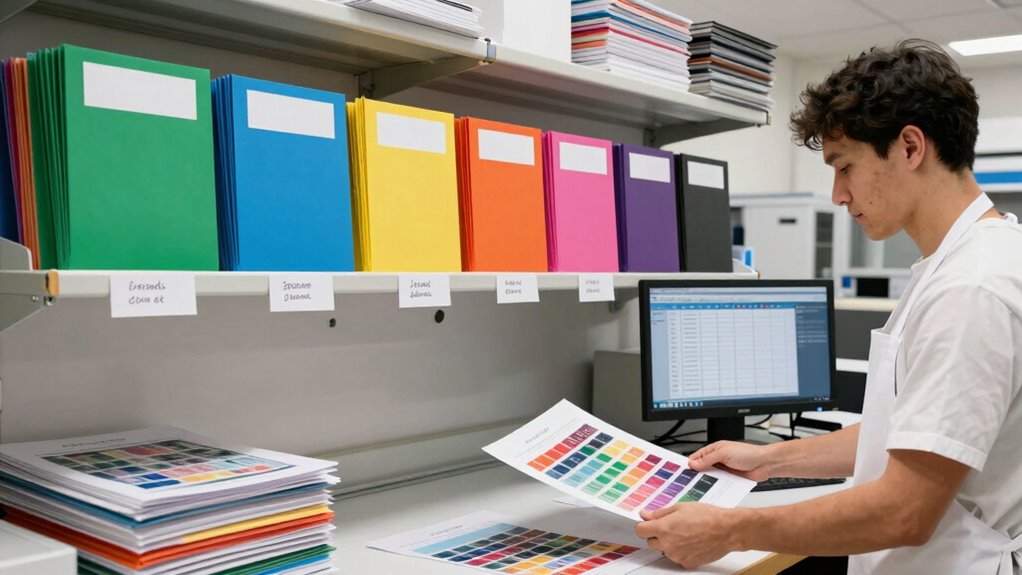

In a busy print studio, clear job naming conventions help you stay organized, saving time when retrieving files and preventing costly errors. When you use standardized names like “Client_Project_Date_Version,” you make it easy for everyone to understand and track project progress. This keeps workflows smooth, reduces confusion, and minimizes mistakes that could delay deadlines. Keep going, and you’ll discover even more ways structured naming boosts your productivity and professionalism.

Get business pricing on monitors, keyboards and dev gear
- Business-only prices and quantity discounts
- Tax-exempt purchasing
- Multiple users, one account, clear invoices
Key Takeaways
- Ensures quick and accurate file retrieval, saving time in a fast-paced environment.
- Prevents mix-ups and errors by clearly identifying the latest and correct file versions.
- Enhances communication with clients through standardized, easily understandable file naming.
- Supports automation and efficient workflow management, reducing manual handling errors.
- Promotes organization, professionalism, and smoother operations within the print studio.
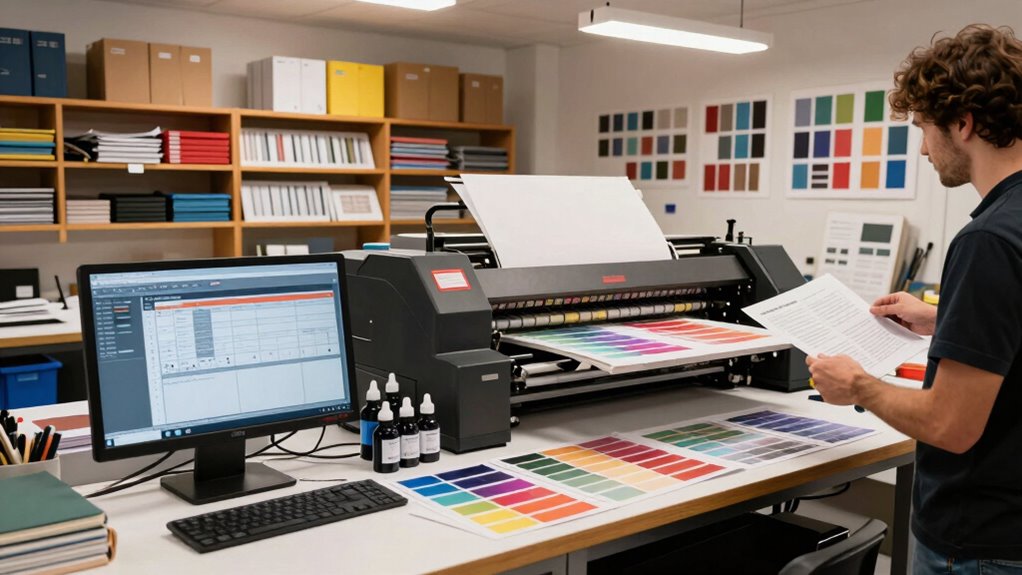
In print studios, establishing clear job naming conventions is essential for efficient workflow and effective communication. When you adopt consistent naming practices, managing digital files becomes smoother. Instead of searching through endless folders or deciphering vague labels, you can quickly locate the right files, saving time and reducing frustration. Clear naming helps keep your digital file management organized, which is especially important when multiple projects are running simultaneously. It allows everyone on your team to understand what each file contains at a glance, minimizing errors and streamlining revisions. This organization is fundamental not just within your studio but also when sharing files with clients or external vendors, ensuring everyone stays on the same page.
Effective client communication strategies hinge on clarity and transparency, and proper job naming plays a significant role here. When you label files consistently, clients can easily follow the progress of their projects. For example, using a standardized format like “ClientName_ProjectName_Date_Version” makes it simple for clients to identify the latest version or specific files without confusion. This reduces back-and-forth clarifications and helps build trust, as clients see that your studio is professional and organized. Clear naming conventions also facilitate better documentation, which is invaluable during project handovers or when referencing past work. You can quickly retrieve old files for future projects or troubleshooting, ensuring continuity and efficiency. Additionally, understanding the importance of file naming conventions can help your team implement best practices more effectively. Recognizing how digital file management impacts your workflow can lead to more strategic organization and improved productivity. For instance, adopting a standardized naming format can help automate some of your file handling processes, saving even more time.
Consistent file naming improves client trust and streamlines project updates with clear, organized documentation.
Moreover, having a structured approach to job naming prevents mix-ups that could lead to costly mistakes or delays. Imagine sending the wrong file because of ambiguous naming—this can cause reprints, missed deadlines, or unhappy clients. When your files are named systematically, it’s easy to double-check that you’re sending the correct version, reducing errors. Consistent naming also supports automation tools or project management software, which often rely on specific naming patterns to function correctly. This integration can further optimize your workflow, making repetitive tasks faster and less prone to manual errors. In addition, standardized naming formats can help in automating backups and archiving, ensuring that your files are systematically stored for easy retrieval later. Being aware of best practices in naming conventions can also foster a culture of organization within your team, encouraging everyone to adhere to the same standards.
In essence, job naming conventions aren’t just about tidiness; they’re a foundational aspect of your studio’s operational efficiency. They enhance digital file management, enabling quick access and sharing. They also strengthen client communication strategies by making project updates transparent and straightforward. When you prioritize clear, consistent naming, you foster a more organized, professional environment that benefits everyone involved—from your team to your clients. Ultimately, this approach helps your print studio run more smoothly, with fewer misunderstandings and a higher level of service.
Products Worth Considering

LG UltraGear 25G590B-B 25-Inch Full HD 1000Hz Gaming Monitor

Bose Lifestyle Ultra Soundbar and Ultra Subwoofer Bundle

Jackery Explorer 1000 v2 Portable Power Station with 200W Solar Panel
As an affiliate, we earn on qualifying purchases.
Frequently Asked Questions
How Do I Create an Effective Job Naming Convention?
To create an effective job naming convention, start by establishing clear naming consistency, so everyone knows the format. Use tagging strategies like date, project name, and client initials to make searching easier. Keep it simple and standardized, avoiding unnecessary details. Regularly review and update your naming system to guarantee it stays relevant. This approach helps avoid confusion, speeds up workflows, and keeps your print studio running smoothly.
Can Naming Conventions Be Standardized Across Multiple Studios?
Yes, you can standardize naming conventions across multiple studios to improve studio collaboration and guarantee naming consistency. By establishing a clear, uniform system and communicating it effectively, everyone can follow the same guidelines. This helps avoid confusion, speeds up job tracking, and maintains quality across locations. Regular training and updates reinforce the standards, making it easier for teams to work seamlessly together, regardless of the studio they’re in.
What Tools Can Help Automate Job Naming?
You can automate job naming by using tools that incorporate custom templates, streamlining your workflow. Automated naming systems, integrated with your print management software, automatically generate consistent job names based on predefined rules, reducing errors and saving time. By setting up custom templates, you guarantee each job is labeled accurately and efficiently, helping your team stay organized even during peak busy periods.
How Do I Handle Urgent or Last-Minute Job Names?
When handling urgent or last-minute job names, prioritize them clearly by using priority tagging in your naming conventions. Quickly update the job name with a “rush” label or similar indicator, ensuring it stands out. Maintain version control by adding version numbers or timestamps, so you avoid confusion. This approach helps your team identify urgent jobs immediately and prevents mix-ups, keeping workflow smooth even under tight deadlines.
What Are Common Mistakes to Avoid in Job Naming?
You should avoid common mistakes like inconsistent file naming and neglecting version control. Always use clear, descriptive names that include relevant details like client, date, or project. Don’t forget to update version numbers as you make changes, so you don’t confuse different iterations. Skipping these steps can lead to errors and delays, especially in busy print studios where quick, accurate access to files is essential.
Conclusion
By adopting clear, consistent, and descriptive job naming conventions, you streamline communication, reduce errors, and boost efficiency. You make it easier to locate files, track progress, and collaborate seamlessly. You prevent confusion, save time, and maintain professionalism. You create order, foster clarity, and guarantee accuracy. Ultimately, you set your print studio up for success—because when your job naming practices are organized, everything else falls into place, making your workflow smoother and your results better.