
TL;DR

Get business pricing on monitors, keyboards and dev gear
- Business-only prices and quantity discounts
- Tax-exempt purchasing
- Multiple users, one account, clear invoices
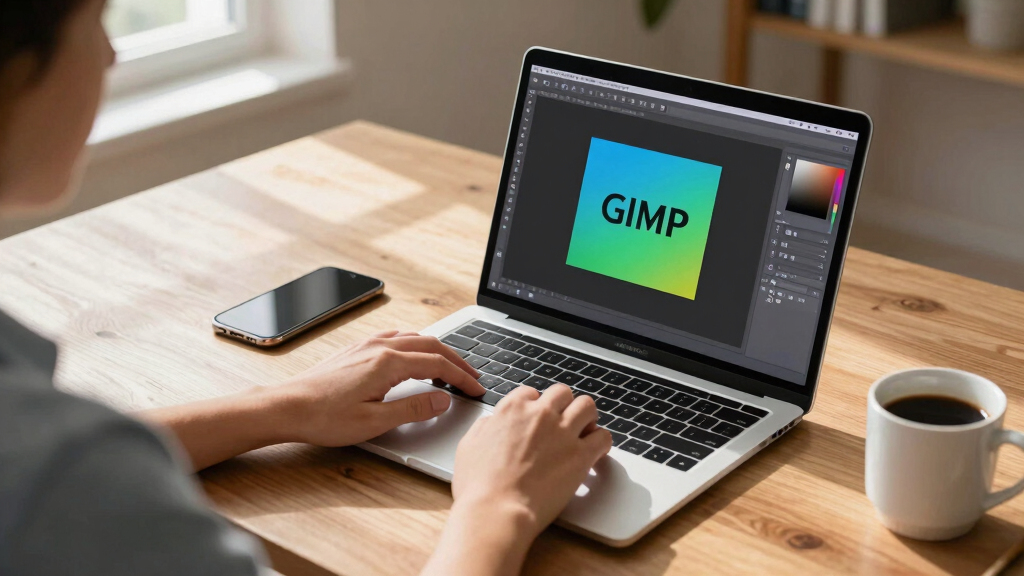
PhotoGIMP is a free patch that reorganizes GIMP 3’s interface to mimic Photoshop, easing transition for users switching from Adobe’s software. It is currently available for Linux, Windows, and macOS.
A new community patch called PhotoGIMP has been released, enabling GIMP 3 to emulate the layout and shortcuts familiar to Photoshop users, aiming to ease the transition for those switching from Adobe’s software.
PhotoGIMP is a free, open-source patch that reorganizes GIMP 3’s interface to replicate Photoshop’s tool layout, shortcut keys, and window arrangement. It also adds a custom splash screen and system icons. The patch requires users to back up their existing GIMP settings before installation, which involves replacing configuration files. Available for Linux via Flatpak, Windows, and macOS, it is designed to provide a more familiar experience for Photoshop users. Installation instructions vary slightly across platforms but generally involve opening GIMP once to generate configuration files, then applying the patch by overwriting these files with the PhotoGIMP version. The patch modifies key configuration files such as shortcutsrc, toolrc, sessionrc, and gimprc, to match Photoshop’s interface and shortcuts.
Why It Matters
This development matters because it lowers the barrier for Photoshop users to adopt GIMP, a free and open-source alternative. By providing a familiar interface, it could increase GIMP’s user base, especially among professionals and hobbyists accustomed to Adobe’s layout. It also demonstrates the active community effort to improve GIMP’s usability and adaptability across different workflows.
Photoshop-like GIMP interface plugin
As an affiliate, we earn on qualifying purchases.
As an affiliate, we earn on qualifying purchases.
Background
GIMP has long been a popular free alternative to Photoshop, but its interface differs significantly, which can hinder adoption among Photoshop users. Previous efforts to customize GIMP’s layout have been limited or complex. The release of PhotoGIMP as a community patch aims to address this by offering an easy way to transform GIMP 3’s interface into a more familiar environment, similar to Photoshop, with the first versions emerging in early 2024. The patch is maintained by André Augusto and is compatible with GIMP 3.0 and newer versions.
“PhotoGIMP provides a Photoshop-like experience in GIMP, making it easier for users to switch without losing productivity.”
— André Augusto, developer
“The ability to customize GIMP’s layout to resemble Photoshop is a significant step forward for user adoption.”
— GIMP community member
As an affiliate, we earn on qualifying purchases.
What Remains Unclear
It is still unclear how well the patch will perform with future GIMP updates or whether it will be officially supported or maintained long-term. Compatibility issues or bugs may emerge, and user feedback is still being gathered.
GIMP interface customization tools
As an affiliate, we earn on qualifying purchases.
As an affiliate, we earn on qualifying purchases.
What’s Next
Developers plan to monitor user feedback, address bugs, and possibly release updates to improve compatibility. Further integration options or official support might be considered if demand grows. Users are encouraged to share their experiences to guide future development.
photo editing software for Linux Windows macOS
As an affiliate, we earn on qualifying purchases.
As an affiliate, we earn on qualifying purchases.
Key Questions
Is PhotoGIMP compatible with all versions of GIMP?
PhotoGIMP requires GIMP 3.0 or newer. It has been tested on the latest versions, but compatibility with future updates depends on ongoing maintenance.
Can I revert to the original GIMP interface after installing PhotoGIMP?
Yes. To remove PhotoGIMP, delete or restore your GIMP configuration folder, which will reset GIMP to its default settings upon restart.
Does PhotoGIMP affect my existing GIMP files or projects?
No. It only modifies user interface configuration files and does not alter image files or project data.
Is PhotoGIMP available for macOS and Windows?
Yes. It is available for download on Windows, macOS, and Linux, with specific installation instructions for each platform.
Will PhotoGIMP be officially supported or integrated into GIMP?
Currently, it is a community-driven project. There is no official support from the GIMP developers, but ongoing community interest may influence future official options.
Fall Picks
fall essentials
As an affiliate, we earn on qualifying purchases.