
TL;DR

Get business pricing on monitors, keyboards and dev gear
- Business-only prices and quantity discounts
- Tax-exempt purchasing
- Multiple users, one account, clear invoices
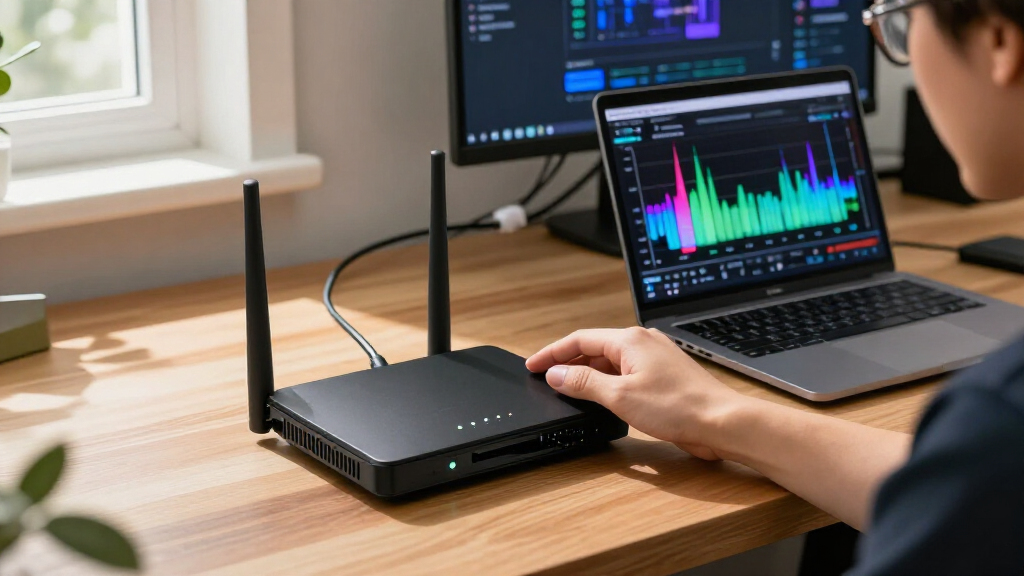
An open-source GitHub project uses custom firmware to turn Gemtek W1700K and W1700K2 Wi-Fi 7 routers into wideband, receive-only software-defined radio receivers. It reports 14-bit IQ capture at up to 320 Msps and sends the data to a Linux host over 10 GbE for browser-based spectrum viewing and recording. The project is hardware-specific and requires replacing the router’s stock operating system.
An open-source project published on GitHub says it can turn the Gemtek W1700K and W1700K2 Wi-Fi 7 routers into receive-only software-defined radio receivers, capturing 14-bit complex IQ data at rates up to 320 million samples per second. The setup sends the radio data over a 10-gigabit Ethernet link to a Linux computer, where software can display a live spectrum and waterfall in a browser or record the stream.
The project, called w1700k-sdr, uses the router’s MediaTek MT7996 radio for capture and its Airoha AN7581 system-on-chip to move data to the host. The repository says the radio supports 40, 80, 160 or 320 Msps of 14-bit complex IQ across the supported bands. On the 2.4 GHz band, it also describes a 640 Msps mode that takes every other sample; the project warns that this mode can fold signals 160 to 320 MHz away into the captured range.
On the router, radio data is transferred by DMA into a memory ring and then sent in UDP datagrams over the 10 GbE port. At 320 Msps, the project’s firmware packs half of the data slices to fit the link, which its documentation describes as lossless. On the host, a stream service makes the IQ data available to other programs, while a separate spectrum application computes a 262,144-point FFT and provides browser controls for tuning and capture.
The repository includes custom firmware, router-side and host-side software, installation instructions, technical documentation and a test suite. Its author says the MT7996 runs firmware built from the repository rather than MediaTek firmware, with initialization and calibration behavior reconstructed from register traces. The project documents receive controls including local-oscillator tuning, sample rate, gain and analog filter settings; the stated tuning range depends on the radio band and synthesizer.
A Router Radio With Wider Capture
The project offers a way to use radio hardware already inside a specific Wi-Fi 7 router for spectrum observation beyond ordinary Wi-Fi channel monitoring. Capturing a wide section of a band at once can let users inspect multiple signals and their frequency relationships in a single view, rather than retuning a narrower receiver between observations. The repository’s examples show 2.4 GHz activity across a 320 MHz view and Wi-Fi signals in the 5 GHz range.
That capability comes with substantial technical and practical limits. The system requires a supported router revision, a Linux host and a 10 GbE connection; it is not a software-only feature that can be enabled on any Wi-Fi 7 device. Installation replaces the stock operating system, and the project’s own warning says users should not connect an antenna port directly to sensitive test equipment without suitable attenuation. The work is best understood as a specialized hardware-reuse project, not a general-purpose consumer router update.
As an affiliate, we earn on qualifying purchases.
Custom Firmware and Hardware Requirements
The repository identifies W1700K hardware revision 1.x and W1700K2 revision 2.1 as supported, saying both use the same images. Setup calls for a 3.3-volt USB serial adapter connected to the console header, Ethernet for installation and a host computer with a 10 GbE network interface connected to the router’s WAN port for the IQ stream. The project also lists software build dependencies, including a C/C++ toolchain and FFTW.
According to its documentation, the installation process backs up the router’s NAND and saves radio calibration data before replacing the stock system. The project supplies recovery and return-to-stock guidance. It says some W1700K2 units have a NAND variant that is supported in code but has not been tested on a physical unit; installation stops on those devices by default and asks maintainers for a raw memory dump. This caveat means compatibility is not established for every unit that may appear to match the model name.
“Our firmware is receive-only.”
— The w1700k-sdr project documentation
As an affiliate, we earn on qualifying purchases.
Testing and Compatibility Questions
The supplied project material is a developer’s account and documentation; it does not include independent testing or a third-party validation of the stated sample rates, data integrity or performance. The description includes screenshots and implementation details, but those do not establish how the system performs across different units, host computers, network configurations or long recording sessions.
Compatibility also has a documented gap: the project says one NAND variant found in some W1700K2 routers has not been run on a unit. Its installation instructions warn users about that case and request a raw dump from affected hardware. The material does not specify a formal release date, a supported-device list beyond the named revisions, or a long-term maintenance plan.
The project describes the firmware as receive-only and says a watch at 5250 MHz detected no transmission during a load. That observation is not an independent certification that every configuration is incapable of transmitting. Users should follow the project’s hardware warnings and verify their own setup rather than treating the statement as a substitute for testing.
high speed spectrum analyzer software
As an affiliate, we earn on qualifying purchases.
As an affiliate, we earn on qualifying purchases.
Build, Install, and Verify Locally
The next step for interested users is to review the repository’s architecture, roadmap and installation guidance, check their router’s hardware revision and confirm that they have the required serial adapter and 10 GbE host link. The documented workflow builds the software, backs up the router’s NAND, installs the replacement system, starts the stream service and opens the browser interface on the Linux host.
The repository describes its roadmap and provides a test command, but the supplied material gives no schedule for future milestones or independent test results. Further confirmation will depend on maintainers documenting additional hardware tests, especially for the untested NAND variant, and on users reporting results from supported units. Until then, the project’s published performance figures and compatibility claims remain those of its developers.
As an affiliate, we earn on qualifying purchases.
Key Questions
Which routers does the project support?
The repository names the Gemtek W1700K hardware revision 1.x and W1700K2 revision 2.1. It says both revisions use the same images, but warns that a NAND variant found in some W1700K2 units has not been tested on a physical device.
What does 320 Msps mean here?
It means the receiver can capture 320 million complex IQ samples per second, with the project specifying 14-bit data. The project says a 10 GbE link carries the stream to a Linux host, using packing on half the slices at that rate.
Can the receiver transmit?
The project describes its custom firmware as receive-only and says it disables the MAC’s transmit path. That is the developer’s claim; the supplied material does not provide independent certification of the behavior on every device.
Does installation preserve the router’s stock system?
No. The project says installation replaces the stock operating system. Its instructions describe backing up the router’s NAND, preserving radio calibration data and providing recovery or return-to-stock steps.
What equipment is needed?
The documented setup calls for a supported router, a 3.3 V USB serial adapter, Ethernet for installation, and a Linux host with a 10 GbE network interface connected to the router’s WAN port for the IQ stream.
Source: hn
Halloween Picks
halloween
As an affiliate, we earn on qualifying purchases.