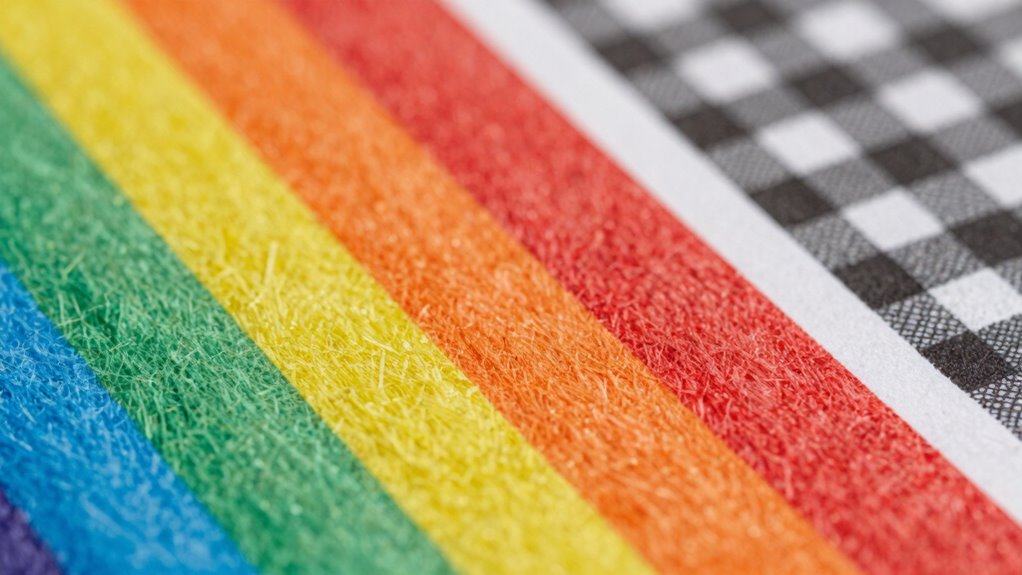

Your print’s resolution number isn’t the full story because factors like color accuracy, paper quality, and printing techniques also shape the final look. Even with high DPI, colors can appear dull or off if not handled correctly, and paper choice impacts sharpness and vibrancy. Achieving great results depends on balancing all these elements. If you keep exploring, you’ll discover how to get prints that truly stand out and match your vision.

Get business pricing on monitors, keyboards and dev gear
- Business-only prices and quantity discounts
- Tax-exempt purchasing
- Multiple users, one account, clear invoices
Key Takeaways
- High DPI doesn’t guarantee sharper images without proper color accuracy and paper quality.
- Color reproduction and fidelity greatly impact print vibrancy, often more than resolution alone.
- Paper type and surface finish influence how details and colors appear, affecting perceived quality.
- Printer calibration and technology differences can alter output, regardless of resolution numbers.
- A balanced approach considering resolution, color, and material yields the best print results.
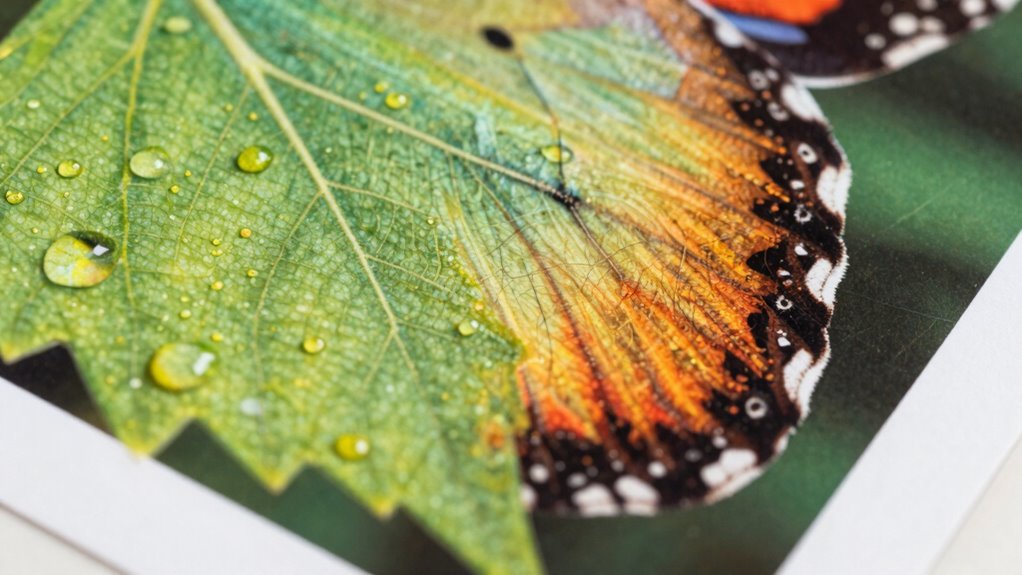
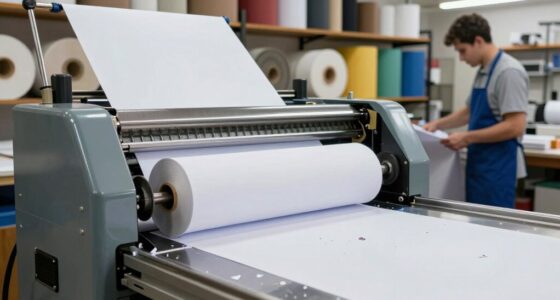
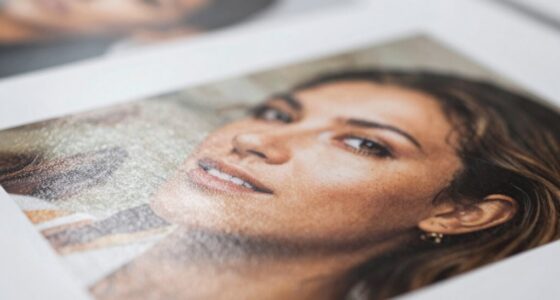
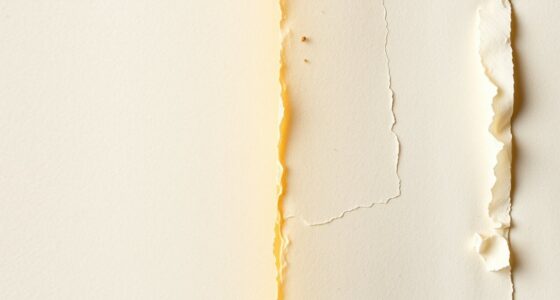
When you see a high print resolution number, it might seem like your printed images will automatically look sharper and more detailed. But that’s not always the case. Resolution numbers, such as dots per inch (DPI), only tell part of the story. They measure how many dots your printer can place in an inch, but they don’t account for other critical factors that determine the overall quality of your print. For starters, color accuracy plays a huge role. Even with a high DPI, if your printer or ink doesn’t accurately reproduce colors, your images might look dull, oversaturated, or off from what you see on your screen. The color palette and how well your printer handles gradients and subtle hues impact the realism and vibrancy of your print. So, a high resolution can be rendered meaningless if the colors aren’t true to the original. Additionally, understanding print quality factors can help you make better choices for your projects. It’s also important to consider how the printer calibration process impacts overall print fidelity, ensuring that your settings align with your desired outcome. Another essential element often overlooked is paper quality. The type of paper you select influences how your ink settles and how sharp details appear. Premium, high-quality paper tends to be smoother and more consistent, which supports better ink absorption and results in crisper images. Low-quality paper, on the other hand, can cause bleeding, feathering, or dullness, regardless of the resolution. Even with a top-tier printer, poor paper can sabotage the sharpness and clarity you expect. It’s vital to match your paper choice with your printing goals and to consider how it interacts with your ink and resolution settings. Furthermore, the interplay between resolution, color accuracy, and paper quality determines the final impression of your print. For example, a high resolution on a matte paper might not produce the same sharpness as on glossy paper because of differences in surface reflectivity. Similarly, even the best resolution can’t compensate for inaccurate color reproduction—your print may look technically detailed but lack the visual impact because the colors aren’t right. In addition, understanding the impact of paper finish can influence how your print appears under different lighting conditions, affecting the overall perception of sharpness and vibrancy. It’s also worth noting that print resolution standards vary depending on the intended use, which can influence your optimal settings. Recognizing how print technology differences can affect final output is essential for achieving the best results. In essence, focusing solely on resolution numbers can lead you astray. High DPI is just one piece of the puzzle. To truly achieve sharp, vibrant, and true-to-life prints, you need a balanced approach that considers color accuracy, paper quality, and how all these elements work together. Remember, the goal isn’t just a high resolution; it’s a high-quality print that accurately reflects your vision.
As an affiliate, we earn on qualifying purchases.
Frequently Asked Questions
How Does Paper Quality Affect Printed Image Quality?
Paper quality substantially impacts your printed image. If you choose paper with a smooth texture, your images will look sharper and detailed. Conversely, textured paper can add a unique aesthetic but might cause ink to spread unevenly, affecting clarity. Higher-quality paper absorbs ink better, preventing smudges and ensuring vibrant colors. So, selecting the right paper with appropriate texture and ink absorption properties can make your prints look professional and polished.
What Role Does Color Accuracy Play in Print Quality?
Imagine you’re printing a vibrant sunset; color accuracy guarantees those rich oranges and deep blues look true to life. Proper color calibration aligns your printer’s output with your monitor, while understanding the color gamut ensures your printer can reproduce the full range of hues. Without it, images may look dull or oversaturated. So, color accuracy directly impacts print quality by delivering consistent, vivid, and true-to-life results.
Can Lower Resolution Prints Still Look Professional?
Lower resolution prints can still look professional if you focus on ink durability and print scaling. Proper ink selection guarantees your print lasts longer and maintains vibrant colors, while careful print scaling helps you optimize image quality without relying solely on resolution numbers. By balancing these factors, you can achieve sharp, appealing prints that meet your standards, even if the resolution isn’t at the highest setting.
How Do Different Printing Technologies Impact Image Detail?
Your images can look astonishingly detailed, but different printing technologies dramatically impact that clarity. Inkjet printers, with their precise ink absorption, produce vibrant, sharp images, while laser printers excel in print durability and speed. Dye-based inks might fade faster, affecting long-term detail. So, understanding how each technology handles ink absorption and durability helps you choose the best method to preserve image quality and achieve professional results.
What Factors Influence Perceived Print Sharpness?
You perceive print sharpness based on several factors. Ink saturation plays a role, as richer colors can enhance clarity, while uneven saturation causes blurriness. Printer calibration guarantees accurate color and detail reproduction, directly affecting sharpness. When your printer is well-calibrated, images appear crisper. Additionally, paper quality and the printing process impact sharpness; high-quality materials and proper techniques make details stand out vividly, creating a sharper overall impression.
As an affiliate, we earn on qualifying purchases.
Conclusion
Don’t be fooled by print resolution numbers—they’re just one piece of the puzzle. Your eyes might be dazzled by high DPI, but if the printer’s ink isn’t up to snuff or the paper isn’t right, your prints could still fall flat. Think of resolution numbers as the engine, but the quality of your print as the car’s overall performance. Focus on the whole picture, or you’ll be stuck with a masterpiece that looks more like a doodle.
As an affiliate, we earn on qualifying purchases.
As an affiliate, we earn on qualifying purchases.
Fall Picks
fall essentials
As an affiliate, we earn on qualifying purchases.