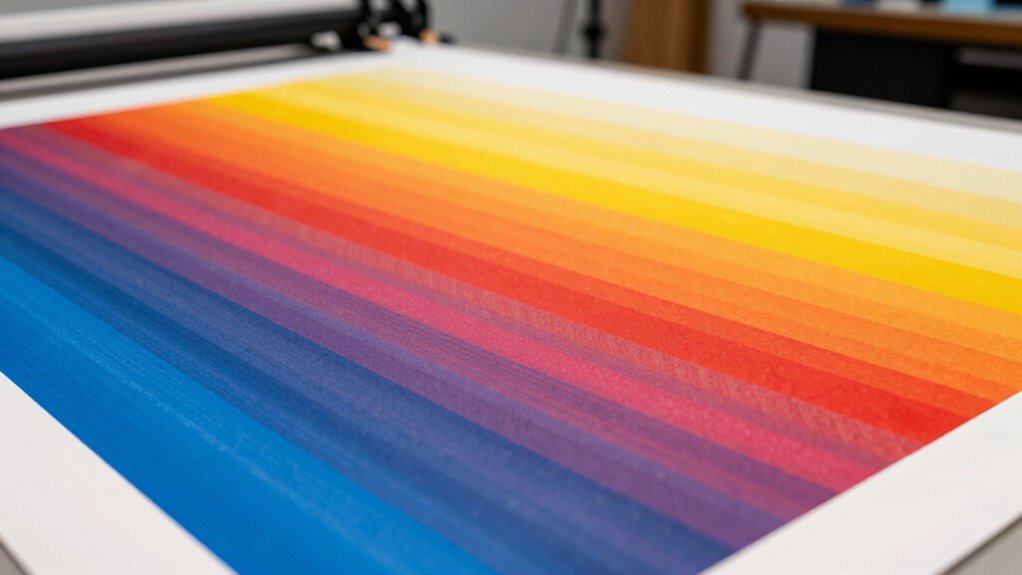
Banding in your wide-format prints happens when uneven ink distribution or clogged print heads cause streaks or lines. This often results from poor maintenance, incompatible media, or incorrect settings. To stop it, regularly clean your print heads, use high-quality consumables, and make sure your printer is properly calibrated. Choosing the right media and adjusting settings help achieve smooth results. Keep your printer well-maintained, and you’ll produce consistent, professional-quality prints—learn more to perfect your process.
Key Takeaways
- Improper ink absorption or inconsistent media quality causes surface sitting and streaks, leading to banding.
- Clogged or misaligned print heads disrupt uniform ink flow, resulting in visible banding.
- Variations in environmental conditions like humidity and temperature affect ink drying and absorption, causing banding.
- Using low-quality inks or incompatible substrates reduces ink adhesion and increases streaking issues.
- Insufficient cleaning, calibration, and maintenance allow clogs and misalignments, contributing to banded prints.
What Causes Banding in Wide-Format Prints?

Have you ever noticed unwanted lines or streaks appearing across your wide-format prints? These bands often result from issues with ink absorption and color consistency. When ink isn’t properly absorbed into the media, it can sit on the surface, causing uneven distribution that leads to visible streaks. Variations in ink absorption also affect color consistency, making some areas appear darker or lighter than intended. Poor-quality media or incompatible substrates can hinder proper ink absorption, worsening banding issues. Additionally, inconsistent ink flow or improper printer calibration can disrupt the uniform application of ink, contributing to unwanted lines. To prevent this, ensure you select media suited for your printer and maintain proper calibration. Achieving ideal ink absorption and consistent color output is key to eliminating banding and producing flawless wide‑format prints. Understanding digital concepts and how they influence printing processes can help you troubleshoot and improve print quality more effectively. Paying attention to print environment conditions, such as temperature and humidity, can also play a significant role in reducing banding problems. Furthermore, using quality inks designed for your media can significantly improve print results and minimize banding issues. Regularly monitoring ink levels can also prevent inconsistent ink flow that causes streaks.
How Do Dirty or Clogged Print Heads Cause Banding?
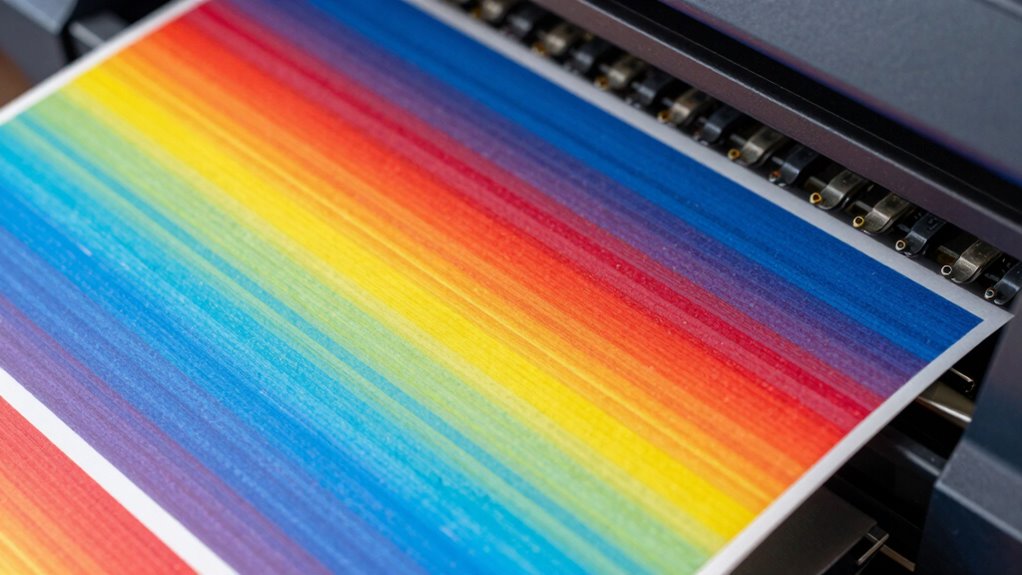
When your print heads get dirty or clogged, ink struggles to flow smoothly, leading to uneven color application. Air bubbles can also form in the ink supply, causing gaps or streaks in your prints. These issues directly result in banding, ruining the quality of your wide-format prints. Regular maintenance and proper cleaning can help prevent print head blockages, which are often caused by dried ink or debris. Incorporating print head cleaning routines into your printing schedule ensures consistent print quality and reduces the risk of banding. Additionally, using high-quality ink and maintaining optimal environmental conditions can help extend the lifespan of your print heads and prevent clogged nozzles.
Clogged Nozzles Reduce Ink Flow
Clogged nozzles hinder ink flow, causing inconsistencies in the print output. When your print head’s nozzles are blocked, less ink reaches the paper, leading to uneven color distribution and banding. A nozzle clog can result from dried ink, dust, or debris, which prevents proper ink flow. To prevent this, you should:
- Regularly clean your print heads
- Use high-quality ink
- Avoid prolonged periods of inactivity
- Keep your printer covered to prevent dust buildup
- Perform routine nozzle checks and cleaning cycles
- Understanding Free Floating ink systems can help you better diagnose and resolve clogging issues. Proper maintenance of print head components is essential for consistent performance. Regularly inspecting ink delivery pathways ensures that potential blockages are caught early. Incorporating preventive maintenance routines can significantly extend the lifespan of your printer and improve print quality over time. Additionally, maintaining proper ink flow is crucial to prevent banding and ensure high-quality wide-format prints.
Air Bubbles Disrupt Ink Supply
Dirty or clogged print heads can introduce air bubbles into the ink supply, which disrupt the smooth flow of ink during printing. When air bubbles form, they block or slow the ink flow, causing inconsistent ink delivery to the nozzles. This interruption results in banding, as some areas receive less ink than others. Air bubbles can originate from contaminated ink, improper maintenance, or recent head cleaning procedures. If these bubbles aren’t removed, they’ll keep interfering with ink flow, leading to visible lines or bands in your prints. To prevent this, regularly clean your print heads and run the printer’s automatic purge cycles. Ensuring a clean ink supply and proper maintenance helps keep the ink flow steady, reducing the risk of air bubbles and improving print quality. Additionally, using high-quality enterprise USB backups can help maintain reliable ink and print head data, reducing the likelihood of clogging. Proper print head calibration can also assist in identifying and correcting issues caused by air bubbles or misaligned nozzles, further enhancing print consistency. Routine inspections and timely replacements of worn components also help prevent the formation of air bubbles and maintain optimal printing performance.
How Can Proper Printer Maintenance Prevent Banding?

Regularly cleaning your print heads helps prevent clogs that cause banding. Using quality consumables guarantees consistent ink flow and reduces maintenance issues. Additionally, choosing proper humidity levels can help maintain optimal ink adhesion and print quality. Maintaining a stable environment minimizes the impact of climate fluctuations on print performance. Proper printer calibration is essential to ensure color accuracy and consistent output. Regular maintenance routines, including checking for dust buildup, can further enhance print quality and prevent issues like banding. By keeping your printer well-maintained, you can produce smoother, more professional wide‑format prints. Incorporating essential oils for maintenance techniques, such as using specific cleaning solutions, can further enhance your printer’s performance and longevity.
Regularly Clean Print Heads
Maintaining clean print heads is essential for preventing banding in wide-format printing. Dirty or clogged heads can disrupt ink absorption, leading to uneven ink flow and inconsistent color output. Regular cleaning ensures your printer maintains peak ink flow, preserving color consistency and sharp details. To keep your print heads in top shape,
- Clean heads after every print job, especially with frequent use
- Use manufacturer-recommended cleaning solutions
- Check for streaks or missing colors regularly
- Run test patterns to detect issues early
- Avoid allowing ink to dry and clog nozzles
- Proper printer maintenance can extend the lifespan of your equipment and improve print quality. Additionally, implementing a preventive maintenance routine can help identify potential issues before they affect print quality, saving time and costs in the long run. Regularly inspecting and maintaining your printer’s print head alignment can further reduce the risk of banding and ensure optimal performance.
Incorporating diagnostic procedures into your routine can also help detect underlying problems early, further safeguarding your print quality. Regularly using cleaning cycles as recommended by the manufacturer can significantly improve overall print reliability.
Use Quality Consumables
Using high-quality consumables is essential for preventing banding in wide-format printing because they guarantee consistent ink flow and color accuracy. Premium inks deliver vibrant, stable colors that reduce the risk of uneven coverage, while high-quality substrates ensure the ink adheres properly and dries evenly. Low-grade inks or incompatible substrates can cause clogs, streaks, and color inconsistencies, all contributing to banding issues. By investing in genuine, high-quality consumables, you maintain ideal printhead performance and reduce the need for frequent maintenance. Always select premium inks suited to your printer and the specific substrate you’re using. This approach not only enhances print quality but also prolongs the lifespan of your equipment, ensuring smooth, even prints free of banding.
How Do Paper Choices and Settings Affect Print Smoothness?
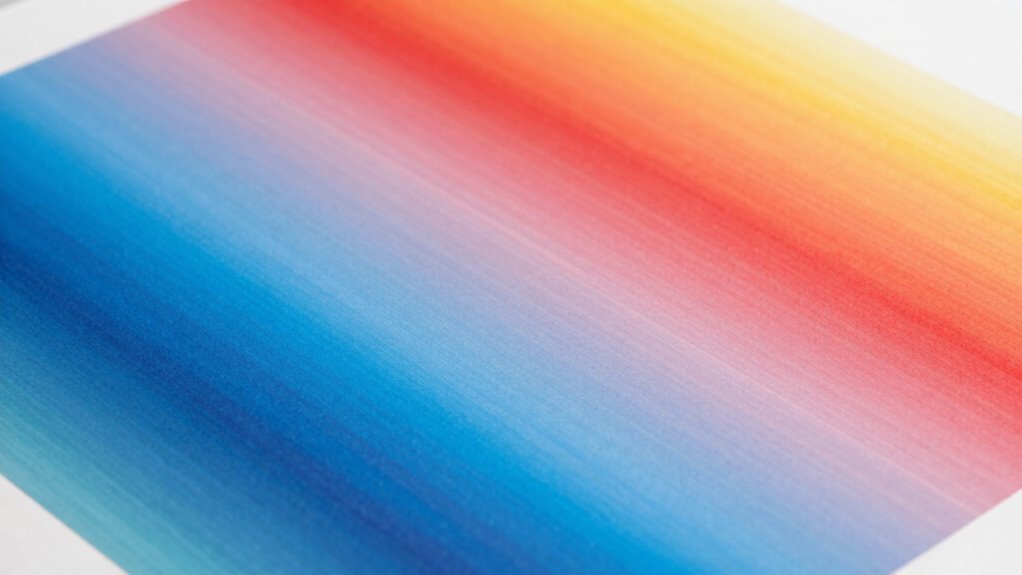
The type of paper you choose and the printer settings you select can considerably impact print smoothness. Your paper’s texture influences how evenly ink distributes, reducing banding or uneven areas. Ink compatibility ensures the ink adheres smoothly without spreading or smudging, which can cause visible lines. To improve results, consider these factors:
- Select paper with a smooth, consistent texture for uniform ink absorption
- Match paper type to your ink’s compatibility to prevent bleeding or uneven drying
- Adjust printer settings for the specific paper, such as quality and color density
- Use the proper paper weight to avoid buckling or curling during printing
- Run test prints to fine-tune settings and confirm ideal smoothness before large runs
Choosing the right paper and settings helps achieve cleaner, more professional wide-format prints.
Troubleshooting Banding: Quick Fixes and Checks
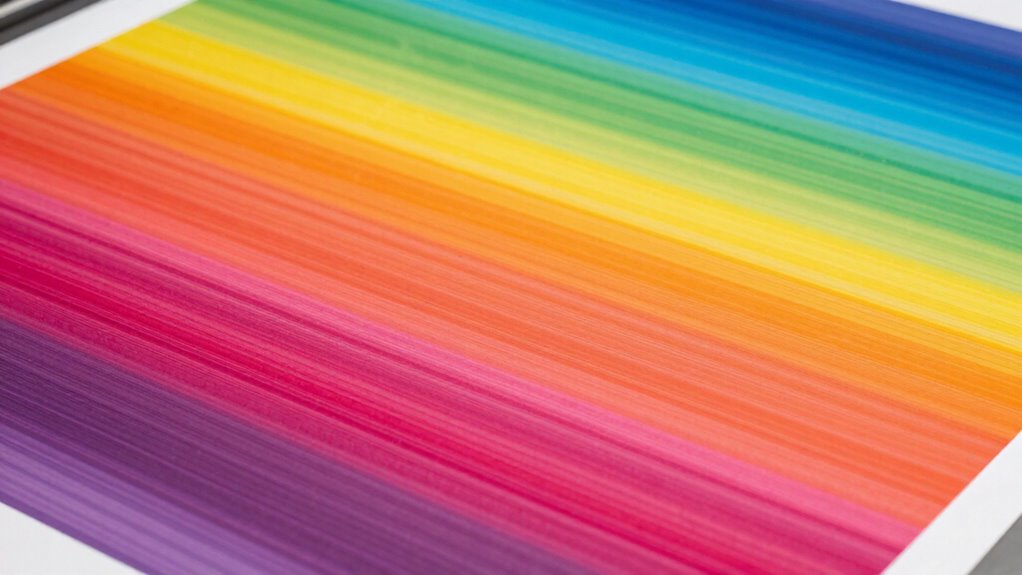
Banding issues can often be resolved quickly by performing some simple checks and adjustments. First, examine your ink consistency—uneven ink flow can cause visible banding. Ensure your ink cartridges are properly filled and replace any that are clumped or drying out. Next, verify your print resolution settings; low resolution can lead to banding, so set your printer to its best resolution for smooth, consistent results. Also, clean print heads to remove any clogs or dried ink that might disrupt ink distribution. Double-check that your media is compatible and properly loaded, as misaligned or incompatible paper can worsen banding. Making these quick adjustments often clears up banding, improving print quality without the need for extensive troubleshooting.
What Tools and Techniques Help Fix Banding Problems?
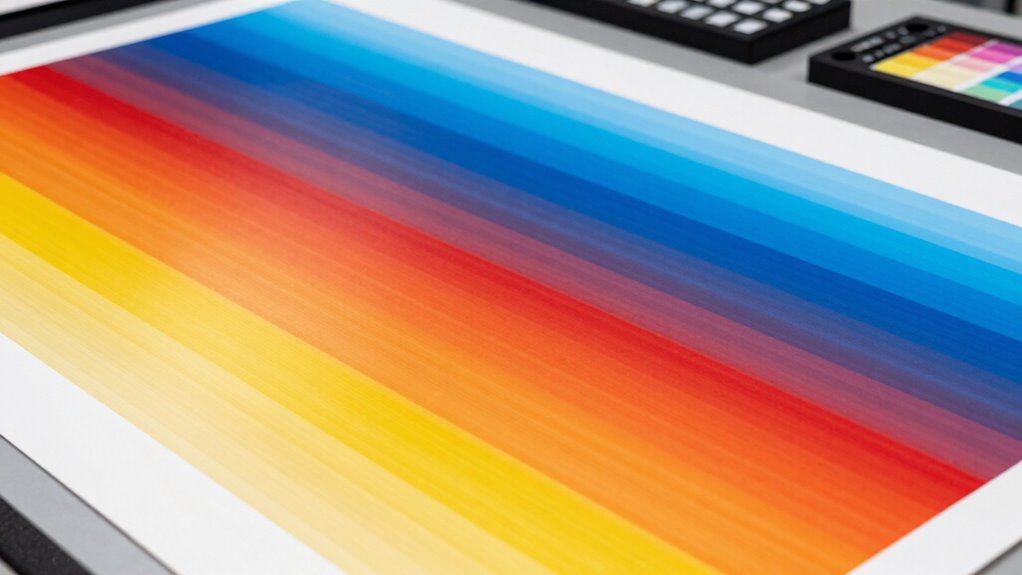
When addressing banding issues, leveraging the right tools and techniques can make a significant difference in achieving smooth, consistent prints. Start by performing proper color calibration to guarantee color gradients are even and free of visible lines. Adjust ink density settings to prevent over-saturation or insufficient coverage, which can cause banding. Use test patterns and visual checks to identify problematic areas. Consider employing software tools that analyze and optimize color profiles. Regularly clean print heads and run alignment routines to maintain print quality. Finally, fine-tune your printer’s settings to balance ink flow and color output, minimizing the risk of banding and ensuring professional-looking results.
How to Maintain Your Printer to Keep Prints Smooth Long-Term
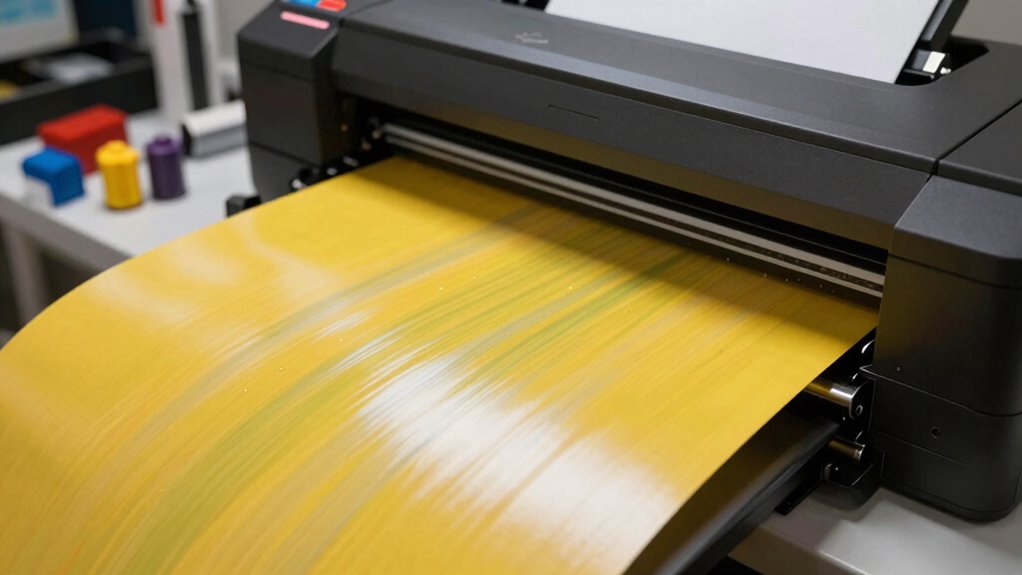
Maintaining your printer regularly is essential for keeping your prints smooth and consistent over time. Start by performing regular printer calibration to ensure color accuracy and proper alignment, preventing banding issues. Check and clean print heads to avoid clogs that cause streaks or uneven ink distribution. Pay attention to ink formulation; using the right ink guarantees ideal adhesion and color consistency, reducing the risk of banding. Keep ink levels topped up to prevent air bubbles that disrupt ink flow. Also, use manufacturer-recommended cleaning cycles and firmware updates to sustain print quality. Consistent maintenance minimizes wear and keeps your printer running smoothly, ensuring long-term reliability and high-quality, band-free wide-format prints.
Frequently Asked Questions
Can Ambient Temperature Affect Print Quality and Cause Banding?
Yes, ambient temperature can influence print quality and cause banding. When temperatures are too high or low, it impacts ink adhesion and dries unevenly, leading to banding. To prevent this, you should regularly perform printhead maintenance and carefully select the right paper for your environment. Maintaining a stable temperature ensures consistent ink flow, reducing the chances of banding and improving overall print quality.
Does Using Third-Party Ink Impact Print Banding Issues?
Using third-party ink can impact print banding issues because of ink compatibility and drying times. If the ink isn’t fully compatible with your printer, it may not dry evenly, leading to banding. Poor drying can cause ink layers to smudge or shift, creating visible lines. To avoid this, stick with manufacturer-recommended inks, ensuring proper ink drying and consistent print quality.
How Does Print Resolution Influence the Appearance of Banding?
Higher print resolution enhances image sharpness, reducing the chances of banding. When you increase resolution, your printer can produce smoother gradients and finer details, avoiding visible lines or streaks. Conversely, low resolution may cause pixelation and uneven color shifts, making banding more noticeable. To improve print quality, set your printer to the highest suitable resolution, ensuring consistent image sharpness and minimizing banding on your wide-format prints.
Are There Specific File Formats That Reduce the Risk of Banding?
You might think all file formats are equal, but using formats like TIFF or PNG can substantially reduce banding risks. These formats preserve color profiles and minimize image compression, maintaining color accuracy and smooth gradations. While JPEGs are compressed and can introduce banding, TIFFs and PNGs keep the quality intact. So, choose these formats for your wide-format prints to guarantee vibrant, seamless images without unwanted bands.
What Role Does Humidity Play in Maintaining Print Quality?
Humidity control plays a crucial role in maintaining print quality because fluctuating humidity can cause paper to warp or curl, leading to banding issues. You should store your paper properly in a controlled environment, avoiding high moisture areas. Regularly monitor and adjust humidity levels, and guarantee your printing area has consistent humidity to prevent print defects and achieve sharp, vibrant results every time.
Conclusion
By keeping your printer clean and well-maintained, you’ll prevent banding from turning your beautiful prints into a frustrating mosaic. Think of it like tending a vintage fountain pen—regular care keeps the ink flowing smoothly. Don’t let dirt and neglect turn your printing journey into a Greek tragedy; instead, embrace simple maintenance routines. With a little effort, you’ll enjoy flawless wide-format prints that look as polished as a Renaissance masterpiece.