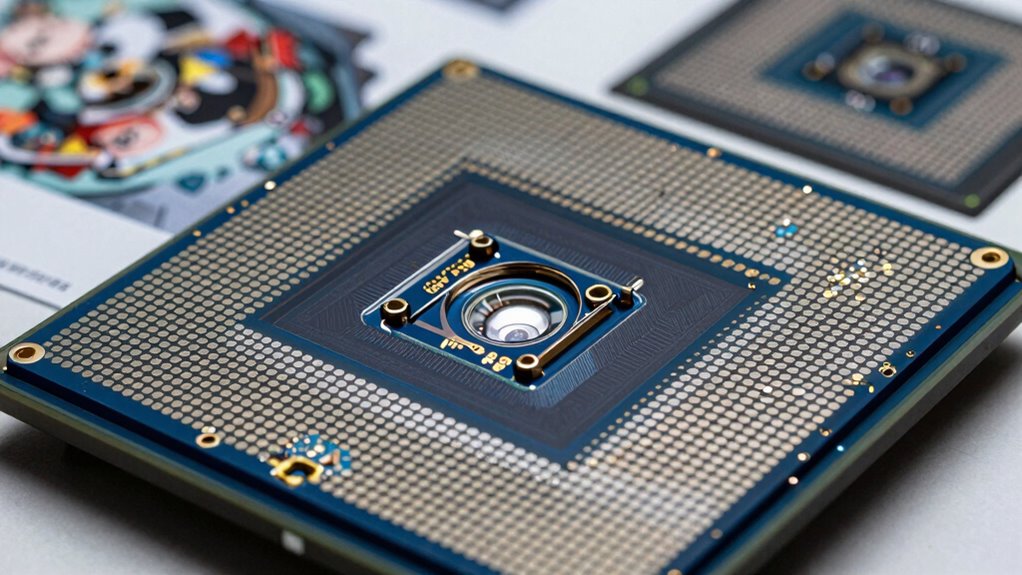

Your scanner’s sensor type plays a key role in how well it reproduces images. CCD sensors offer better color accuracy, higher dynamic range, and finer detail, making them ideal for professional use. CIS sensors are more compact and affordable but may lack the same precision and detail. The choice affects overall image quality, cost, and calibration needs. To understand how these differences impact your scanning results, keep exploring the details behind sensor types.
Key Takeaways
- CCD sensors provide higher color accuracy and better dynamic range, enhancing overall image reproduction quality.
- CIS sensors are more affordable and compact but may compromise on color fidelity and resolution.
- The sensor type influences the scanner’s ability to capture subtle color gradations and fine details.
- CCD sensors require complex calibration to maintain optimal color and detail reproduction.
- Choosing the right sensor type ensures better handling of shadows, highlights, and complex tones for improved image quality.

When choosing a scanner, understanding the different sensor types is essential because they directly influence the quality of the reproduced images. The sensor determines how accurately the scanner captures details, colors, and tones, which ultimately affects your final output. Different sensor types, such as CCD (Charge-Coupled Device) and CIS (Contact Image Sensor), have unique strengths and limitations that can change the way your images look. For instance, CCD sensors are known for their high-quality color reproduction and better dynamic range, making them ideal for professional work where color calibration is fundamental. They typically offer higher scan resolutions, capturing finer details and delivering sharper images. On the other hand, CIS sensors are more compact and cost-effective, often found in consumer-grade scanners. While they might not match CCDs in color accuracy or resolution, they still produce decent results for everyday tasks. Additionally, CCD sensors often require more complex sensor calibration processes to optimize color fidelity and detail accuracy, which can be crucial for high-quality reproductions. Understanding how different sensor technology works can help you select the right scanner for your needs. Moreover, the choice of sensor type can influence the overall cost and maintenance of your scanning equipment, impacting long-term usability. Proper sensor maintenance can extend the lifespan of your device and ensure consistent scan quality over time. Color calibration plays a critical role in ensuring your scans match the original colors as closely as possible. With CCD sensors, the better color calibration options help maintain consistent and true-to-life colors, especially when working on projects that demand precision, such as photo editing or archival scans. The sensor type influences how well the scanner manages subtle color gradations and prevents color shifts during the scanning process. If you’re working with images that require meticulous color accuracy, selecting a scanner with a high-quality CCD sensor and robust color calibration features becomes essential. Additionally, the sensor type impacts how effectively the scanner handles dynamic range, which is crucial for capturing details in both shadows and highlights in complex images.

ScanSnap iX1300 Wireless or USB Double-Sided Color Document Scanner, Black
- Space-Saving Design: Fits small spaces and stays out of the way
- Versatile Document Handling: Scans documents, photos, cards, and more
- High-Quality Scanning: Fast 30ppm duplex scans with auto enhancements
As an affiliate, we earn on qualifying purchases.
As an affiliate, we earn on qualifying purchases.
Frequently Asked Questions
How Do Scanner Sensor Types Impact Color Accuracy?
You’ll find that scanner sensor types directly impact color accuracy through their ability to perform precise color calibration. High-quality sensors with better resolution capture more detailed color information, resulting in more accurate and vibrant reproductions. Lower-resolution sensors may miss subtle color nuances, leading to less accurate results. Choosing the right sensor type guarantees your scans are true to the original, making color calibration easier and more effective for professional and personal projects.
What Maintenance Is Required for Different Sensor Types?
You need to regularly perform sensor calibration to guarantee consistent scan quality across different sensor types. Dust prevention is also essential; keep the sensor area clean and use compressed air or a soft cloth to remove debris. For optical sensors, check for smudges, while for CCD or CMOS types, ensure no dust settles on the lens. Proper maintenance helps maintain color accuracy and prolongs your scanner’s lifespan.
Are Certain Sensor Types Better for Large Format Scanning?
Yes, certain sensor types are better for large format scanning. You’ll want sensors with high durability, capable of handling extended use without degradation. Additionally, energy-efficient sensors reduce long-term operating costs and minimize heat, which can affect scan quality. For large format scans, opt for sensors that balance durability and energy efficiency to guarantee consistent, high-quality reproductions while maintaining equipment longevity and reducing energy consumption.
How Do Sensor Types Affect Scanning Speed?
Sensor types influence scanning speed like a race car depends on its engine. You’ll find that CCD sensors generally scan faster than CIS, but they may require more frequent calibration, impacting overall speed. Durable sensors last longer with less maintenance, maintaining consistent speed, while less durable ones might slow down due to calibration needs. Your choice affects not just quality but also how quickly you can complete each scan.
Can Sensor Upgrades Improve Overall Reproduction Quality?
Yes, sensor upgrades can improve overall reproduction quality. When you upgrade, guarantee proper sensor calibration to optimize accuracy and detail. Also, check hardware compatibility to make sure the new sensor integrates smoothly with your existing system. Upgraded sensors often capture finer details and more accurate color, resulting in sharper, more faithful reproductions. Regular calibration and compatibility checks are key for maximizing the benefits of your sensor improvements.

Plustek OpticPro A320E Large Format Flatbed Scanner – 12" x 17" / A3 Size
- [PROFESSIONAL LARGE-FORMAT SCANNING] – up to 12"x17" scan…
- [EASY FILE MANAGEMENT] – With Doc Action, you…
- [BATCH SCANNING] With A320E, you can scan multiple…
As an affiliate, we earn on qualifying purchases.
As an affiliate, we earn on qualifying purchases.
Conclusion
Understanding how scanner sensor types impact reproduction quality helps you choose the right device for your needs. Did you know that higher-resolution sensors can capture up to 1200 dpi, providing incredibly detailed images? This means your scans will be sharper and more accurate, whether you’re archiving photos or digitizing artwork. By selecting the appropriate sensor type, you guarantee your reproduced images meet your expectations and preserve the original’s quality. So, next time you scan, remember—it’s all about the sensor!

VIISAN 3120 A3 Flatbed Scanner, 1200 DPI, CIS Sensor, Scan 11.7" x 16.7" in 8 sec, Frameless, Auto-Scan, Document & Photo & Book Scanner, Design for Library, School and Soho. Supports Windows & Mac
- High-Quality Large Document Scanning: Supports artworks, photos, books, and more
- Universal Power Compatibility: Works with 100-240V AC, no converters needed
- Fast Scanning Speed: Scan A3 color documents in 8 seconds
As an affiliate, we earn on qualifying purchases.
As an affiliate, we earn on qualifying purchases.

Plustek Photo Scanner ePhoto Z300, Scans 4×6 inch Photos in 2 Seconds, Auto crop and deskew with CCD Sensor, Supports Mac and PC
- Photo Size Support: Supports various photo and paper sizes
- High Resolution: Up to 600 dpi optical resolution
- Fast Scanning Speed: 2 seconds for 4×6 photos
As an affiliate, we earn on qualifying purchases.
As an affiliate, we earn on qualifying purchases.