
TL;DR
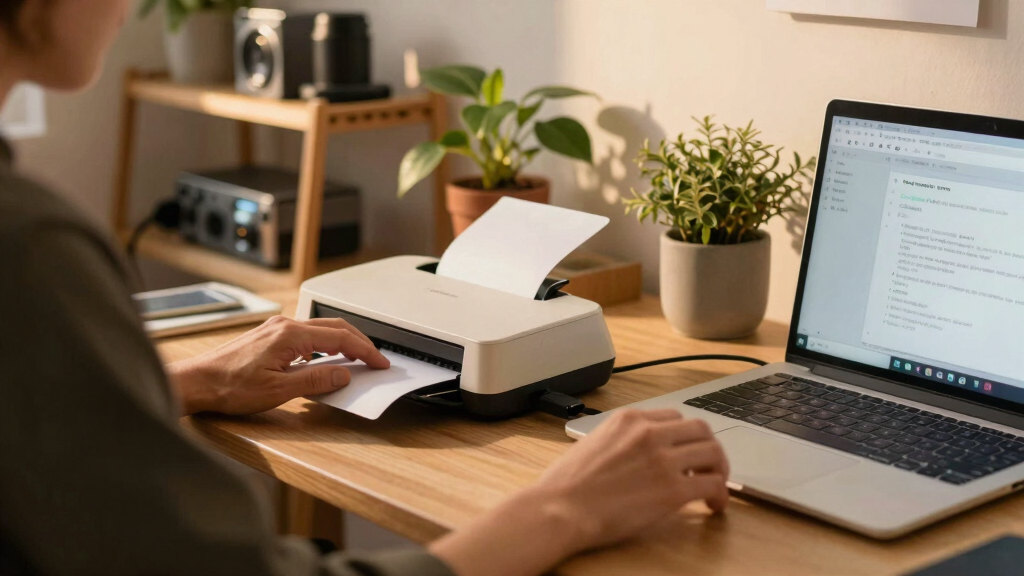
A new web application allows users to access and operate vintage USB scanners directly through a browser. It employs an emulated Linux environment, WebUSB, and USB/IP to bridge hardware and software. This development could extend the lifespan of legacy scanners and simplify device access.
A developer has created a web application that enables users to operate vintage USB scanners directly through a browser by running an in-browser Linux virtual machine bridged to WebUSB via USB/IP, reviving legacy hardware without additional drivers.

Get business pricing on monitors, keyboards and dev gear
- Business-only prices and quantity discounts
- Tax-exempt purchasing
- Multiple users, one account, clear invoices
The project uses the v86 x86 CPU emulator, which runs a lightweight Linux distribution with SANE (Scanner Access Now Easy) for scanner control. It connects to the scanner via USB/IP, which packages USB data over TCP/IP, and then bridges this data to the browser using WebUSB. The system employs a custom C program to interface with SANE and handle scanner settings, streaming scan data back to the browser for display or compression.
This setup has been tested on a Canon CanoScan LiDE 100, but the developer suggests it could work with hundreds of other scanner models from various manufacturers, including Epson, HP, and Microtek. The approach leverages WebAssembly to compile network and device management code, enabling real-time scanner operation within a browser environment.
Why It Matters
This development could significantly extend the usability of aging scanner hardware, reducing e-waste and hardware obsolescence. It also demonstrates a novel way to access legacy devices without dedicated drivers or operating system support, potentially transforming hardware maintenance and accessibility for users with vintage peripherals.
By enabling web-based control of USB devices, this approach could influence future device support, offering a platform-independent solution that bypasses traditional driver requirements. It also highlights the potential of in-browser emulation and WebUSB to bridge hardware-software gaps.
Products Worth Considering

Apple AirPods Pro (2nd Generation) Wireless Earbuds with USB-C MagSafe Charging Case

DJI Mic 2 Wireless Microphone System with 2 Transmitters, 1 Receiver, and Charging Case

Anker SOLIX S2000 Portable Power Station, 2,010Wh, 1,500W
As an affiliate, we earn on qualifying purchases.
Background
Legacy USB scanners often become unusable as operating systems evolve and driver support drops. Previously, users relied on Windows or specialized VMs to access such hardware. The v86 emulator, which compiles x86 code into WebAssembly, has been used for other projects like printer control, but this is among the first to extend that to USB scanner interfacing via WebUSB and USB/IP.
This effort builds on prior work with in-browser emulation and network bridging, but applies it specifically to hardware device access, offering a new pathway for reviving and maintaining legacy peripherals.
“The app has only been tested on the CanoScan LiDE 100, but it should work for hundreds of other models, including scanners from major brands.”
— George MacKerron
“This approach leverages the v86 emulator, WebAssembly, and WebUSB to bridge old hardware to modern browsers, enabling device control without native drivers.”
— George MacKerron
What Remains Unclear
It is not yet confirmed how well this setup will perform with all scanner models or in different operating environments. The project is still in experimental stages, and compatibility with other hardware remains to be thoroughly tested. Additionally, the security implications of bridging USB devices via web browsers are not fully addressed.
What’s Next
The developer plans to expand testing across various scanner models and possibly open-source parts of the project. Future updates may include improved user interfaces, broader hardware support, and security assessments. Community feedback and contributions could shape further development.
Key Questions
Can I use this web app with my old scanner?
According to the developer, it has only been tested on a Canon CanoScan LiDE 100, but it should work with many other models. Try it and see if your device is compatible.
Does this require special hardware or software?
No, it runs entirely in your web browser using a virtual Linux environment, WebUSB, and USB/IP. No additional drivers are needed.
Is this ready for everyday use?
This project is still experimental. While promising, it may have bugs or compatibility issues with certain scanners. Use it as a proof of concept or for experimental purposes.
Will this work on all browsers?
The implementation relies on WebUSB and WebAssembly, which are supported in most modern browsers like Chrome and Edge. Compatibility with other browsers is uncertain.
Source: Hacker News