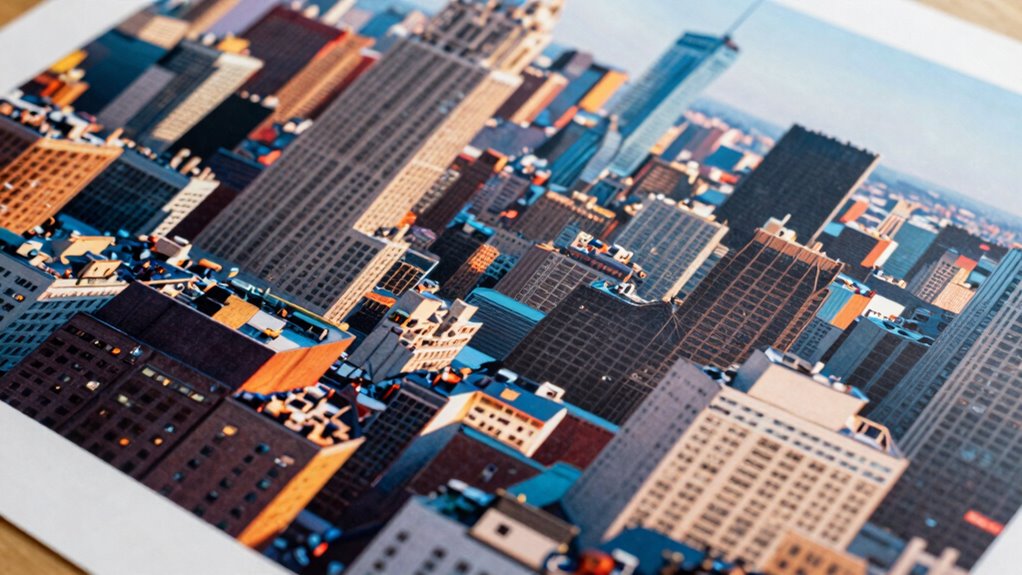

If you compress large image files improperly, you risk losing critical details, resolution, and color accuracy, which can ruin your print quality. Over-compression causes blurriness, pixelation, and dull colors, making your large prints look terrible. Choosing the wrong file format or aggressive settings can cause irreversible data loss. To avoid these pitfalls and guarantee sharp, vibrant prints, it’s important to understand how to balance compression with quality—there’s more to discover on how to do this right.

Get business pricing on monitors, keyboards and dev gear
- Business-only prices and quantity discounts
- Tax-exempt purchasing
- Multiple users, one account, clear invoices
Key Takeaways
- Improper compression reduces image resolution, causing blurriness and pixelation in large prints.
- Aggressive compression lowers image quality, losing fine details and textures vital for large-scale visuals.
- Compression can distort colors, resulting in dull or inaccurate hues that diminish print vibrancy.
- Using unsuitable file formats during compression leads to irreversible data loss and degraded print quality.
- Excessive compression compromises resolution and color fidelity, making large prints appear blurry or washed out.
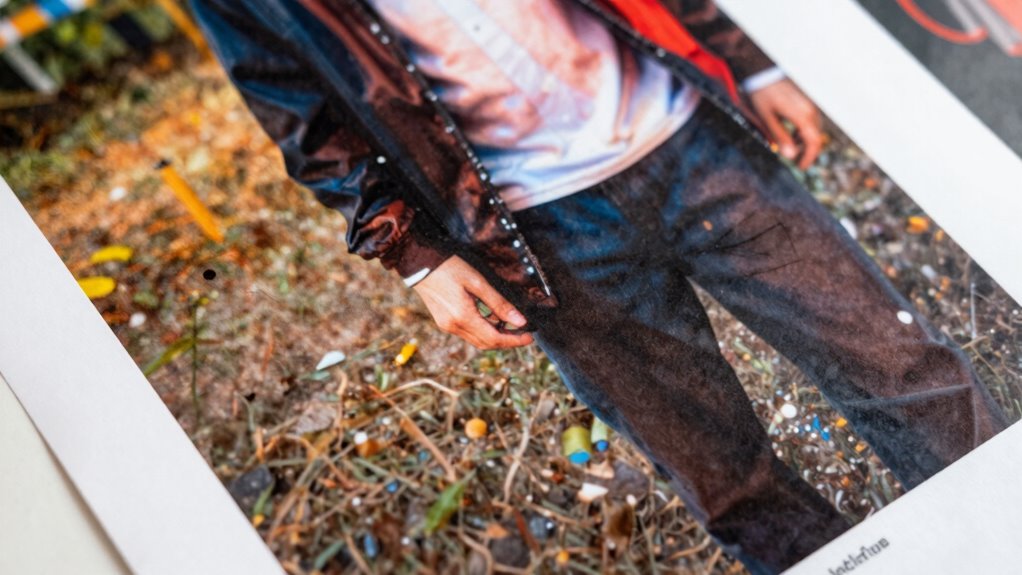
When preparing images for large prints, understanding file compression becomes essential. If you compress your image files improperly, you risk losing crucial details that directly impact the quality of your final print. One key aspect affected is image resolution. Large prints demand high-resolution files, usually at least 300 dots per inch (DPI), to ensure clarity and sharpness. Over-compressing an image can cause a reduction in this resolution, resulting in a blurry or pixelated appearance once enlarged. You might not notice the deterioration on your screen, especially if you’re viewing at a small size, but once printed on a large scale, the flaws become glaringly obvious. Additionally, compression can affect image quality, which is vital for maintaining the visual integrity of your print. Color accuracy is another critical factor that compression can jeopardize. When you compress an image aggressively, color information can be compromised, leading to dull, faded, or inconsistent hues in the final print. This happens because compression algorithms often discard or approximate data to reduce file size, which can distort subtle color gradients and details. For large-format printing, where even slight color inaccuracies stand out, this can ruin the overall aesthetic. Poor color fidelity can make a vibrant scene appear washed out or an intricate design lose its depth and richness. It’s also important to consider file formats, as different formats handle compression in various ways, impacting your final output. It’s tempting to compress files to save storage space or speed up workflow, but doing so without considering the impact on image resolution and color accuracy can be disastrous for large prints. When you compress an image too much, you essentially sacrifice the quality for smaller file sizes, but the results are often unacceptable once printed at scale. To avoid this, you need to strike a balance—using compression settings that retain maximum image resolution and color fidelity. Employing lossless compression formats like TIFF or PNG ensures all image data is preserved, maintaining both resolution and color accuracy. Understanding compression algorithms helps in choosing the right method for your needs, especially when preparing images for large-scale prints. Selecting appropriate compression techniques is crucial to prevent quality degradation, which can undermine your entire project. If you must use lossy formats like JPEG, choose the highest quality settings possible. This minimizes the loss of detail and color information, giving you a better chance at producing a stunning large print. Remember, the key is to prioritize quality over file size, especially when your goal is to create large prints that captivate viewers.
high resolution image editing software
As an affiliate, we earn on qualifying purchases.
As an affiliate, we earn on qualifying purchases.
Frequently Asked Questions
Can Compressed Files Be Restored to Their Original Quality?
Yes, compressed files can often be restored to their original quality, but it depends on the compression type. Lossless compression allows you to recover the exact original data, so data recovery is possible without corruption. However, lossy compression sacrifices quality for size reduction, making full restoration impossible. If files get corrupt during compression or transfer, you might need specialized tools for file corruption repair or data recovery to restore your files properly.
Does Compression Affect Color Accuracy in Large Prints?
Think of color accuracy as the vibrant hues of a sunset. Compression can dull this vibrancy, affecting color fidelity in large prints. When you compress files, compression artifacts may introduce subtle color shifts or distortions, making the image less true to life. If done improperly, the loss of detail and color nuances becomes noticeable, compromising the quality and impact of your large print.
Are There Specific File Formats Better for Printing?
You should choose file formats that prioritize high quality and compatibility, like TIFF or PSD, for printing. These formats minimize compression artifacts and guarantee accurate color reproduction, which is vital for large prints. Avoid heavily compressed formats like JPEG, as they can introduce artifacts that ruin the quality. Proper file format selection helps maintain color fidelity, detail, and overall print clarity, giving your large prints the professional look you want.
How Does Compression Impact Print Resolution?
Think of compression like squeezing a sponge; it can cause image artifacts that blur fine details. When you compress a file for printing, it often reduces resolution and introduces compression artifacts, which can ruin large prints. These artifacts distort edges and textures, making your print look less sharp and professional. So, if you want high-quality large prints, avoid excessive compression, and preserve the original resolution to keep every detail crisp and clear.
Is Lossless Compression Safe for Professional Printing?
Lossless compression is generally safe for professional printing because it preserves image quality, preventing image artifacts and compression artifacts. You won’t lose detail or resolution, guaranteeing your large prints stay sharp and clear. However, always verify the compressed file to confirm no subtle artifacts have appeared, especially if the original file had intricate details. Properly compressed, lossless formats help maintain high-quality prints without risking quality loss.
lossless image compression tools
As an affiliate, we earn on qualifying purchases.
As an affiliate, we earn on qualifying purchases.
Conclusion
If you compress your files without careful thought, your large prints could turn out blurry or pixelated. Think of it like squeezing a sponge — too much pressure, and the details are lost. When done correctly, compression saves space without sacrificing quality. But if you rush or ignore the nuances, you risk ruining your masterpiece. So, stay cautious, choose the right compression settings, and guarantee your large prints remain sharp and stunning.
large format printer calibration
As an affiliate, we earn on qualifying purchases.
As an affiliate, we earn on qualifying purchases.
professional photo printing paper
As an affiliate, we earn on qualifying purchases.
As an affiliate, we earn on qualifying purchases.
Halloween Picks
halloween
As an affiliate, we earn on qualifying purchases.