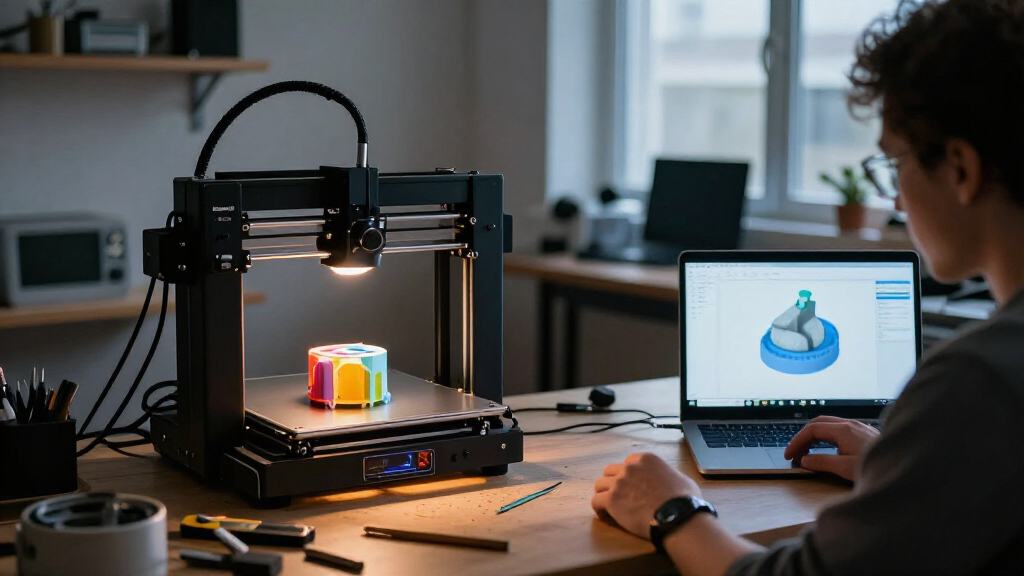

Choosing the right 3D printer often comes down to balancing ease of use against creative freedom. In my analysis of the current Bambu Lab lineup, three models stand out as distinct tiers for different users. The Bambu Lab A1 mini is the clear winner for beginners who want a hassle-free start without breaking the budget, especially with its included LED Lamp Kit. For those who need full-color prints without the massive footprint of the flagship models, the Bambu Lab A1 offers an impressive middle ground with optional multi-color support. However, if your priority is professional-grade speed and integrated multi-material handling, the Bambu Lab P2S Combo is the superior choice, despite its higher complexity and cost. I will guide you through the specific tradeoffs of each machine so you can decide which fits your workflow.

Get business pricing on monitors, keyboards and dev gear
- Business-only prices and quantity discounts
- Tax-exempt purchasing
- Multiple users, one account, clear invoices
Complete the kit


Key Takeaways
- The A1 mini is the most accessible entry point, featuring automatic calibration and a bundled LED Lamp Kit for immediate decorative projects.
- The P2S Combo offers the highest performance with 600 mm/s speeds and an integrated AMS 2 Pro for multi-color printing and filament drying.
- The standard A1 sits between the mini and the P2S, offering a larger build volume than the mini but requiring a separate purchase for multi-color capabilities.
- Noise levels are a key differentiator; the A1 and A1 mini operate at ≤48 dB, making them suitable for shared living spaces, while the P2S may require more isolation.
- Filament drying capabilities are exclusive to the P2S Combo’s AMS 2 Pro, a critical feature for users working with moisture-sensitive materials.
| Bambu Lab A1 mini 3D Printer with LED Lamp Kit |  | Best for Beginners and Small Decorative Projects | Product Dimensions: 15.21 x 16.77 x 17.94 inches | Item Weight: 12.1 pounds | Noise Level: ≤48 dB | VIEW LATEST PRICE | See Our Full Breakdown |
| Bambu Lab P2S Combo 3D Printer with AMS 2 Pro |  | Best for Advanced Users and Multi-Color Printing | Maximum Print Speed: 600 mm/s | Included System: AMS 2 Pro | Filament Drying Temp: Up to 65 °C | VIEW LATEST PRICE | See Our Full Breakdown |
| Bambu Lab A1 FDM 3D Printer |  | Best Balance of Size, Speed, and Versatility | Print Technology: FDM | Acceleration: 10,000 mm/s² | Noise Level: ≤48 dB | VIEW LATEST PRICE | See Our Full Breakdown |
| Bambu Lab 3D printer | Noise Level | Calibration | Dimensions | Weight |
|---|---|---|---|---|
| Bambu Lab A1 mini 3D Printer w | ≤48 dB | Automatic | — | — |
| Bambu Lab P2S Combo 3D Printer | — | — | 18 x 22 x 18 inches | 46.3 pounds |
| Bambu Lab A1 FDM 3D Printer | ≤48 dB | Automatic (Z-offset, bed leveling) | 21.76 × 20.83 × 12.87 inches | 22 pounds |
More Details on Our Top Picks
Bambu Lab A1 mini 3D Printer with LED Lamp Kit
This option stands out for its incredible accessibility. Unlike the larger models that require significant desk space and technical confidence, the A1 mini is designed to be unboxing-to-print ready in minutes. The automatic calibration system removes the most common frustration for new users: bed leveling. When compared to the standard A1, the mini sacrifices build volume and raw speed for a footprint that fits easily on a nightstand or small desk. The inclusion of the LED Lamp Kit is a smart touch, providing immediate utility for decorative prints that larger machines might overkill. However, this compact size is a double-edged sword. If you plan to print functional parts like large enclosures or cosplay props, the limited build volume will force you to split models into multiple pieces, which adds post-processing time. It is strictly a machine for small, detailed, or decorative items.
Pros:- Extremely simple setup with automatic calibration
- Includes LED Lamp Kit for immediate decorative projects
- Quiet operation at ≤48 dB for shared spaces
- Compact footprint fits on small desks or shelves
Cons:- Small build volume restricts large projects
- No native multi-color support without external add-ons
- Lower print speeds compared to the P2S
Best for: First-time 3D printer owners, students with limited space, and hobbyists focused on small decorative items or lamps.
Not ideal for: Users needing large single-piece prints, professionals requiring high-speed production, or those wanting multi-color capabilities without extra purchases.
- Product Dimensions:15.21 x 16.77 x 17.94 inches
- Item Weight:12.1 pounds
- Noise Level:≤48 dB
- Included Accessory:LED Lamp Kit
- Calibration:Automatic
- Model Number:PF002-M-EU
Our verdict“The A1 mini is the most forgiving and accessible printer in the lineup, ideal for those who want to learn without a steep learning curve.”
Bambu Lab P2S Combo 3D Printer with AMS 2 Pro
This model is better suited to enthusiasts who demand professional results and efficiency. The P2S Combo distinguishes itself with the integrated AMS 2 Pro, which not only enables multi-color printing but also actively dries filament up to 65 °C. This is a significant advantage over the A1 series, which requires separate dryers or careful storage for moisture-sensitive materials. With a maximum print speed of 600 mm/s, it is significantly faster than the A1 mini, reducing print times for complex models. The AI failure detection and adaptive airflow systems further automate the process, reducing the need for manual monitoring. However, this performance comes with a larger footprint and higher weight (46.3 pounds), making it less portable. Compared to the standard A1, the P2S is a more complex machine that may overwhelm absolute beginners, but its integrated ecosystem justifies the learning curve for serious hobbyists.
Pros:- High print speeds up to 600 mm/s
- AMS 2 Pro includes filament drying and multi-color support
- AI failure detection reduces wasted prints
- Built-in carbon filter for better air quality
Cons:- Heavier and larger than the A1 series
- Multi-color printing is exclusive to the Combo version
- Higher complexity may intimidate new users
Best for: Advanced hobbyists, professionals needing multi-color prints, and users working with moisture-sensitive filaments.
Not ideal for: Beginners looking for a simple starter machine, users with very limited desk space, or those on a tight budget.
- Maximum Print Speed:600 mm/s
- Included System:AMS 2 Pro
- Filament Drying Temp:Up to 65 °C
- Features:AI failure detection, carbon filter
- Dimensions:18 x 22 x 18 inches
- Weight:46.3 pounds
- Chamber Temperature:Max 50 °C
Our verdict“The P2S Combo is the powerhouse of the group, offering integrated drying and multi-color capabilities that justify its size and complexity.”
Bambu Lab A1 FDM 3D Printer
The standard Bambu Lab A1 occupies the sweet spot for many users. It offers a significantly larger build volume than the A1 mini, allowing for bigger functional parts and detailed models without the need for splitting. Compared to the P2S, it lacks the integrated filament drying and native multi-color system, but it compensates with a more approachable price point and simpler maintenance. The active flow rate compensation ensures high-quality surfaces even at high speeds, a feature shared with the P2S. The 1-Clip quick-swap nozzle makes changing colors or materials manual but efficient. It is a strong contender for those who want to upgrade from the mini but aren’t ready for the full complexity of the P2S Combo. However, the need to purchase the AMS lite separately for multi-color printing is a notable drawback, as it increases the total cost of ownership for users who want color capabilities.
Pros:- Larger build volume than the A1 mini
- Active flow rate compensation for quality prints
- Quick-swap nozzle for easy maintenance
- Quiet operation with active motor noise cancellation
Cons:- AMS lite for multi-color is sold separately
- No built-in filament drying system
- Larger footprint than the mini
Best for: Intermediate users who want a larger build volume than the mini but prefer a simpler setup than the P2S.
Not ideal for: Users who want plug-and-play multi-color printing, those with very tight budgets, or beginners who might be overwhelmed by larger parts.
- Print Technology:FDM
- Acceleration:10,000 mm/s²
- Noise Level:≤48 dB
- Dimensions:21.76 × 20.83 × 12.87 inches
- Weight:22 pounds
- Nozzle:1-Clip quick-swap
- Calibration:Automatic (Z-offset, bed leveling)
Our verdict“The A1 is the versatile middle child, offering more space than the mini while remaining more manageable than the P2S Combo.”
How We Picked
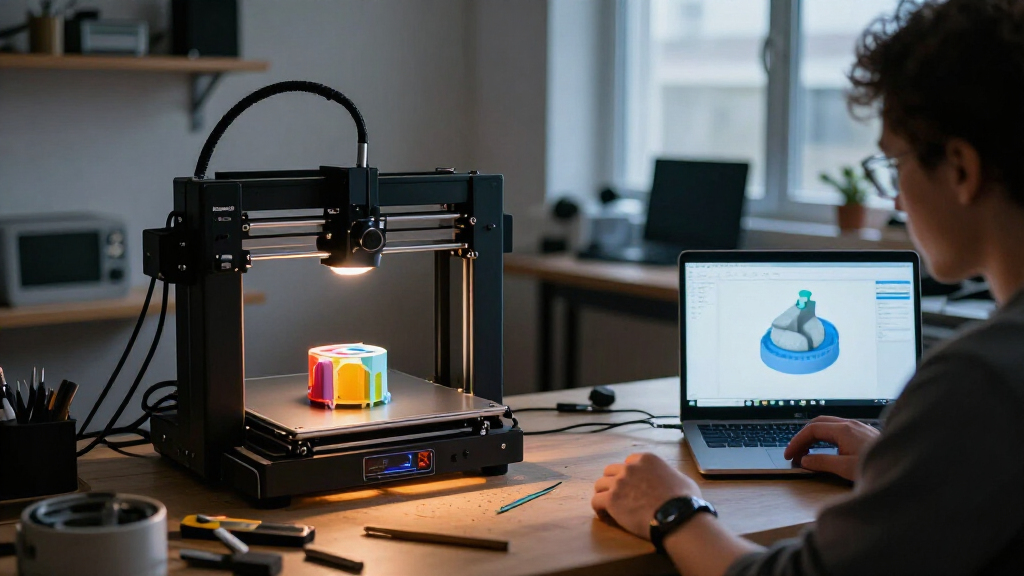
I selected these three models based on their distinct roles within the Bambu Lab ecosystem and their ability to address specific user needs. My evaluation focused on four core criteria: setup complexity, print speed, multi-color capability, and physical footprint. I prioritized models that offer clear value propositions rather than overlapping features. The A1 mini was chosen for its unmatched simplicity and bundled accessories. The standard A1 was selected for its balance of size and speed, serving as the standard for hobbyists. The P2S Combo was included as the benchmark for high-end performance, specifically for its integrated automated material system. I excluded older models or those with ambiguous support structures to ensure the recommendations reflect the most current and reliable hardware available.
| Bambu Lab 3D printer | Calibration |
|---|---|
| Bambu Lab A1 mini 3D Printer w | Automatic |
| Bambu Lab P2S Combo 3D Printer | — |
| Bambu Lab A1 FDM 3D Printer | Automatic (Z-offset, bed leveling) |
Factors to Consider When Choosing Best Bambu Lab 3D Printers
Selecting the right Bambu Lab printer requires honest self-assessment of your space, budget, and technical willingness. I have broken down the key factors that differentiate these three models to help you make a decision that aligns with your long-term goals.
Ease of Use and Setup
If you have never printed before, the A1 mini is the safest bet. Its automatic calibration is robust, and the smaller mass means fewer vibrations during printing, which translates to fewer failed prints due to mechanical instability. The A1 is similarly easy to set up but requires slightly more care when moving due to its larger size. The P2S Combo, while automated, has more components to manage, such as the AMS 2 Pro tubes and the carbon filter. I recommend the P2S only if you are comfortable troubleshooting minor hardware issues or following detailed setup guides.
Print Speed and Quality
All three printers produce high-quality results, but speed varies. The P2S Combo leads with 600 mm/s speeds, making it ideal for rapid prototyping. The A1 also supports high speeds and benefits from active flow rate compensation, ensuring quality doesn’t drop as speed increases. The A1 mini is slower, which is acceptable for small decorative items where print time is already short. If you plan to print large batches of small parts, the P2S’s speed advantage will save you hours per week.
Multi-Color Capabilities
This is the biggest differentiator. The P2S Combo has the AMS 2 Pro built-in, allowing for seamless multi-color and multi-material prints. The A1 requires you to buy the AMS lite separately, which adds to the cost and desk footprint. The A1 mini does not support the AMS system at all, limiting you to single-color prints unless you manually swap filament mid-print, which is risky and time-consuming. If color is a priority, the P2S is the most integrated solution, while the A1 offers flexibility at a lower entry cost.
Space and Noise Considerations
For apartment dwellers or shared offices, noise is a factor. Both the A1 mini and the A1 operate at ≤48 dB, which is comparable to a quiet conversation. The P2S Combo is heavier and may produce more vibration noise if not placed on a stable surface. Physically, the A1 mini is the smallest, fitting easily on a shelf. The A1 requires a dedicated desk, and the P2S Combo needs substantial counter space to accommodate the printer and the AMS unit side-by-side.
Frequently Asked Questions
Can the Bambu Lab A1 mini print in multiple colors?
No, the Bambu Lab A1 mini does not support the AMS (Automated Material System) for multi-color printing. It is designed as a single-extrusion machine, meaning you can only print with one color at a time. If you wish to create multi-colored objects, you would need to manually pause the print, unload the filament, and load a new color, which is a complex and error-prone process. For true multi-color capabilities, you would need to upgrade to the Bambu Lab A1 with the AMS lite add-on or the Bambu Lab P2S Combo, which includes the AMS 2 Pro.
What is the main advantage of the P2S Combo’s AMS 2 Pro over the A1’s AMS lite?
The AMS 2 Pro included with the P2S Combo offers active filament drying, maintaining a temperature of up to 65 °C to keep moisture-sensitive filaments like PETG, ABS, and Nylon dry during storage and printing. The AMS lite, designed for the A1, does not have this heating capability. Additionally, the AMS 2 Pro is integrated more deeply into the P2S ecosystem, offering streamlined workflows for multi-color printing and better management of filament spools. The AMS lite is a standalone unit that requires separate power and setup, making it less convenient for users who want a fully integrated system.
Is the LED Lamp Kit included with the A1 mini useful for beginners?
Yes, the LED Lamp Kit is a valuable addition for beginners because it provides immediate, tangible results without requiring advanced design skills. The kit includes compatible models and components that allow you to turn your 3D prints into functional decorative lights. This helps new users understand how their prints can be part of larger projects, rather than just static objects. It also demonstrates the printer’s ability to handle translucent materials and fine details, which are common in decorative items. For those who find standard 3D prints abstract, the lamp kit offers a practical and rewarding first project.
How do the noise levels of the A1 mini and A1 compare to the P2S?
Both the A1 mini and the standard A1 are rated at ≤48 dB, which is quiet enough for most home environments, including bedrooms or offices. The P2S Combo does not have a specific decibel rating listed in its standard specs, but its larger size and higher speeds may generate more noise, particularly during high-acceleration movements. Users often report that the P2S is louder than the A1 series, especially when the AMS is active. If noise is a critical concern for your workspace, the A1 mini or A1 are safer choices, or you may need to place the P2S in a separate room or use sound-dampening enclosures.
Which printer is best for printing functional parts like brackets or enclosures?
The standard Bambu Lab A1 is the best choice for functional parts among these three options. It offers a larger build volume than the A1 mini, allowing you to print larger components in one piece, which improves structural integrity. It also supports high-speed printing and has an active flow rate compensation system, which helps maintain dimensional accuracy and surface quality on functional parts. While the P2S Combo is also capable, its integrated drying system is more beneficial for engineering materials like ABS or PC. For most functional prints using PLA or PETG, the A1 provides the best balance of size, speed, and cost.
Conclusion
My final recommendation depends on your specific needs. If you are a beginner or have limited space, the Bambu Lab A1 mini is the most logical starting point due to its simplicity and included LED Lamp Kit. For those who want to explore multi-color printing without the highest price tag, the Bambu Lab A1 paired with the AMS lite offers a versatile and spacious platform. However, if you are an enthusiast or professional who values speed, integrated filament drying, and seamless multi-color workflows, the Bambu Lab P2S Combo is the superior machine despite its larger footprint and complexity. Choose the model that aligns with your current skill level and the type of projects you plan to tackle first.