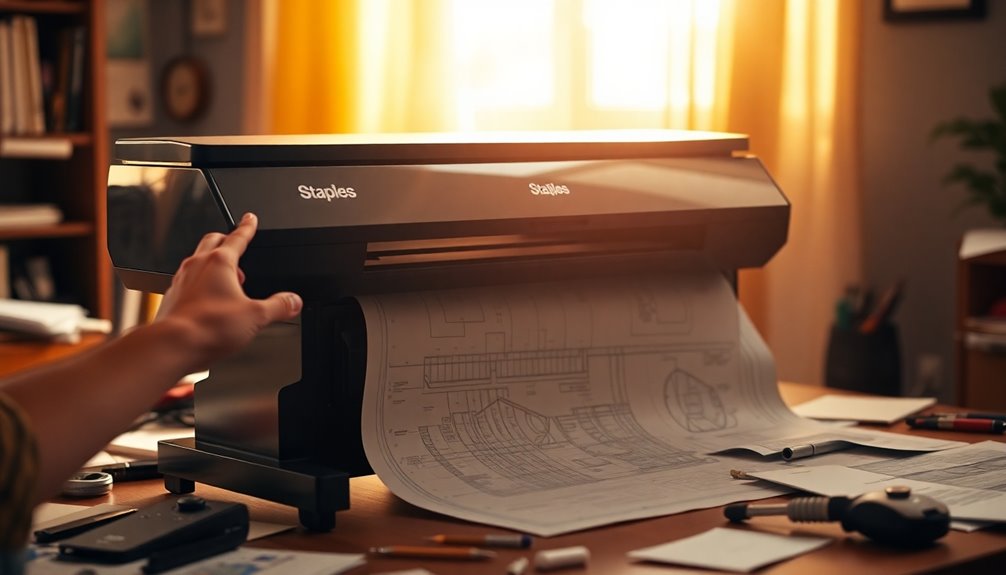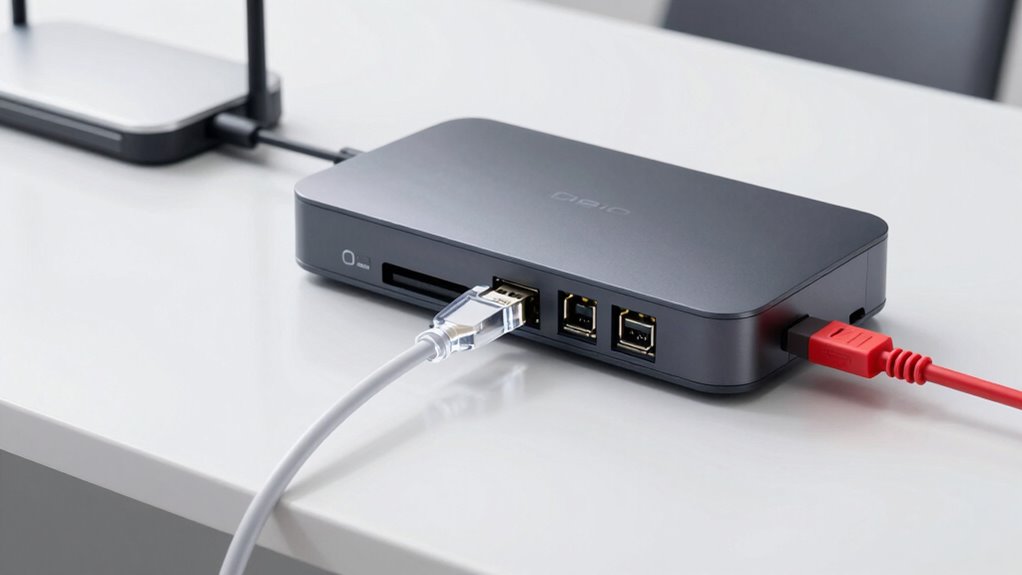

Choosing the best connection for your plotter depends on your needs. Wi-Fi offers wireless convenience, remote monitoring, and easy device sharing, but it requires proper security to protect your data. Ethernet provides a stable, high-speed connection ideal for large files and security-focused environments. USB is simple, affordable, and quick for straightforward setups. To find out which option suits your workspace best, explore the details below.
Key Takeaways
- Choose Wi-Fi for flexible placement, remote monitoring, and cloud integration, with security measures in place.
- Use Ethernet for high-speed, stable connections suitable for large data transfers and environments prioritizing security.
- Opt for USB for simple, reliable, and quick setup, ideal for minimal mobility and small-scale printing needs.
- Consider network infrastructure, security requirements, and workspace layout when selecting the best connection type.
- Balance performance and convenience: Wi-Fi offers wireless flexibility, Ethernet provides stability, and USB ensures straightforward operation.

Monoprice MakerCraft Desktop Craft Cutter and Plotter, Accepts 12in Media, USB, Offers Touch Screen Control and WiFi, with SCAL 5 PRO Software
Save Time: Time saving features like duplicate, batch process and keyboard shortcuts make it possible for designers to…
As an affiliate, we earn on qualifying purchases.
As an affiliate, we earn on qualifying purchases.
How Do Wi‑Fi, Ethernet, and USB Differ for Plotter Connectivity?
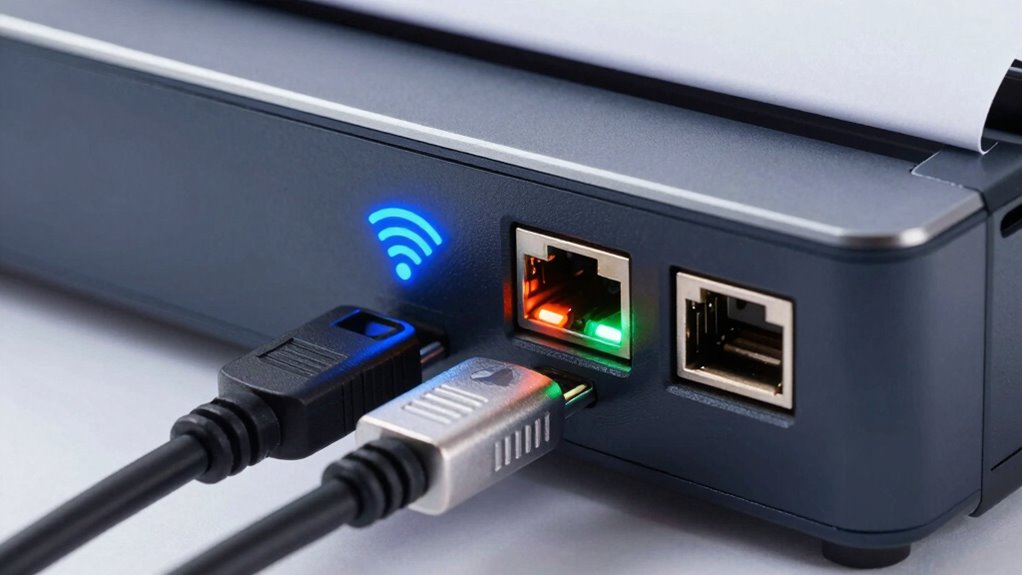
When choosing a connectivity option for your plotter, understanding how Wi-Fi, Ethernet, and USB differ is essential. Wi-Fi offers wireless convenience, allowing flexible placement and easy sharing across multiple devices. However, it can pose network security risks if not properly protected. Ethernet provides a stable, secure connection ideal for high-volume printing, with less vulnerability to interference. It’s often more cost-effective in the long run, especially for office setups, since it doesn’t require additional wireless hardware. USB is simple to use and typically cheaper upfront, but it’s limited to direct connections and doesn’t support multiple users easily. Considering network security and cost considerations helps you select the best option, balancing convenience, safety, and budget for your specific printing needs. Understanding network security is crucial when opting for wireless connections to protect sensitive data. Additionally, evaluating the bandwidth requirements of your printing environment ensures that your chosen connection can handle your workload efficiently. Being aware of connection stability can also influence your choice, particularly for large or critical print jobs.

Ethernet Adapter for Starlink Gen 2 (Plug and Play), for Starlink utr-211 Router Ethernet Dongle, Fast & Stable Connection for Starlink Standard Actuated Gen2 Splitter RJ45 Wired Network Extender
Designed for the Starlink Gen 2: This starlink ethernet port splitter enables wired ethernet connection for Starlink's satellite…
As an affiliate, we earn on qualifying purchases.
As an affiliate, we earn on qualifying purchases.
Key Factors to Consider When Choosing a Plotter Connection
Choosing the right plotter connection involves evaluating several key factors to guarantee it meets your specific needs. Wireless security is critical; verify the connection offers robust encryption to protect sensitive files. Network compatibility is equally important—confirm the connection works seamlessly with your existing network infrastructure and devices. Consider how easily you can integrate the plotter into your setup and whether it supports your network’s protocols. Speed and reliability also matter; a stable connection minimizes printing delays. Additionally, think about future scalability and whether the connection type allows for easy upgrades. When assessing these options, understanding network protocols can help you make a more informed decision. It’s also beneficial to consider support for high-bandwidth applications, which can impact performance in busy office environments. By appraising these factors, you’ll choose a connection that provides both security and compatibility, ensuring smooth, efficient printing tailored to your workflow. Incorporating smart automation features can also enhance your overall home or office setup, providing added convenience and security.

sweguard Printer Cable 10ft, USB-A to USB-B Cable, High Speed Nylon Braided Scanner Printer Cord for HP Canon Dell Epson Brother Lexmark Xerox Samsung Piano DAC & More-Black
[High Speed Transfer]: Up to 480 Mbps transfers data speed for USB 2.0 devices, the printer cable is…
As an affiliate, we earn on qualifying purchases.
As an affiliate, we earn on qualifying purchases.
What Are the Benefits of Using Wi‑Fi With Your Plotter?
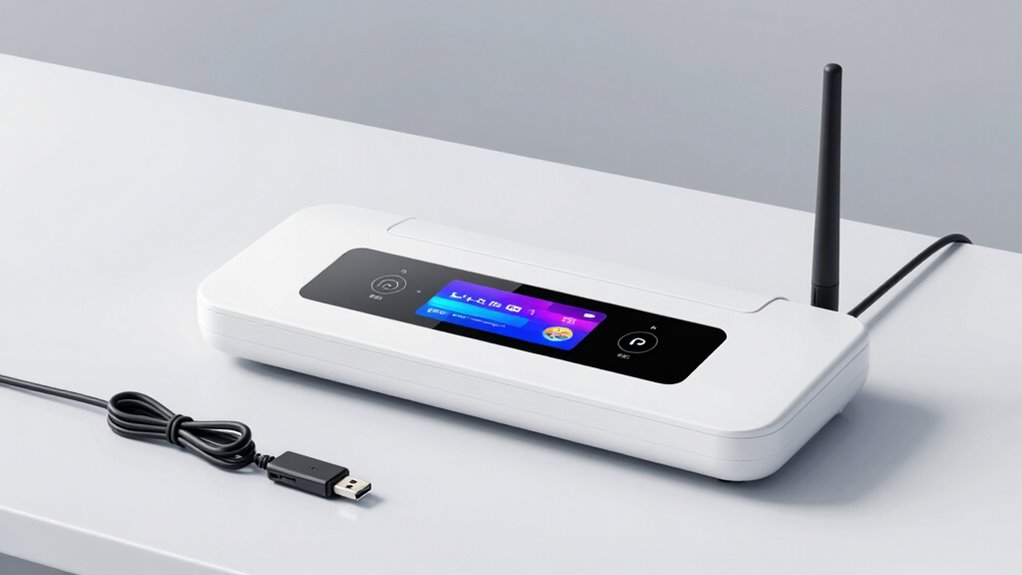
Using Wi-Fi with your plotter offers wireless convenience and flexibility, allowing you to place it wherever you need without tangled cords. It also makes device integration simple, so you can easily connect multiple devices without hassle. Plus, remote monitoring lets you keep an eye on your plotter’s status and progress from anywhere, saving you time and effort. Incorporating work-life harmony into your workflow can help prevent burnout and improve overall productivity. Additionally, leveraging local automation capabilities can streamline your printing tasks and enhance your overall setup. To optimize your system’s performance, choosing the right connectivity option can help improve instrument response and reliability. Ensuring your plotter’s connectivity setup matches your needs can also maximize battery efficiency and reduce downtime. Moreover, selecting the appropriate network type can assist in filter management and maintaining smooth operation.
Wireless Convenience and Flexibility
Wireless connectivity through Wi‑Fi offers you unmatched convenience and flexibility when operating your plotter. It allows you to print directly from multiple devices without cumbersome cables, streamlining your workflow. Plus, Wi‑Fi networks support wireless security measures to protect your data, giving you peace of mind. Bandwidth management ensures your plotter receives sufficient data speed, preventing delays during large file transfers. This flexibility helps you place your plotter anywhere within your network range, optimizing workspace layout. Additionally, understanding the latest wall art trends can inspire creative ways to display or utilize your printed materials for a more inspiring environment. Incorporating wireless network security best practices can further safeguard your printing environment against potential threats. Moreover, choosing a reliable Wi‑Fi connection is essential to maintain consistent performance during critical printing tasks. To maximize performance, selecting a high-quality router can significantly improve your wireless experience and reduce connectivity issues. Furthermore, monitoring your network’s bandwidth usage ensures your plotter operates smoothly without interruptions.
Easy Device Integration
Integrating your plotter with Wi‑Fi simplifies the way you connect and manage your devices. With cloud integration, you can easily send files and updates directly to your plotter without physical connections, streamlining workflows. Wi‑Fi also enhances power management by allowing your device to operate efficiently, reducing the need for constant manual intervention. This setup minimizes clutter and makes setup faster, saving you time and effort. You can also update firmware or software remotely, ensuring your plotter stays current without disrupting your work. Overall, Wi‑Fi makes device integration smoother, more flexible, and more efficient, helping you focus on your projects rather than technical hurdles. It’s a versatile, reliable solution for seamless connectivity. Home storage solutions can further optimize your workspace by keeping related equipment organized and easily accessible. Additionally, choosing a secure network connection is essential to protect your data and maintain operational integrity. Employing reliable wireless protocols can enhance both security and performance for your connected devices. Incorporating wireless security measures further safeguards your network from potential threats, ensuring safe and dependable operation. For optimal performance, regularly checking your network health can prevent connectivity issues and ensure your plotter remains responsive.
Remote Monitoring Capability
When your plotter is connected to Wi‑Fi, remote monitoring becomes straightforward and highly effective. You can track job progress, monitor device status, and troubleshoot issues from anywhere, saving time and reducing downtime. Wi‑Fi enables seamless integration with cloud security protocols, ensuring your data stays protected during remote access. It also offers broad hardware compatibility, allowing you to connect with various devices and platforms without hassle. This flexibility means you can easily update firmware, access logs, and control your plotter remotely, enhancing productivity. With reliable Wi‑Fi connectivity, you gain real-time insights into your plotter’s performance, allowing proactive maintenance and quick response to problems. Overall, Wi‑Fi makes remote monitoring more convenient, secure, and compatible with your existing setup. Effective connectivity options help ensure consistent and reliable remote operation. Additionally, incorporating network security measures can further protect your data during remote access, especially when utilizing wireless networks.

Aviation Plotter Aviation Slide Rule with 8 Functions for Pilot Student Accessories Rotating Azimuth Plotter, WAC Charts, Air Navigation Plotter for Navigational Usage
Made of sturdy material to ensure durability even in extreme heat, withstand heat of up to 60 degrees…
As an affiliate, we earn on qualifying purchases.
As an affiliate, we earn on qualifying purchases.
When Is Ethernet the Best Choice for Plotting?
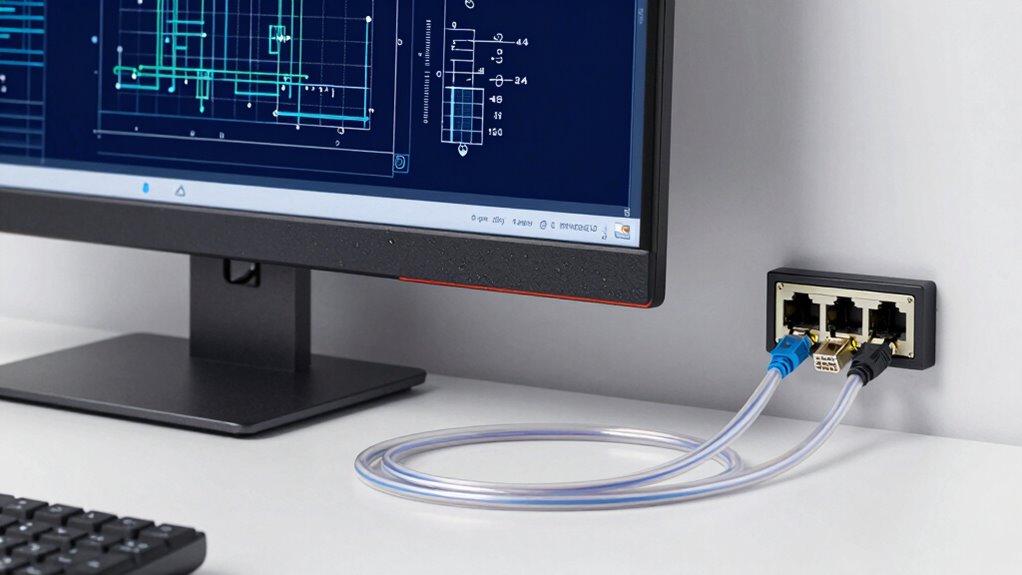
Ever wonder if Ethernet is the right choice for your plotting needs? Ethernet offers a reliable, high-speed connection ideal for large, detailed files. It’s especially beneficial when network security is a priority, as wired setups are less vulnerable to hacking than Wi-Fi. However, Ethernet can introduce compatibility issues if your plotter or network infrastructure isn’t compatible. Consider this table:
| Advantage | Limitation |
|---|---|
| Fast, stable data transfer | Potential compatibility issues |
| Enhanced network security | Requires physical cabling |
| Suitable for heavy data loads | Less flexible setup |
| Consistent connection quality | Setup may be complex |
Use Ethernet when your setup supports it, security matters, and you need dependable performance without wireless interference. Understanding network infrastructure can help determine the best connectivity option for your plotting needs.
Why Use USB for Plotter Connectivity?
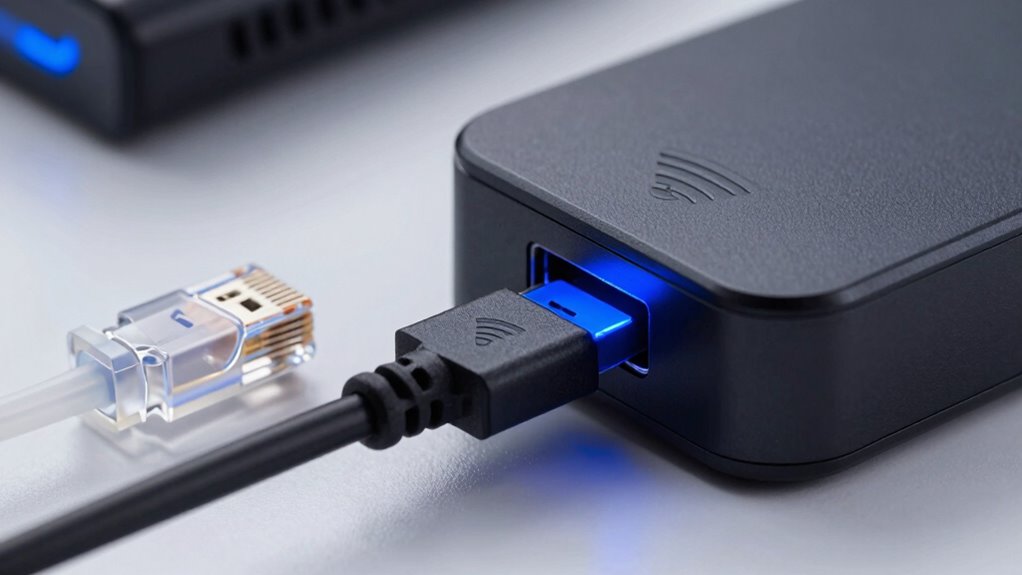
Using USB for plotter connectivity offers reliable data transfer, so your files move quickly and accurately. It also has a simple setup process, letting you get started without hassle. These advantages make USB a practical choice for smooth and consistent plotting.
Reliable Data Transfer
Reliable data transfer is vital for maintaining accuracy and efficiency when working with plotters, and USB connections excel in providing this stability. Unlike wireless options, USB offers a direct, stable link that minimizes data loss and corruption. This stability ensures your detailed designs transfer smoothly without errors. Additionally, USB connections support robust wireless security measures and data encryption, protecting sensitive plotting data from unauthorized access. This security is essential if your network isn’t fully isolated or if sensitive information is involved. With USB, you get a consistent, secure transfer process that reduces downtime and errors, ensuring your projects stay on schedule. In short, USB provides the dependable, secure connection needed to keep your plotter functioning at its best during intensive design tasks.
Simple Setup Process
Connecting a plotter via USB is straightforward and quick, making it an ideal choice for those who want minimal hassle. The setup process is simple: just plug the USB cable into your computer and the plotter, and you’re ready to go. USB connections eliminate the need for complex network configurations, reducing setup time substantially. Additionally, USB offers better hardware compatibility since most computers and plotters support standard USB ports. This direct connection also enhances wireless security, as it avoids potential vulnerabilities associated with wireless networks. You don’t need to worry about network interference or security breaches, providing peace of mind. Overall, using USB streamlines the setup process, ensuring a reliable, secure, and hassle-free connection for your plotter.
How to Set Up and Troubleshoot Your Plotter’s Connection
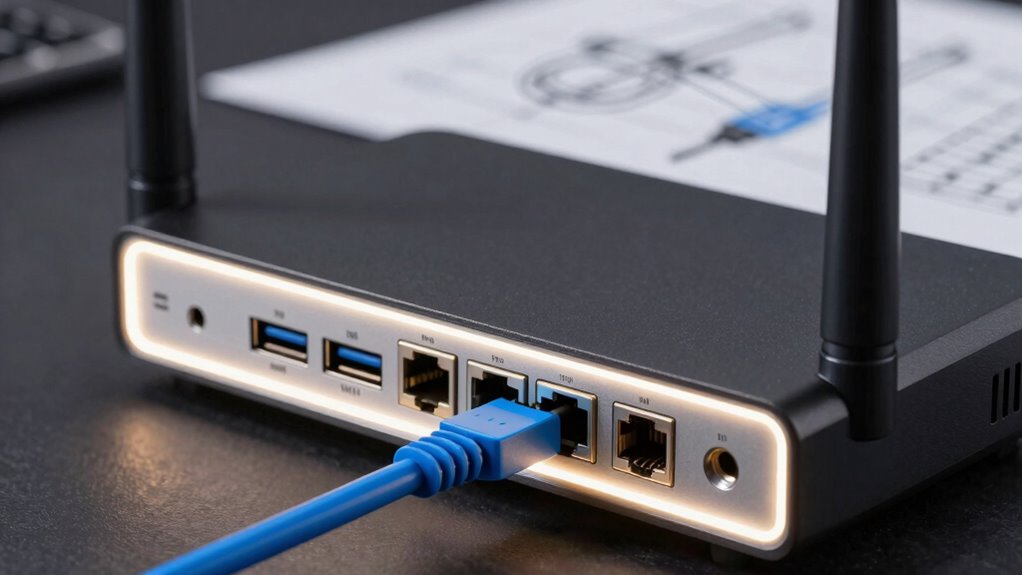
Setting up and troubleshooting your plotter’s connection can seem challenging at first, but with a clear approach, it becomes manageable. Start by checking the power supply; a stable connection guarantees your device powers on correctly. Next, verify your color calibration settings to prevent display issues that could affect printing quality. If you encounter connectivity problems, restart your plotter and router, then re-establish the connection. Ensure your USB, Ethernet, or Wi-Fi setup is correctly configured.
Here are four key steps to follow:
- Confirm the power supply is steady and secure
- Adjust color calibration settings if needed
- Reconnect cables or reconfigure wireless settings
- Use troubleshooting tools or consult manufacturer support
Which Connection Method Offers the Best Balance of Performance and Convenience?
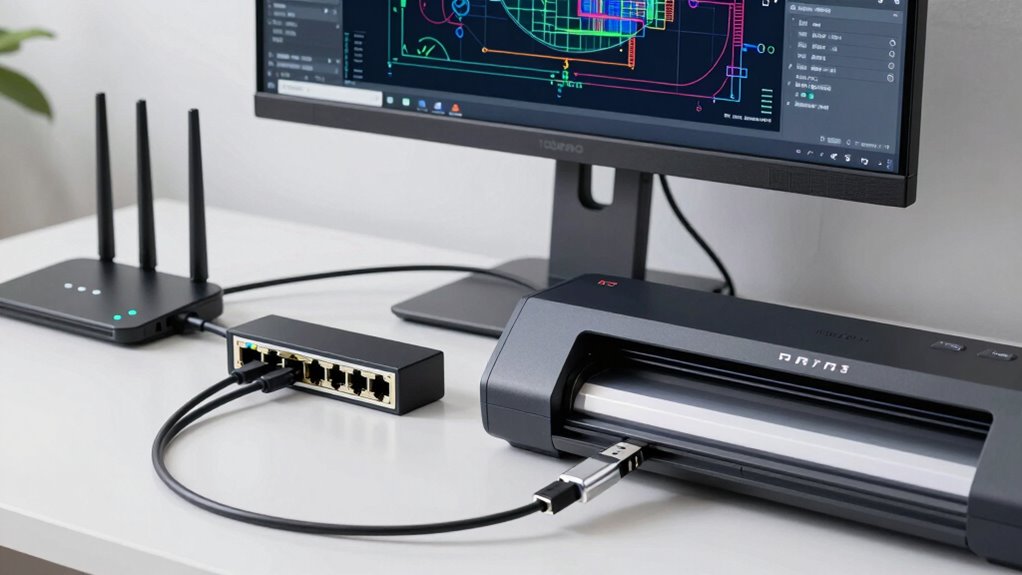
Choosing the right connection method depends on balancing performance and convenience to suit your workflow. Wi-Fi offers wireless security, allowing you to print from anywhere within range without cluttering your workspace with cables. However, guarantee your network is secure to prevent unauthorized access. Ethernet provides a reliable, high-speed connection with excellent cable compatibility, ideal for consistent performance but less convenient if you need mobility. USB is straightforward and easy to set up, offering fast data transfer and simple cable compatibility, but it limits you to close proximity. For most users, Wi-Fi strikes the best balance, combining convenience with sufficient performance, provided you implement proper wireless security measures. Consider your workspace layout and security needs to choose the optimal connection method for your plotter.
Frequently Asked Questions
Can Multiple Devices Connect to a Plotter Simultaneously via Wi-Fi?
Yes, multiple devices can connect to a plotter via Wi-Fi, but wireless interference might affect performance and stability. To guarantee smooth device synchronization, avoid crowded networks and interference sources. Using a dedicated Wi-Fi network for your plotter helps prevent connection drops. Keep firmware updated, and limit simultaneous connections if issues arise, to maintain reliable communication and efficient device management.
How Secure Is Each Connection Method Against Cyber Threats?
Think of each connection as a fortress guarding your data. Wireless encryption strengthens your defenses against cyber threats, but network vulnerabilities can still expose you if not properly secured. Ethernet offers a more direct, wired shield, making it harder for intruders to breach. USB connections are the most physical, reducing remote threats but risking physical access. Overall, Ethernet provides the most secure option, followed by well-encrypted wireless links, while USB is safest from cyber attacks.
What Is the Typical Range for Wi-Fi and Ethernet Connections?
Wi-Fi typically offers a range of about 100-150 feet indoors, but wireless interference from other devices or obstacles can diminish this. Ethernet cables generally provide a stable connection up to 100 meters (around 328 feet), depending on cable quality. When planning your setup, consider cable length limitations and potential wireless interference to guarantee reliable communication with your plotter.
Are There Compatibility Issues Between Different Connectivity Options and Plotter Models?
You might face compatibility challenges between connectivity options and plotter models, especially if firmware updates aren’t synchronized. Some plotters require specific protocols or ports, so verify your device supports your chosen connection. Always check the manufacturer’s guidelines and keep firmware updated to avoid issues. Staying informed about compatibility ensures smooth operation, whether you use Wi-Fi, Ethernet, or USB, and helps prevent connectivity problems down the line.
How Do Network Interruptions Impact Plotter Performance?
Network interruptions can cause up to 30% of plotter errors, severely impacting your workflow. When network stability drops or signal interference occurs, your plotter may experience delays, incomplete jobs, or data corruption. To keep things running smoothly, guarantee a reliable connection, minimize interference sources, and regularly check your network’s health. Stable connectivity helps you avoid costly downtime and maintains high-quality, timely plotting results.
Conclusion
Choosing the right connection for your plotter is like picking the perfect bridge—it’s the link that brings your creative journey to life. Whether you prioritize speed, convenience, or reliability, each option has its place. By understanding your needs and the strengths of Wi-Fi, Ethernet, or USB, you’ll build a sturdy pathway to turn your ideas into reality. Trust in your choice, and watch your projects flow seamlessly across the canvas of possibilities.