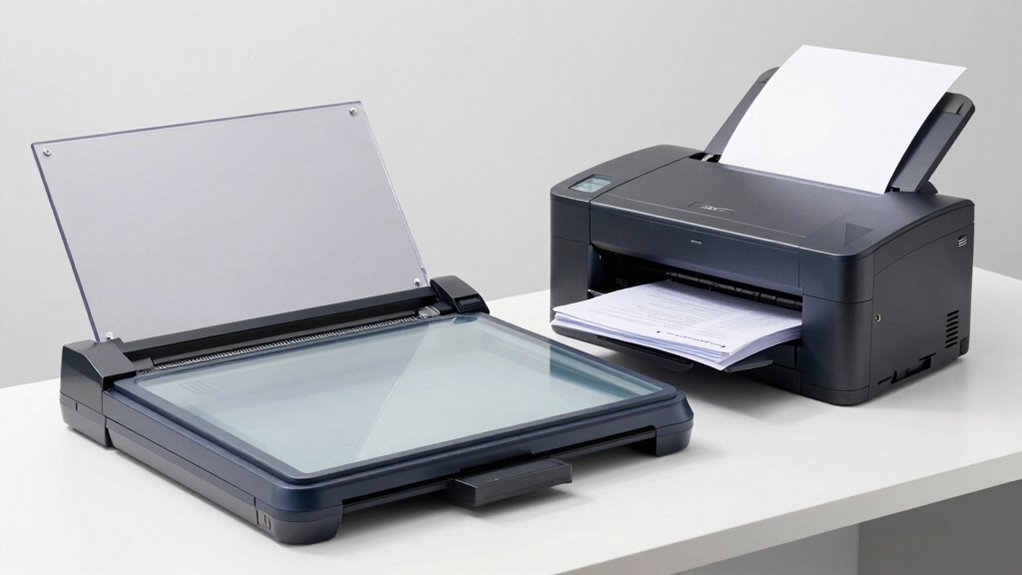

Choosing between a flatbed and a sheetfed scanner depends on your workflow needs. If you handle detailed images, fragile materials, or artwork, a flatbed offers high-resolution scans and versatility. For bulk document processing, a sheetfed scanner provides faster speeds and efficiency. Consider your document types and volume to decide which suits you best. To discover more about matching scanners to your workflow, explore further details ahead.

Get business pricing on monitors, keyboards and dev gear
- Business-only prices and quantity discounts
- Tax-exempt purchasing
- Multiple users, one account, clear invoices
Key Takeaways
- Choose flatbed scanners for detailed images, fragile materials, and versatile document types; opt for sheetfed scanners for high-volume, standard paper processing.
- Flatbeds offer high-resolution imaging suitable for artwork and biodiversity documentation, while sheetfed models prioritize speed for bulk tasks.
- Flatbed maintenance is crucial for detailed tasks, whereas sheetfed scanners are more efficient for continuous, high-speed document processing.
- Workflow integration depends on scanner features; flatbeds suit detailed, occasional use, while sheetfed models excel in high-volume environments.
- Material fragility influences choice: delicate or irregular items require flatbeds, standard papers are best with sheetfed scanners.
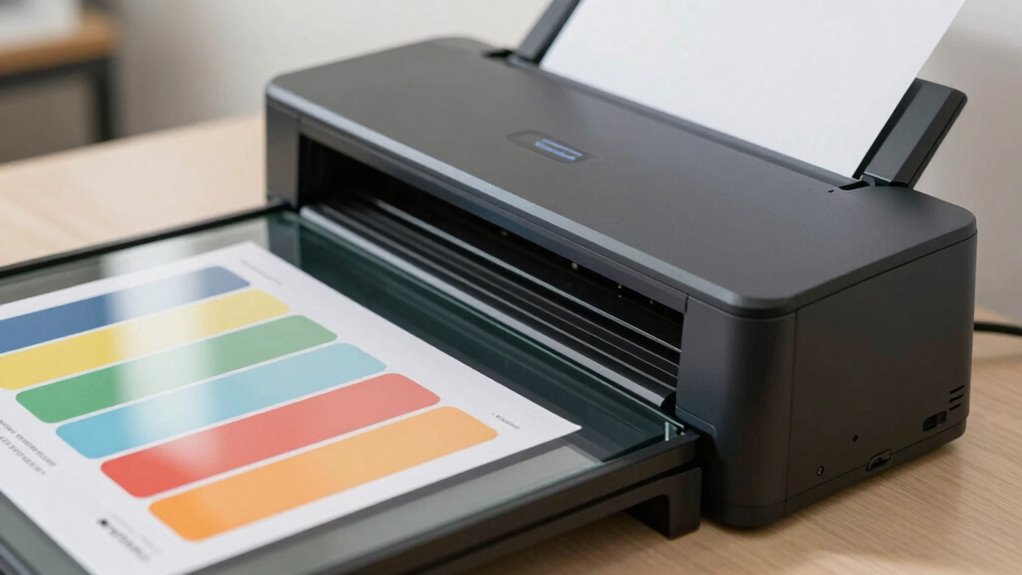
When choosing between these two, think about the type of documents you’ll be scanning most often. If your priority is capturing detailed images or artwork, a flatbed with a higher image resolution will serve you best, even if it’s a bit slower. Conversely, if your workflow involves processing large quantities of documents quickly, a sheetfed model with a high scanning speed will boost your productivity. Consider also the types of materials you’ll be scanning; flatbeds are more versatile with different sizes and fragile items, while sheetfed scanners are optimized for standard paper formats and bulk processing. Additionally, understanding the scanning technology behind each type can help you make a more informed decision based on your specific requirements. For example, some flatbed scanners incorporate high-resolution sensors that are essential for detailed imaging, which can be crucial for certain biodiversity documentation. Moreover, the scanning process itself can influence the quality and efficiency of your workflow, especially when dealing with delicate or irregularly shaped items. Incorporating appropriate maintenance practices can help prolong the lifespan of your scanner and maintain optimal performance. Ultimately, your decision hinges on balancing image quality and scanning speed to match your specific needs, ensuring you choose a scanner that seamlessly integrates into your workflow.
high-resolution flatbed scanner for artwork
As an affiliate, we earn on qualifying purchases.
As an affiliate, we earn on qualifying purchases.
Frequently Asked Questions
Which Scanner Type Is More Cost-Effective Long-Term?
A sheetfed scanner tends to be more cost-effective long-term because it offers faster scanning speed and requires less maintenance, leading to potential cost savings. If you’re mindful of budget considerations, it can handle high volumes efficiently, reducing labor costs. Flatbed scanners might be pricier initially and upkeep can add up, making sheetfed options a smarter choice for ongoing expenses and long-term affordability.
How Do Scanners Handle Fragile or Damaged Documents?
A stitch in time saves nine, especially with fragile documents. You can handle delicate pages carefully by choosing a scanner designed for document preservation, often a flatbed scanner, which offers gentle handling. Flatbeds allow you to scan fragile or damaged documents without risking further harm, while sheetfed scanners might cause tears or damage. Always use the appropriate settings and handling techniques to protect and preserve your delicate papers.
Are There Specific Software Requirements for Each Scanner Type?
You’ll find that each scanner type has specific software compatibility needs. Flatbed scanners often come with robust software options and a user-friendly interface, making them easy to customize. Sheetfed scanners usually have streamlined software designed for quick, bulk scanning, but it might have a simpler user interface. Confirm your chosen scanner’s software is compatible with your operating system and suits your workflow, whether you prioritize ease of use or advanced features.
Can Flatbed and Sheetfed Scanners Be Used Together Efficiently?
Yes, you can use flatbed and sheetfed scanners together efficiently, especially if your workflow involves double-sided scanning and color accuracy. You might start with the sheetfed scanner for quick, bulk scans, then switch to the flatbed for detailed or delicate documents. This coincidence allows you to optimize speed and quality, leveraging each scanner’s strengths without sacrificing efficiency or image fidelity. Just guarantee your software supports seamless integration.
What Are the Maintenance Needs for Each Scanner Type?
You need to perform regular cleaning routines on both scanner types to keep them dust-free and guarantee clear scans. Flatbed scanners require careful cleaning of the glass surface, while sheetfed scanners need you to clear paper jams and clean rollers. Calibration needs vary; flatbeds may need periodic calibration for color accuracy, whereas sheetfed models often require calibration of rollers or sensors to maintain performance. Regular maintenance keeps your scanner functioning smoothly.
high-speed sheetfed document scanner
As an affiliate, we earn on qualifying purchases.
As an affiliate, we earn on qualifying purchases.
Conclusion
Choosing between a flatbed and sheetfed scanner is like selecting the right brush for your masterpiece—you need the perfect tool to bring your vision to life. Flatbeds offer a gentle, detailed touch for delicate, oversized, or fragile documents, while sheetfed scanners move swiftly like a racing comet for high-volume tasks. By understanding your workflow’s rhythm, you’ll find the ideal partner that transforms your scanning needs into a seamless symphony of efficiency.
document scanner for fragile papers
As an affiliate, we earn on qualifying purchases.
As an affiliate, we earn on qualifying purchases.
professional biodiversity documentation scanner
As an affiliate, we earn on qualifying purchases.
As an affiliate, we earn on qualifying purchases.
Halloween Picks
halloween
As an affiliate, we earn on qualifying purchases.