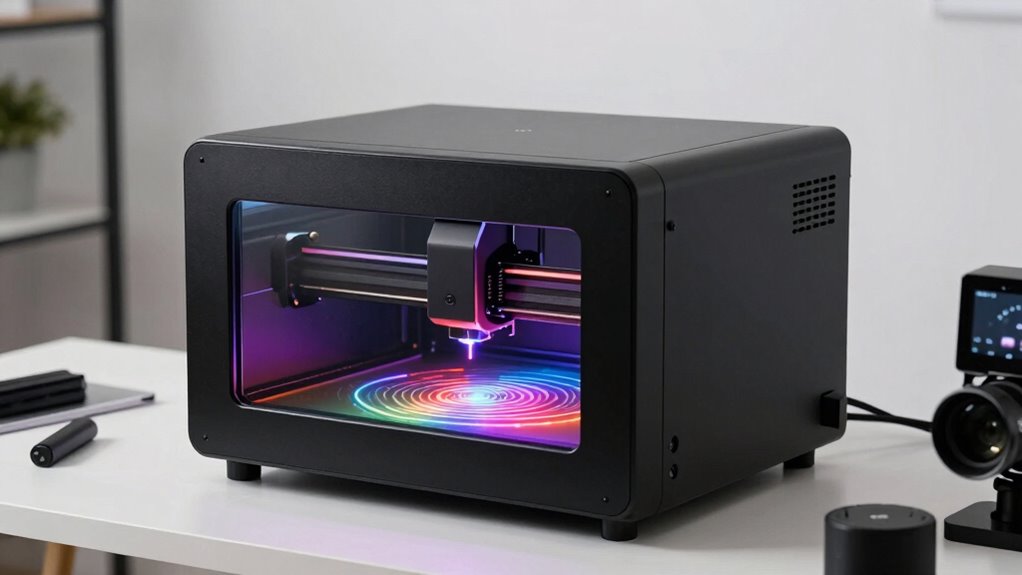

Enclosed laser engravers are easier to live with because they keep fumes, debris, and dust contained, creating a cleaner and safer workspace. They reduce your exposure to harmful radiation and help prevent accidental beam exposure. These machines need less maintenance since they protect internal parts from dust and humidity, saving time and money. Plus, their safety features give you peace of mind during operation. Stay with us to discover how these benefits can make your engraving projects even more enjoyable.
Key Takeaways
- Enclosed laser engravers contain fumes, debris, and dust, reducing cleanup and maintaining a cleaner workspace.
- They enhance safety by acting as barriers against accidental beam exposure and harmful radiation.
- Enclosures protect internal components from dust, humidity, and external damage, extending machine lifespan.
- They require less constant monitoring for fumes and debris, allowing focus on creative work.
- Enclosures simplify maintenance with integrated filtration and easier access to parts, lowering downtime.
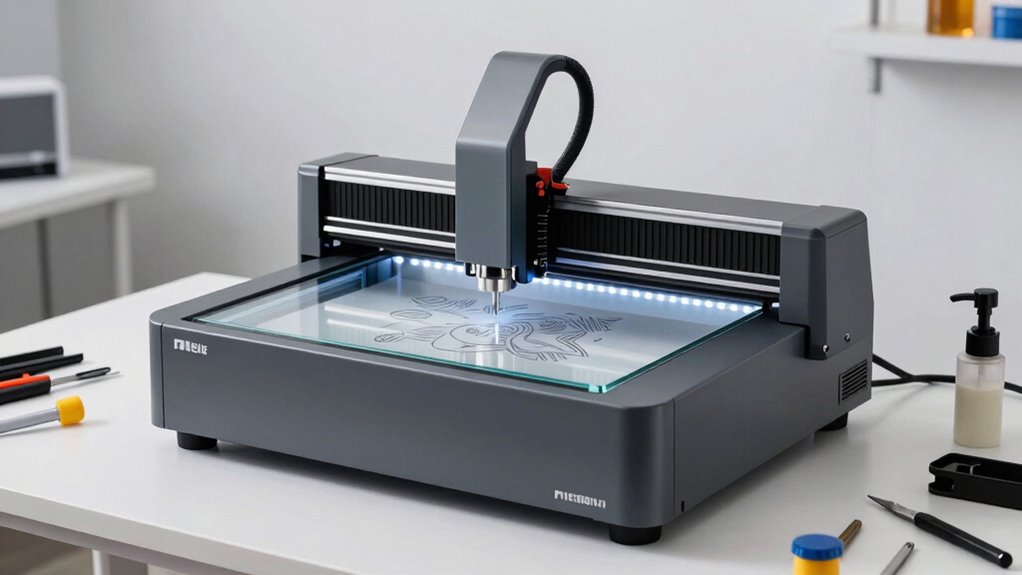
Enclosed laser engravers are becoming increasingly popular for their safety and precision, making them ideal for both hobbyists and professionals. When you choose an enclosed model, you immediately reduce the risk of accidental exposure to laser beams, which is a primary safety consideration. The enclosure acts as a barrier, keeping the laser’s fumes and debris contained, so you don’t have to worry about dust or particles flying around during operation. This design also minimizes your exposure to harmful laser radiation, making it safer to operate without the need for extensive protective gear.
Enclosed laser engravers enhance safety by containing fumes, debris, and reducing exposure to harmful laser radiation.
Because safety is built into the design, enclosed laser engravers tend to be more user-friendly, especially if you’re new to laser cutting. You won’t need to constantly monitor the machine for fumes or debris, and you can focus more on your work rather than safety precautions. This peace of mind makes the entire process less stressful, and you can set up and run your projects with confidence. Plus, the enclosure helps maintain a controlled environment, which can improve the quality of your engravings and cuts by reducing external interference like dust or airflow disturbances. Environmental protection is also a key benefit, helping to keep your workspace cleaner and safer.
Maintenance requirements for enclosed laser engravers are often lower compared to open models. Since the enclosure contains dust, fumes, and debris, you won’t have to clean your workspace as frequently or deal with particles settling on your equipment. Regularly, you’ll need to check and clean the laser lens and mirrors, as these components are essential for precision and should be kept free of dust and residue. Many enclosed units come with integrated filtration systems that require periodic replacement or cleaning, simplifying the overall maintenance process. This means less downtime and fewer unexpected repairs, so you can focus more on your projects instead of troubleshooting. Additionally, dust containment helps prevent the buildup of particles that could otherwise impair laser performance over time. Proper ventilation systems further enhance safety and extend the lifespan of your machine.
Furthermore, the enclosed design helps protect internal components from environmental factors like humidity and dust, which can otherwise accelerate wear and tear. This protective enclosure also contributes to the longevity of your machine by shielding it from external damage. As a result, your machine stays in better condition longer, reducing overall maintenance costs over its lifespan. The ease of access to essential parts, combined with the protective enclosure, makes routine upkeep straightforward. You’ll find that maintaining your enclosed laser engraver is more about regular cleaning and sensor checks rather than extensive disassembly or complicated procedures. Additionally, safety considerations are often better addressed in enclosed models, providing extra peace of mind during operation.
enclosed laser engraver with filtration system
As an affiliate, we earn on qualifying purchases.
As an affiliate, we earn on qualifying purchases.
Frequently Asked Questions
How Do Enclosed Laser Engravers Compare in Cost to Open Models?
Enclosed laser engravers generally cost more upfront than open models due to their protective casing and added features, but they offer better safety and cleaner operation. When considering affordability factors, you’ll find that the higher initial investment can save you money long-term by reducing maintenance costs and minimizing hazards. The cost comparison shows that while open models are cheaper initially, enclosed engravers often prove more economical over time because of their durability and safety benefits.
Are Enclosed Laser Engravers Suitable for Large-Scale Production?
Sure, enclosed laser engravers are suitable for large-scale production because they streamline safety concerns and reduce noise levels. You’ll find that their enclosed design contains fumes and debris, making operations safer and cleaner. While they may have some size limitations, advanced models handle high-volume jobs efficiently. This setup helps you produce more products with less fuss, making large-scale projects more manageable, safer, and less noisy.
What Maintenance Is Required for Enclosed Laser Engravers?
You need to regularly clean the dust collection system and check the ventilation systems to keep your enclosed laser engraver running smoothly. Replace filters as needed and clear out any accumulated debris to prevent buildup. Keep the exhaust fans functioning properly to guarantee proper airflow and safety. Routine inspections and cleaning help maintain peak performance, reduce downtime, and prolong the lifespan of your engraver, making maintenance straightforward and manageable.
Can Enclosed Laser Engravers Be Used for Cutting, Not Just Engraving?
Yes, enclosed laser engravers can be used for cutting, not just engraving. You need to take into account material compatibility, ensuring the machine can handle materials like wood, acrylic, or leather effectively. Safety considerations are vital, so always follow manufacturer guidelines and wear proper protective gear. Enclosed units provide a safer environment, reducing the risk of fumes and debris, which makes cutting with an enclosed laser more manageable and safer for everyday use.
How Do Enclosed Laser Engravers Handle Different Material Types?
Like a chameleon adapts to its surroundings, enclosed laser engravers handle various materials effortlessly. They are designed with diverse material compatibility in mind, allowing you to work with wood, acrylic, leather, and more. Enhanced safety features protect you from fumes and laser exposure, making the process safer. This combination of adaptability and safety makes enclosed laser engravers a reliable choice for handling different materials with confidence.
safety features laser engraver
As an affiliate, we earn on qualifying purchases.
As an affiliate, we earn on qualifying purchases.
Conclusion
In sum, enclosed laser engravers create a safer, sparser, and simpler space to craft your custom creations. Their sealed systems reduce risks, resist messes, and make maintenance manageable. With these benefits, you’ll find your workspace more welcoming and worry-free. So, if you want a smoother, safer, and smarter engraving experience, embracing an enclosed laser engraver is a brilliant, beneficial choice. Better boundaries mean better, brighter projects, making your creative journey more enjoyable and effortless.
dust and fume containment laser cutter
As an affiliate, we earn on qualifying purchases.
As an affiliate, we earn on qualifying purchases.
low maintenance laser engraving machine
As an affiliate, we earn on qualifying purchases.
As an affiliate, we earn on qualifying purchases.