
TL;DR

Get monitors, keyboards and dev gear delivered free — and shop member deals
- Fast, free delivery on millions of items
- Access to Prime Big Deal Days deals on October 6–7
- Prime Video, Amazon Music and more included
Ratty is a new terminal emulator that supports inline 3D graphics, offering a novel way to visualize data directly within the terminal. Its development could impact how developers and data scientists interact with command-line tools.
Developers have unveiled Ratty, a terminal emulator that uniquely supports inline 3D graphics, representing a significant advancement in command-line interface technology.
Ratty is designed to integrate 3D visualizations directly within terminal sessions, allowing users to render complex graphics without switching to external applications. According to the project’s documentation, it leverages modern graphics APIs to embed 3D content inline, a feature not previously available in standard terminal emulators. The developer behind Ratty has demonstrated its capabilities by visualizing 3D models and data structures directly in the terminal window, aiming to enhance productivity and data comprehension for programmers, data scientists, and system administrators.
The project is open-source, with the code available on GitHub, and is currently in early development stages. Compatibility details indicate it runs on Linux systems, with plans for potential support on other platforms. The developer has emphasized that Ratty aims to be lightweight and customizable, integrating seamlessly with existing terminal workflows.
Why It Matters
This development could revolutionize how command-line users visualize complex data, making inline graphics a standard feature in terminal environments. It may impact fields such as data analysis, software development, and system monitoring by reducing the need to switch between multiple tools. If adopted widely, Ratty could influence future terminal emulator designs, pushing the boundaries of what is possible within text-based interfaces.
As an affiliate, we earn on qualifying purchases.
Background
Traditional terminal emulators have focused on text-based output, with limited graphical capabilities. While some terminals support basic images or inline graphics via ANSI escape codes, true 3D rendering has remained elusive. Recent advancements in graphics APIs and open-source development have opened possibilities for richer visualizations. Ratty’s introduction follows ongoing efforts to enhance terminal interfaces, but it is among the first to aim for full inline 3D graphics support. The project aligns with a broader trend of integrating more sophisticated visual tools into developer workflows, especially as data complexity grows.
“Our goal is to bring advanced 3D visualization directly into the terminal, enabling users to see complex models and data structures without leaving their command-line environment.”
— Ratty developer
“While still in early stages, Ratty has the potential to change how we interact with data in terminal sessions, making it more interactive and visually rich.”
— Open-source contributor
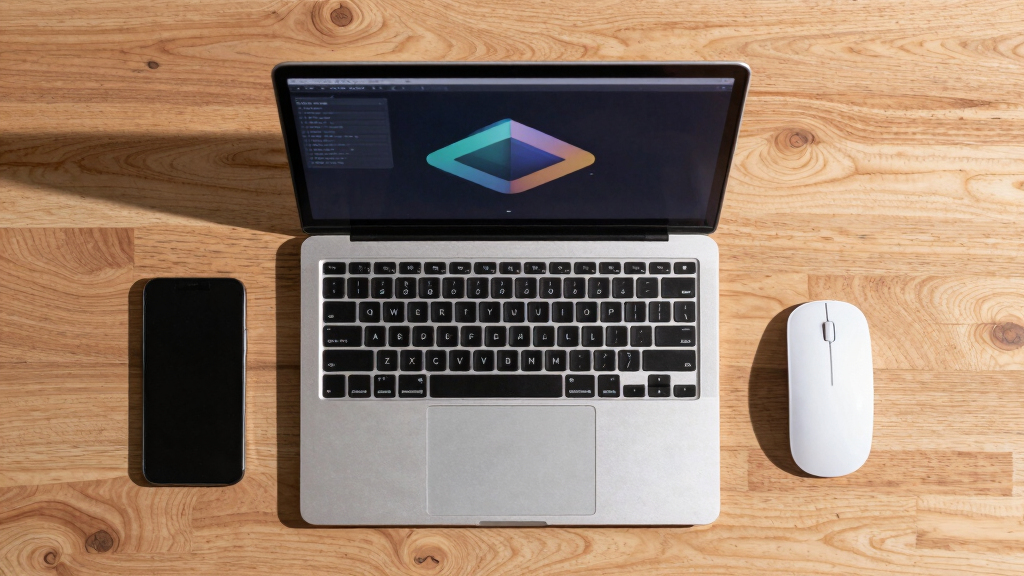
Linux terminal with inline 3D visualization
As an affiliate, we earn on qualifying purchases.
As an affiliate, we earn on qualifying purchases.
What Remains Unclear
It is not yet clear how stable or mature Ratty’s implementation is, or how broadly it will be adopted. Compatibility across different systems and integration with existing workflows remain to be tested. The project is in early development, and user feedback or real-world use cases are still emerging.
command-line data visualization tools
As an affiliate, we earn on qualifying purchases.
As an affiliate, we earn on qualifying purchases.
What’s Next
The developer plans to release more detailed documentation, gather user feedback through community testing, and improve compatibility and stability. Future updates may include support for additional platforms and enhanced rendering features. Watching for official releases and community demonstrations will be key to understanding its evolution.
As an affiliate, we earn on qualifying purchases.
Key Questions
What platforms will Ratty support?
Currently, Ratty is designed for Linux systems, with potential support for other platforms planned as development progresses.
Can I try Ratty now?
Yes, the project is open-source and available on GitHub. Early builds and documentation can be accessed for testing purposes.
What types of graphics can Ratty display?
Ratty aims to support inline 3D models and data visualizations, enabling complex visual content within terminal sessions.
Will Ratty replace existing terminal emulators?
It is too early to say. Ratty introduces new capabilities that could complement or eventually replace traditional terminals, depending on user adoption and stability.
Halloween Picks
halloween
As an affiliate, we earn on qualifying purchases.