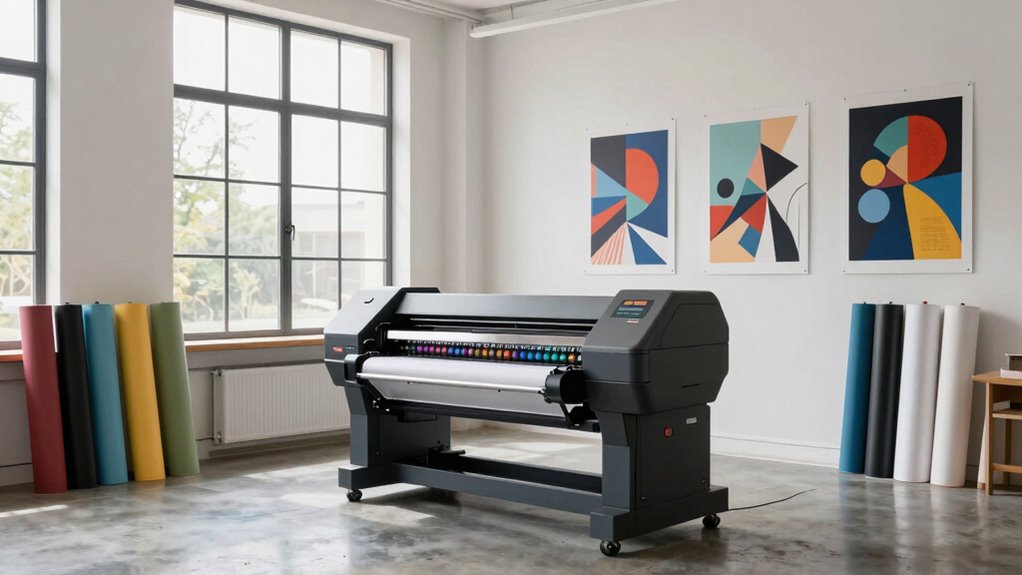
Placing your large-format printer thoughtfully can make or break your studio’s efficiency and output quality. If you position it too far from your workspace, you’ll waste time and disrupt your flow. Poor placement can also lead to environmental issues like high humidity or temperature fluctuations, affecting print quality and equipment longevity. Proper placement improves workflow, reduces noise disruptions, and makes maintenance easier. Keep these tips in mind, and you’ll discover how smart setup can transform your studio.

Get monitors, keyboards and dev gear delivered free — and shop member deals
- Fast, free delivery on millions of items
- Access to Prime Big Deal Days deals on October 6–7
- Prime Video, Amazon Music and more included
Key Takeaways
- Proper placement ensures quick access, boosting workflow efficiency and reducing production delays.
- Strategic positioning minimizes noise disruption, maintaining a comfortable environment for staff and clients.
- Correct location safeguards equipment longevity by protecting it from environmental hazards and ensuring stable conditions.
- Organized cable management and power access prevent hazards and facilitate easy maintenance or upgrades.
- Optimal placement supports consistent print quality by maintaining stable temperature, humidity, and environmental conditions.
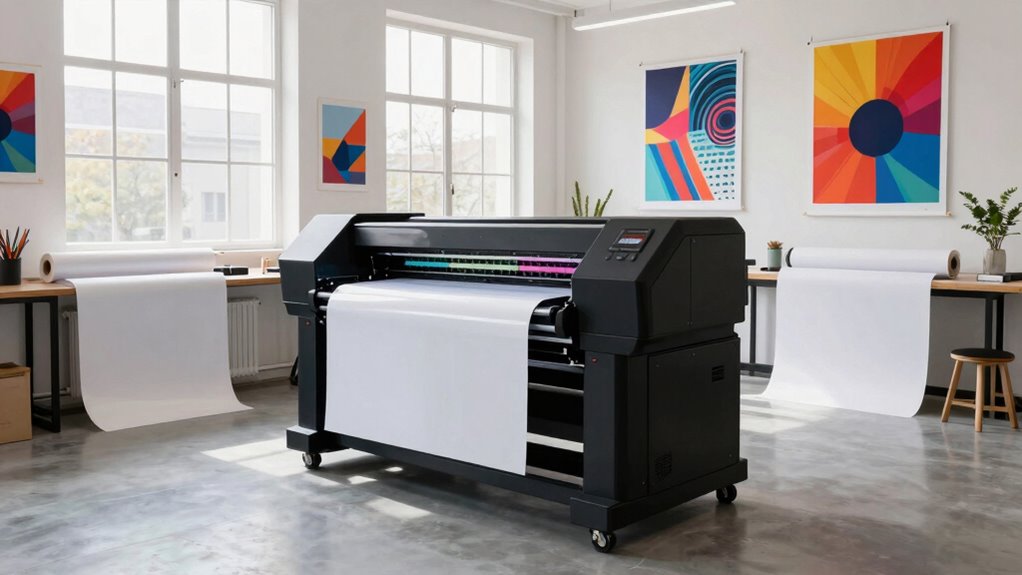
Where should you place a large-format printer to optimize its performance and longevity? The answer lies in creating an ergonomic workspace that prioritizes both efficiency and comfort. Positioning your printer correctly isn’t just about convenience; it’s about safeguarding your investment and maintaining high-quality output. First, consider the layout of your studio. You want the printer to be easily accessible without causing clutter or obstructing walkways. Placing it near your primary work area minimizes unnecessary movement, allowing you to start prints quickly and check on progress without hassle. An ergonomic workspace isn’t just about the user’s comfort—it also reduces strain and fatigue, which can lead to mistakes or injuries over time. Environmental factors play a significant role in the proper placement of your large-format printer. Ideal conditions include a stable temperature and humidity level, as fluctuations can affect print quality and cause mechanical issues. Keep the printer in an area away from direct sunlight, drafts, and sources of heat or cold that might disrupt its internal components. Proper ventilation is also essential; a well-ventilated space prevents overheating and ensures that fumes from certain materials don’t accumulate, which can be harmful and degrade the device’s performance. Sound levels are another consideration. Large-format printers can be noisy, so placing them in a location where noise won’t disturb your workflow or clients is wise. If noise is unavoidable, consider a separate room or a soundproofed corner. Additionally, avoid placing the printer near sensitive equipment like computers or monitors, as vibrations or electromagnetic interference could impact print precision or damage electronics. Ensuring the placement aligns with proper environmental conditions helps maintain consistent print quality and extends your printer’s lifespan. Incorporating effective cable management** strategies is crucial for safety and efficiency, reducing the risk of accidents or equipment damage. Proper placement also considers future accessibility, making it easier to perform maintenance or upgrades without disrupting your workspace. Locating your printer close to a reliable power source prevents frequent disconnections or surges. Keeping cables organized and out of the way reduces tripping hazards and minimizes stress on connections. This setup not only prolongs your printer’s lifespan** but also streamlines your workflow.
As an affiliate, we earn on qualifying purchases.
Frequently Asked Questions
How Does Printer Placement Affect Workflow Efficiency?
Proper printer placement boosts workflow efficiency by optimizing workspace and ensuring equipment accessibility. When you place your large-format printer strategically, you minimize unnecessary movement, allowing you to work faster and more smoothly. This setup promotes workflow optimization by making tools easy to reach, reducing downtime. As a result, your studio becomes more productive, and processes flow seamlessly, saving you time and effort on every project.
What Are Common Placement Mistakes to Avoid?
Imagine your studio’s chaos, with printers placed too close to windows or vents—this mistake can ruin color accuracy and cause inconsistent prints. Avoid placing printers near power sources or outlets that aren’t equipped for their power needs, risking frequent shutdowns. Keep airflow clear and maintain proper distance to guarantee peak color accuracy and efficient power management, preventing costly mistakes and workflow disruptions.
How Does Ventilation Impact Large-Format Printer Placement?
Ventilation considerably impacts large-format printer placement by ensuring proper airflow optimization and pollution control. You should position your printer in an area with good airflow to prevent heat buildup and reduce fumes from inks. Avoid enclosed or poorly ventilated spaces, as inadequate ventilation can lead to health issues and equipment inefficiency. Proper placement helps maintain air quality, protects your staff, and keeps your printer running smoothly.
What Safety Considerations Are Essential?
Imagine a harmonious dance where safety and efficiency intertwine. You should prioritize ergonomic setup to prevent strain and maintain productivity, ensuring your workspace is comfortable and accessible. Electrical safety is essential; keep cords organized, avoid overloading outlets, and regularly inspect connections. By blending these safety considerations, you create a secure environment that fosters smooth operations, reduces risks, and keeps your studio running seamlessly, like a well-orchestrated performance.
How Can Placement Influence Print Quality and Maintenance?
Your printer’s placement directly impacts print quality and maintenance. Proper positioning guarantees ideal print calibration, reducing errors caused by vibrations or uneven surfaces. It also promotes effective ink drying by maintaining good airflow and avoiding humidity buildup. Additionally, accessible placement simplifies routine maintenance, allowing you to easily clean and replace parts, which helps prevent clogs and extends your printer’s lifespan. Thoughtful placement ultimately enhances both output quality and operational efficiency.
ergonomic printer placement accessories
As an affiliate, we earn on qualifying purchases.
As an affiliate, we earn on qualifying purchases.
Conclusion
Ultimately, your studio’s success hinges on strategic printer placement. By balancing brightness with proximity, you’ll boost productivity and prevent problems. Proper positioning promotes peace, precision, and professional presentation—pivotal for your studio’s prosperity. Thoughtful placement transforms a simple space into a seamless, streamlined sanctuary where creativity can flourish without friction. So, stay strategic, stay savvy, and let your studio’s setup speak success through smart, sensibly situated large-format printers.
As an affiliate, we earn on qualifying purchases.
As an affiliate, we earn on qualifying purchases.
Halloween Picks
halloween
As an affiliate, we earn on qualifying purchases.