AI image upscaling changes your large-format print workflows by turning low-resolution images into high-quality, detailed files suitable for big prints. It analyzes patterns and textures to enhance clarity, color accuracy, and sharpness, saving you time and resources. You no longer need multiple shoots or manual retouching, making your process more efficient. If you keep exploring, you’ll discover how to maximize these tools for even better results.
Key Takeaways
- AI upscaling enables high-quality large prints from lower-resolution images, reducing reshoot and retouching needs.
- It accelerates workflows by instantly transforming images, saving time in project preparation.
- Maintains color accuracy and image sharpness, ensuring consistent, vibrant print results.
- Minimizes resource expenditure by eliminating multiple capture sessions and manual editing.
- Enhances decision-making by providing reliable, high-resolution previews of print quality.
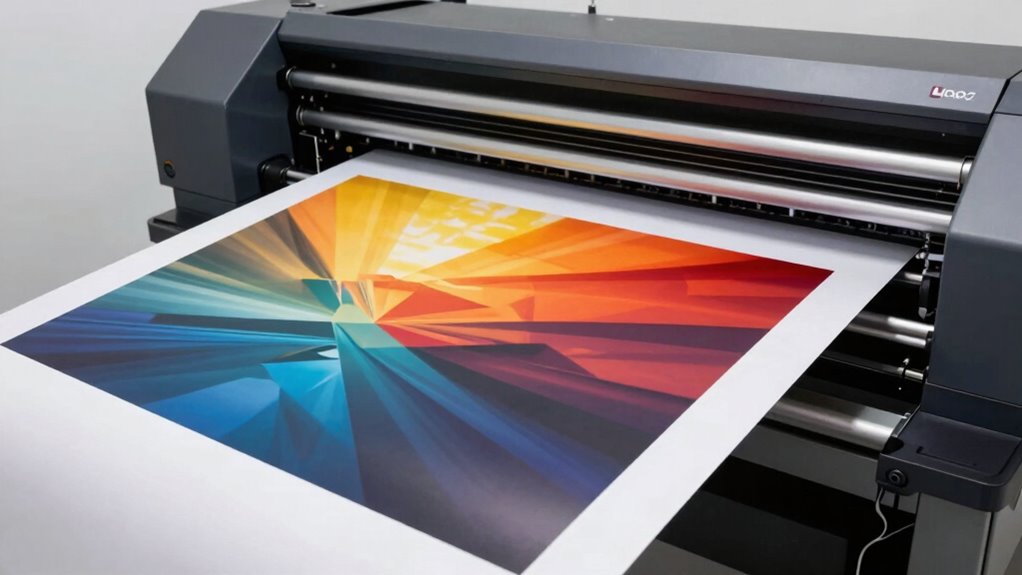
AI image upscaling is revolutionizing large-format print workflows by enabling you to produce high-quality, detailed prints from lower-resolution images. This technology allows you to take images that might have once been considered too small or lacking in detail and transform them into files suitable for massive, eye-catching prints. Instead of relying solely on the original digital resolution, AI algorithms intelligently enhance image quality by analyzing patterns and textures, filling in missing details with remarkable accuracy. This process assures that your printed visuals maintain sharpness and clarity, even when the source images are not originally designed for large-format reproduction. As a result, you can work with a broader range of images, saving time and resources while still delivering impressive results.
One of the key advantages of AI upscaling is its ability to improve color accuracy during the enhancement process. When enlarging images, traditional methods often lead to color distortions or a loss of vibrancy, which can diminish the overall impact of your prints. AI-powered tools, however, preserve and even enhance color fidelity by intelligently adjusting tones and hues as they upscale. This means your printed pieces will retain the richness and depth originally captured in the digital file, making your large-format displays more striking and true to life. Accurate color reproduction becomes especially critical when working with branding, fine art, or detailed photography, where every shade and nuance counts. Additionally, AI image upscaling streamlines your workflow by reducing the need for multiple capture or editing sessions. Instead of reshooting or manually retouching images to achieve higher resolution, you can simply feed the lower-resolution files into an AI system, which does the heavy lifting instantly. This not only accelerates project timelines but also minimizes the risk of quality loss that can occur with traditional enlargement methods. With AI, you get a more consistent, predictable output that aligns with your expectations, regardless of the original image quality. Understanding AI image upscaling is crucial for maximizing its benefits in large-format print workflows. Moreover, staying informed about image enhancement techniques can help you leverage the full potential of this technology in your projects. Additionally, familiarizing yourself with digital resolution and its role in print quality can help you make better decisions when preparing images for enlargement. Incorporating AI-driven tools into your workflow can further enhance efficiency and output consistency, ensuring your large-format prints stand out.
As an affiliate, we earn on qualifying purchases.
Frequently Asked Questions
How Does AI Upscaling Affect Print Color Accuracy?
AI upscaling can improve print color accuracy by enhancing resolution and maintaining color fidelity. As you use AI tools, they analyze and refine details, reducing blurriness that often distorts colors. This process guarantees that the final large-format print displays more precise colors, even at higher resolutions. Consequently, your prints will look sharper and more true to the original image, making AI upscaling a valuable asset for preserving color accuracy in large-format printing.
Can AI Upscaling Be Used With All Printing Materials?
AI upscaling can be used with many printing materials, but material compatibility varies. You need to verify if your specific substrate supports the high-resolution images produced by AI, especially for materials like vinyl, fabric, or specialty papers. Also, consider print durability, as some materials may not hold up well with AI-enhanced prints over time. Testing on small samples helps ensure the best results for your intended application.
What Are the Cost Implications of Integrating AI Upscaling?
Integrating AI upscaling can lead to significant cost savings by reducing the need for high-resolution original images and minimizing material waste. While there’s an initial investment risk in adopting new technology, the long-term benefits often outweigh costs, especially with improved efficiency and quality. You’ll save on printing materials and time, making it a smart move. Just make certain you evaluate the technology’s compatibility and potential ROI to offset the investment risk.
How Does AI Handle Complex or Detailed Images During Upscaling?
Think of AI upscaling like restoring a faded photograph. It handles complex or detailed images by focusing on texture preservation and detail enhancement, ensuring the fine lines and intricate patterns aren’t lost. AI algorithms analyze the image’s structure, intelligently filling in gaps without blurring or oversmoothing. This process preserves the richness of textures and enhances details, making the enlarged image sharp and vibrant—perfect for large-format printing where every detail counts.
Is Specialized Training Needed for Staff to Use AI Upscaling Tools?
You’ll need staff training to effectively use AI upscaling tools, especially to guarantee proper tool integration into your workflow. Training helps your team understand the software’s capabilities and limitations, reducing errors and improving output quality. By investing in this training, you enable staff to maximize the benefits of AI image upscaling, streamline processes, and produce high-quality large-format prints consistently.
large format print resolution enhancer
As an affiliate, we earn on qualifying purchases.
As an affiliate, we earn on qualifying purchases.
Conclusion
Just as Da Vinci’s mastery transformed blank canvases into timeless art, AI upscaling elevates your print workflows, turning smaller images into stunning large-format displays. It’s like having a secret palette that reveals new potential, making your projects sharper, more detailed, and ready to impress. Embrace this technology, and watch your creative visions come alive on a grand scale—proof that innovation is the brushstroke of progress in the world of printing.
As an affiliate, we earn on qualifying purchases.
high resolution image preview software
As an affiliate, we earn on qualifying purchases.
As an affiliate, we earn on qualifying purchases.