
🔍 Read the full analysis: 10 Drawing Tablets For Digital Art: Compare Your 2027 Options on ThorstenMeyerAI.com

Get business pricing on monitors, keyboards and dev gear
- Business-only prices and quantity discounts
- Tax-exempt purchasing
- Multiple users, one account, clear invoices
TL;DR
This 10-device comparison sorts drawing tablets by how they fit different workflows, including screen-free tablets, computer-connected pen displays, a standalone device and basic LCD writing boards. The source recommends the Wacom Intuos Pro Medium for desktop use and the HUION Kamvas 13 (Gen 3) for artists who want to draw on screen, while noting that the LCD boards are not substitutes for pressure-sensitive art tablets.
A comparison of 10 drawing-tablet options for 2027 recommends the Wacom Intuos Pro Medium for computer-connected desktop work and the HUION Kamvas 13 (Gen 3) for artists who prefer drawing directly on a screen. The list spans pressure-sensitive pen tablets, pen displays, a standalone device and basic LCD writing boards—products that serve different purposes rather than forming a single like-for-like ranking.
The source identifies the Wacom Intuos Pro Medium as its top overall choice, citing its larger work area, wireless connection and Pro Pen 3. It favors the HUION Kamvas 13 (Gen 3) for a compact screen-based setup and the HUION Inspiroy H1060P for desktop users seeking a broad active area and multiple shortcut controls. These are the source’s assessments, not independently verified performance results.
The 10 products named are the Wacom Intuos Pro Medium, HUION Kamvas 13 (Gen 3), HUION Inspiroy H1060P, Frunsi RubensTab T11 Pro, Wacom Intuos Small, HUION Inspiroy H640P, XP-Pen Artist models, and TQU LCD writing boards sold in four- and 12-pack sets. The supplied material does not identify specific XP-Pen Artist model numbers, so direct comparisons with individual products are not possible.
The comparison distinguishes pressure-sensitive art tablets from the TQU boards, which it describes as suitable for simple writing and doodling, not full digital-art workflows; artists considering AI-enabled tools can also explore AI-integrated drawing tablets. The source does not provide prices, test measurements, detailed compatibility lists or current stock information. Buyers should verify those details with manufacturers or retailers before choosing.
The 10 picks
- 1
 Wacom Intuos Pro Medium Bluetooth Drawing Tablet with Pro Pen 3View on Amazon →
- 2
 HUION Kamvas Pro 16 Drawing Tablet with ScreenView on Amazon →
- 3
 HUION Kamvas 13 (Gen 3) Pen Display Drawing Tablet, 13.3-inch, BlackView on Amazon →
- 4
 XP-Pen Artist 13.3 Pro Drawing Tablet with ScreenView on Amazon →
- 5
 Frunsi RubensTab T11 Pro Standalone Drawing TabletView on Amazon →
- 6
 HUION Inspiroy H1060P Graphics Drawing Tablet, 10 × 6.25 in, 12 Press Keys an…View on Amazon →
- 7
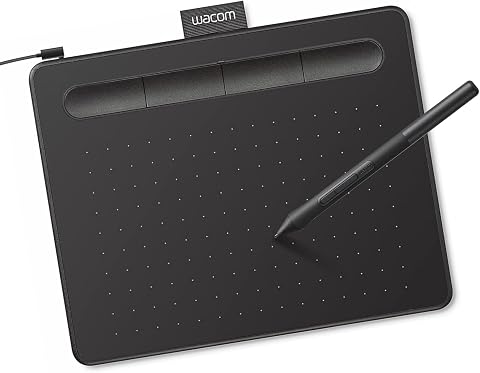 Wacom Intuos Small Wired Drawing Tablet with PenView on Amazon →
- 8
 HUION Inspiroy H640P 6 x 4 Inch Drawing TabletView on Amazon →
- 9
 TQU 8.5-Inch LCD Writing Tablets for Kids, 12-PackView on Amazon →
- 10
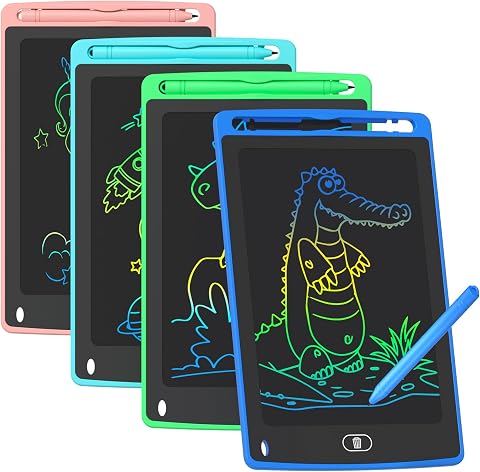 TQU 8.5-Inch LCD Writing Tablets for Kids, 4-PackView on Amazon →
Match the Tablet to Your Workflow
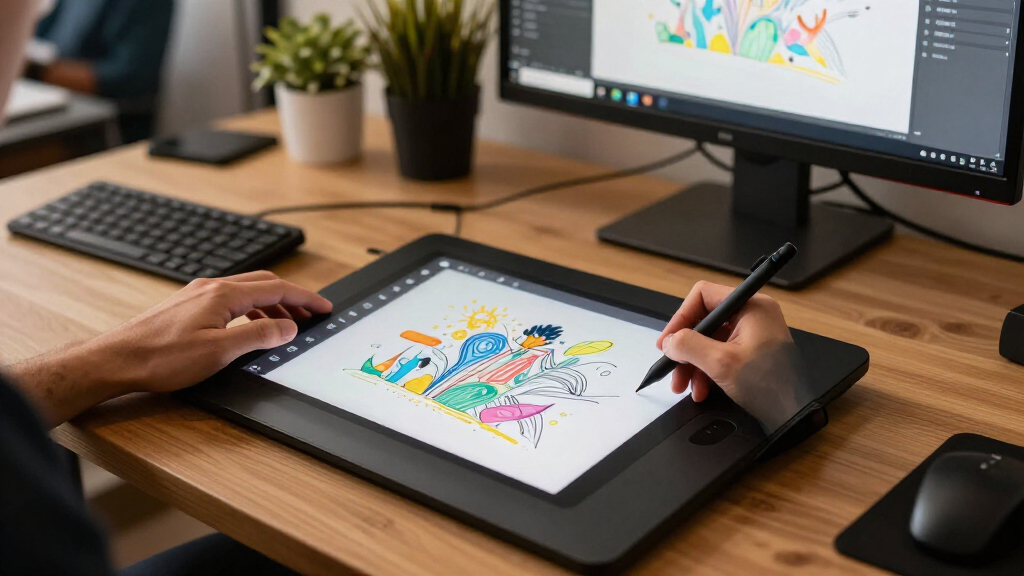
The key buying decision is not simply which device has the longest feature list. A screen-free pen tablet can keep a computer-based setup straightforward, but users draw on the tablet while looking at another display. A pen display places the image beneath the hand, although it still requires a computer and adds screen and cable considerations.
A standalone device such as the Frunsi RubensTab T11 Pro may suit someone seeking a setup that does not depend on a connected computer, but its software and file workflow determine what it can do. Compact tablets can fit crowded desks or travel bags, while smaller active areas may constrain larger hand movements. These differences affect everyday use more than a feature count alone.
For readers, the comparison is useful as a shortlist by setup type, not as a definitive lab ranking. Its practical distinction between art hardware and writing boards can help prevent buying a device that cannot support the intended drawing software or pressure-sensitive tools.
Products Worth Considering

Amazon Kindle Scribe (3rd Generation), 64GB, 11-inch Display, Graphite, with Premium Pen

Apple AirPods Pro 3 Wireless Earbuds with Active Noise Cancellation
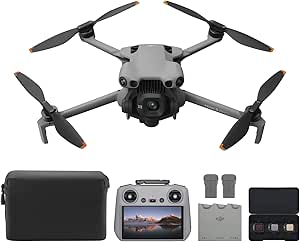
DJI Mini 5 Pro Fly More Combo Plus with DJI RC 2
As an affiliate, we earn on qualifying purchases.
Three Setups Behind the Picks
The products fall into three broad formats. Pen tablets have no built-in drawing screen and generally connect to a computer. Pen displays let users draw on screen but, according to the source, still rely on a connected computer. A standalone tablet can reduce that dependency, though its operating system, applications and storage shape its capabilities.
The source says it compared surface and screen type, pen controls, workspace, portability, connection requirements and intended use. It places versatility for digital art ahead of casual writing, which helps explain why the Wacom and HUION art devices rank above the TQU LCD sets. It does not disclose controlled testing procedures or a scoring system.
Details Buyers Still Need to Check
The source does not state when each product specification was checked, and the title’s reference to 2027 options does not establish that every model is newly released or available in every market. Prices, retailer availability, warranty terms and software or operating-system compatibility are not included in the supplied material.
It is also unclear which XP-Pen Artist models are included, and the source gives no named application tests or measured drawing-performance results. Its recommendations should be read as editorial judgments. Buyers should confirm device connections, active drawing area, pen support and compatibility for their own computer and software.
Verify Fit Before Purchase
The next step for a buyer is to decide whether the priority is a screen-free desktop workflow, direct on-screen drawing, standalone use or casual writing. Then check the manufacturer’s current specifications for computer and software compatibility, ports, active area, included cables and any required drivers. The supplied comparison does not announce a follow-up test or a future product release, so no additional milestone is confirmed.
Key Questions
Which tablet does the comparison recommend for most digital artists?
It names the Wacom Intuos Pro Medium, citing its larger work area, wireless connection and Pro Pen 3. That is the source’s recommendation, not an independently confirmed test result.
Do pen displays work without a computer?
Not according to the supplied comparison: it says the HUION Kamvas and XP-Pen Artist display models rely on a connected computer. Check each model’s manufacturer specifications before purchase.
Are the TQU LCD writing boards drawing tablets for digital art?
The source describes the TQU four- and 12-pack LCD boards as suitable for basic writing or doodling, not as replacements for pressure-sensitive tablets used with digital-art software.
What should buyers verify before choosing a model?
Check the active drawing area, computer or standalone requirements, ports, software compatibility, pen controls and current price. The supplied material does not give complete specifications or pricing for every listed product.
Source: ThorstenMeyerAI.com