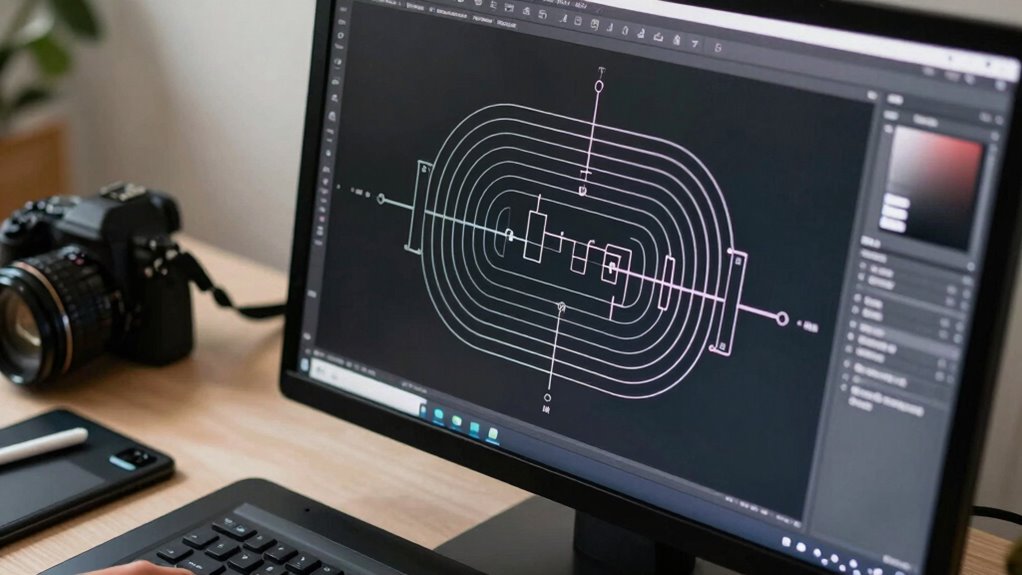

If you work with technical graphics, vectors are your best choice because they stay sharp and clear at any size, unlike raster images that pixelate when scaled up. Vectors also provide more accurate color matching and easier consistency across different outputs, which is essential for precision work. They produce clean lines ideal for printing and make adjustments simple without losing quality. To uncover why vectors outperform raster art in technical projects, keep exploring the details.
Key Takeaways
- Vectors retain crisp, clear lines at any scale, ensuring technical accuracy in enlarged or detailed visuals.
- They provide consistent, precise color matching crucial for technical color standards.
- Vector files produce cleaner edges, ideal for high-quality printing and large-format production.
- They maintain detail and clarity without pixelation, unlike raster images that degrade when scaled.
- Vectors offer versatility and easier editing, supporting complex technical modifications efficiently.
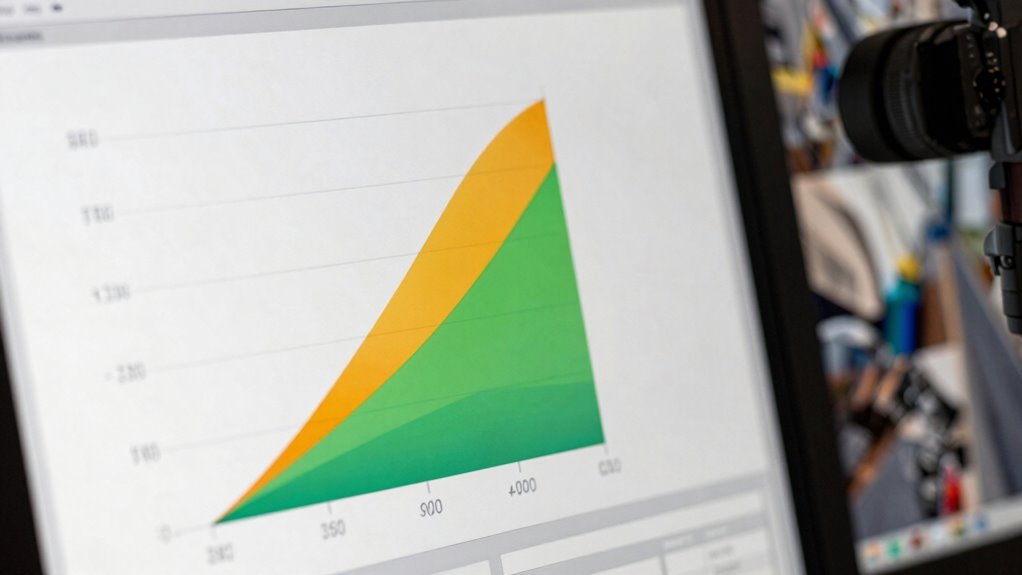
When choosing the best format for technical graphics, understanding the differences between vector files and raster art is essential. You need to recognize that vectors are made up of paths defined by mathematical equations, while raster images consist of a grid of pixels. This fundamental distinction impacts how each format handles detail, scalability, and clarity, especially when you require precise, high-quality visuals for technical purposes. Additionally, file formats play a crucial role in ensuring compatibility and optimal quality across different applications and devices. Vector files excel in maintaining sharpness and clarity regardless of size. When you scale a vector graphic up or down, it remains crisp and clear, which is crucial for technical illustrations that often need to be resized for various applications like manuals, schematics, or engineering diagrams. Raster images, however, can become blurry or pixelated when enlarged because they rely on fixed pixel grids. This loss of detail can compromise the accuracy of technical graphics, which often demand high levels of precision.
A resolution that is too low can further diminish the quality of raster images, emphasizing the importance of choosing the right format from the start. Recognizing these fundamental differences helps in making informed decisions for your projects. Proper understanding of how each format handles details and clarity can prevent costly mistakes in technical work.
Color accuracy is another reason vectors are preferable for technical graphics. Vectors allow for more consistent and accurate color representation because they use defined color values, making it easier to match colors across different outputs. This consistency is vital when your technical illustrations need to adhere to specific color standards, especially in industries where color coding conveys critical information. Raster images tend to suffer from color inconsistencies, especially if they’re compressed or saved in lossy formats, leading to potential misinterpretations or inaccuracies.
When it comes to printing techniques, vector files offer significant advantages. Many printing processes, such as screen printing or large-format printing, favor vector graphics because they produce cleaner lines and more precise details. Vectors can be easily converted into formats compatible with various printing methods, ensuring that your technical graphics maintain their integrity throughout the production process. Raster images, especially if not high-resolution, can produce blurry or jagged edges, which diminishes the professional quality of the final print. Additionally, raster images require larger file sizes to retain quality at high resolutions, which can slow down workflows and increase storage needs.
In the end, while raster art has its place in photography and detailed images, when it comes to technical graphics, vectors stand out as the superior choice. They offer unmatched scalability without sacrificing quality, ensure consistent color accuracy, and align seamlessly with most printing techniques. Your need for precise, professional, and versatile graphics makes vector files the clear winner, especially when technical clarity and precision are non-negotiable.

Adobe Illustrator | Vector graphic design software | 12-month Subscription with auto-renewal, PC/Mac
- Industry-standard vector graphics: Create logos, icons, illustrations
- Fastest Illustrator performance: Quickly turn ideas into artwork
- Subscription renewal process: Complete current term before linking
As an affiliate, we earn on qualifying purchases.
As an affiliate, we earn on qualifying purchases.
Frequently Asked Questions
Can Raster Art Be Converted to Vector Formats Easily?
Yes, you can convert raster art to vector formats, but it’s not always seamless. The process involves tracing the pixel precision of your image, which can sometimes result in loss of detail or sharpness. However, vector files offer better color flexibility and scalability, making them ideal for technical graphics. You’ll want to use specialized software like Adobe Illustrator or CorelDRAW to achieve the best results.
What Software Is Best for Creating Technical Vector Graphics?
You should use software like Adobe Illustrator or CorelDRAW for creating technical vector graphics. These programs offer precision accuracy essential for detailed technical designs and guarantee excellent software compatibility across different platforms. They allow you to create clean, scalable lines perfect for engineering drawings, schematics, and diagrams. By choosing these tools, you’ll benefit from precise control and seamless integration, making your technical graphics clear, professional, and easy to update or modify.
Are Vector Files More Costly to Produce Than Raster Images?
Vector files generally aren’t more costly to produce than raster images. Their cost analysis shows that, thanks to better production efficiency, you save time and resources, especially during editing or scaling. Vector graphics require less processing power and storage, reducing overall expenses. While initial setup might seem higher, the long-term savings and flexibility in creating precise, scalable technical graphics make vectors a cost-effective choice for your projects.
How Do Vector Files Handle Complex Textures or Photographic Details?
Vector files struggle with complex textures or photographic details because they rely on mathematical formulas rather than pixel data. You can’t use texture mapping in vectors, which limits achieving photographic realism. For detailed images, raster art is better because it captures subtle textures and intricate shading. If you need high detail and realism, raster images handle those complex textures more effectively, while vectors excel in clarity and scalability for simpler graphics.
What Are the File Size Differences Between Vector and Raster Formats?
You’ll find that vector files generally have smaller sizes than raster formats because of efficient file compression and the way they store data as mathematical equations instead of pixel data. This makes vectors highly scalable without increasing file size, unlike raster images, which grow larger with resolution and detailed textures. So, for technical graphics, vectors save space and guarantee sharpness at any size, making your work more flexible and manageable.

Jewellery Mega Pack 200+ 3D Printable STL File Format | CNC Router Laser Cutting 3D Model | Instant Digital Download Branding Vintage Cultural Accessories Modern Design Vector 0113
- File Format: STL Zip file for CNC use
- Download Method: Download link provided after purchase
As an affiliate, we earn on qualifying purchases.
As an affiliate, we earn on qualifying purchases.
Conclusion
Just like Da Vinci’s precision sketches, vector files give you that clear, scalable advantage in technical graphics. They let you zoom, edit, and refine without losing quality—saving you time and frustration. When you need sharp, professional visuals that stand the test of time, vectors are your trusty brush. Embrace them, and you’ll craft images as timeless as the masterpieces of old—ready to inspire, inform, and endure.
Jewellery Mega Pack 200+ 3D Printable STL File Format | CNC Router Laser Cutting 3D Model | Instant Digital Download Branding Vintage Cultural Accessories Modern Design Vector 0113
- File Format: STL Zip file for CNC use
- Download Method: Download link provided after purchase
As an affiliate, we earn on qualifying purchases.
As an affiliate, we earn on qualifying purchases.
![CorelDRAW Technical Suite Education Edition | 1 Year Subscription | Technical Illustration & Drafting Software for Education | Technical Illustrations, Vector Design, Layout, and Image Editing [PC Download]](https://m.media-amazon.com/images/I/41ZzcBcxh-L._SL500_.jpg)
CorelDRAW Technical Suite Education Edition | 1 Year Subscription | Technical Illustration & Drafting Software for Education | Technical Illustrations, Vector Design, Layout, and Image Editing [PC Download]
- Latest updates and AI tools: S1000D, SVG compliance, AI image tools
- Eligible for educational institutions: Schools, students, non-profits, non-commercial use
- Complete technical design suite: Includes CorelDRAW, DESIGNER, PHOTO-PAINT, XVL Studio, Web, Font Manager
As an affiliate, we earn on qualifying purchases.
As an affiliate, we earn on qualifying purchases.