When you print at A0 size, it’s not just about making the image bigger. You need to focus on color accuracy, material durability, and high resolution to keep details sharp and vibrant. Larger prints are more prone to damage and color discrepancies, so proper calibration and quality materials are crucial. Plus, understanding your printer’s limits helps avoid pixelation. Keep these factors in mind to guarantee your big print looks professional—there’s more to it than size alone.
Key Takeaways
- Larger prints demand higher color accuracy and calibration to maintain visual consistency at scale.
- Material durability becomes critical to prevent damage during handling and long-term display.
- File preparation requires higher resolution and precise editing to avoid pixelation and ensure sharp details.
- Printer capabilities and resolution influence the quality and clarity of large-format outputs.
- Effective color management and profiling are essential to preserve color fidelity across increased print size.
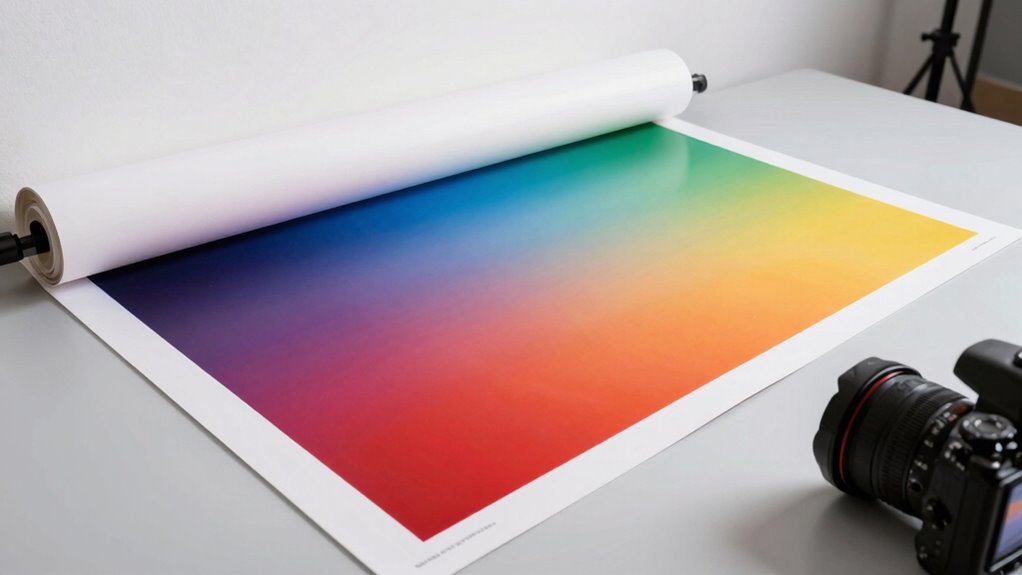
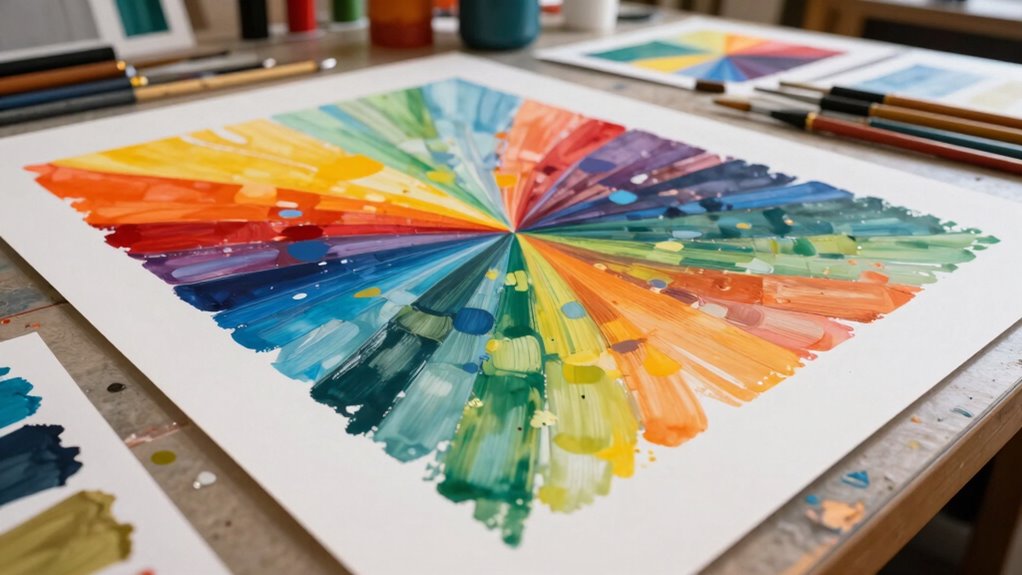
When you choose to print in A0 size, you’re not just increasing the dimensions of your output—you’re also impacting the quality, workflow, and versatility of your project. Larger prints demand a higher level of attention to detail, especially regarding color accuracy. As the size grows, so does the importance of maintaining consistent and vibrant colors across the entire piece. Small discrepancies in color matching become more noticeable on A0 prints, which can compromise the visual impact and professional appearance of your work. Guaranteeing precise color calibration on your printer and using high-quality inks becomes essential to achieve the desired color fidelity. It’s not just about making a print bigger; it’s about preserving the integrity of your design or image at a much larger scale. Additionally, material durability becomes even more critical, as larger prints are more susceptible to damage during handling, transportation, and display. Larger prints are more prone to tearing, wrinkling, or fading prematurely if the materials aren’t selected carefully. Heavyweight, UV-resistant papers, or vinyls, are often necessary to ensure your print remains intact and vibrant over time. When printing at this scale, you’re investing in a piece that will likely serve as a display or presentation, so durability isn’t optional—it’s a necessity. Failing to choose the right material can turn what should be a stunning visual piece into a fragile, easily damaged product that diminishes in quality and impact. Beyond the physical considerations, workflow adjustments are critical. Larger formats require more planning, from image resolution to file preparation. You need high-resolution images to prevent pixelation, which becomes glaringly obvious on A0 prints. This means you might need to source or create higher-quality files, process them with more powerful editing tools, and coordinate with specialized printing services. This added complexity influences your timeline and costs, making the entire process more demanding but ultimately more rewarding if executed correctly. Proper file preparation and understanding of printer capabilities are essential for achieving optimal results. Additionally, understanding print resolution requirements helps ensure your large-scale images remain crisp and clear, avoiding pixelation or blurriness. Being aware of color management techniques also plays a crucial role in maintaining consistent visual quality across large formats.
A0 size professional printing paper
As an affiliate, we earn on qualifying purchases.
As an affiliate, we earn on qualifying purchases.
Frequently Asked Questions
How Does A0 Printing Impact Material Choices?
A0 printing impacts your material choices because you need durable materials that can withstand larger formats and handling. You must consider material durability to prevent tearing or fading over time. Additionally, ink compatibility becomes essential, as larger prints require inks that adhere well and resist smudging or bleeding. Choosing the right combination ensures your A0 prints look professional and last longer, avoiding costly reprints or damage.
What Are the Environmental Considerations for A0 Prints?
Ever wonder about the environmental footprint of your A0 prints? You should consider waste management and the materials used. Large-format printing consumes significant resources, creating more waste and energy use. Opt for eco-friendly inks, recycled papers, and responsible disposal practices to reduce your impact. Being mindful of these factors not only helps the environment but also promotes sustainable printing habits. Don’t you want your big prints to leave a smaller footprint?
Does A0 Printing Require Special Equipment or Facilities?
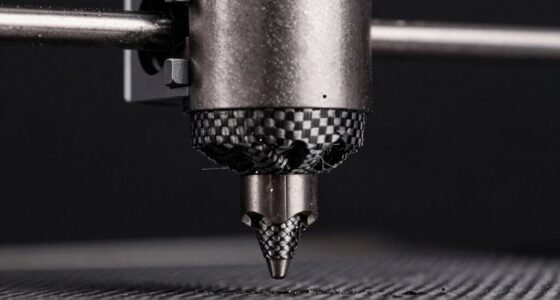
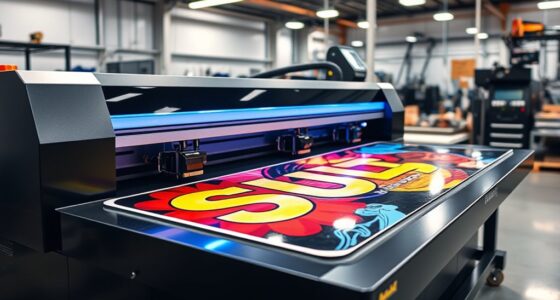
Yes, A0 printing requires special equipment and facilities. You’ll need a large-scale ink printer calibrated specifically for high-quality, large-format prints. These printers handle the size and detail, but proper calibration guarantees color accuracy and sharpness. You might also need a spacious, clean environment to accommodate the equipment and prevent dust or debris from affecting the print quality. Investing in the right equipment and facilities guarantees your A0 prints come out perfect every time.
How Does A0 Printing Affect Storage and Transportation?
A0 printing expands your storage and transportation needs, making it a little more challenging to manage. You’ll find that its size offers great display versatility, but it also requires careful planning to optimize cost efficiency. You might need larger storage spaces and sturdy transport options to keep these oversized prints safe and intact. Embracing this added effort guarantees your large-format prints make a striking impact without compromising logistical ease.
Are There Specific Maintenance Needs for Large-Format Printers?
Yes, large-format printers require regular maintenance. You need to check and calibrate the printer to guarantee accurate color output and sharp details. Additionally, monitor ink compatibility to prevent clogs or damage, especially when switching ink types or brands. Regular cleaning of print heads and inspections of rollers also help maintain peak performance. Staying on top of these maintenance tasks ensures your prints stay consistent and high-quality over time.

HP DesignJet T210 Large Format 24-Inch Plotter Printer for Easy CAD & Poster Prints (8AG32T), Includes 2-Year Warranty & Support
Includes 2-year extended warranty: Including onsite and remote support, HP parts, as fast as next business day device…
As an affiliate, we earn on qualifying purchases.
As an affiliate, we earn on qualifying purchases.
Conclusion
When you change your A0 print, you’re not just resizing an image—you’re shaping how your message blooms across a grand canvas. Think of it as planting a seed that grows into a towering oak; every adjustment influences the entire forest. So, next time you tweak those settings, remember: it’s more than size. It’s about nurturing the entire story, letting your vision stretch and breathe across the vast expanse, transforming simple print into a masterpiece.
UV resistant vinyl for large prints
As an affiliate, we earn on qualifying purchases.
As an affiliate, we earn on qualifying purchases.
color calibration tools for printers
As an affiliate, we earn on qualifying purchases.
As an affiliate, we earn on qualifying purchases.