
TL;DR
Thorsten Meyer AI reports that 2026 component shortages have weakened the old assumption that building an AI workstation is always cheaper than buying one. The guide frames the choice around cost, thermal tuning, noise, warranty, and control.
Thorsten Meyer AI says the 2026 AI hardware market has changed the build-versus-buy decision for local AI workstations, with GPU, memory and SSD price spikes making some prebuilts competitive with, or cheaper than, equivalent DIY systems.
The guide says the older rule that building a PC is cheaper no longer holds across all AI workstation configurations. It attributes the shift to AI data-center demand and related shortages affecting DDR5 RAM, GPUs and SSDs, with older DDR4 also pulled higher.
According to the source material, a DIY build that previously came in below $1,000 may now cost $1,250 or more before an operating-system license. The guide says some larger workstation sellers bought parts in bulk before price increases, allowing them to offer systems that can be hard to match part by part.
The article does not say prebuilts always win on price. Its central recommendation is narrower: buyers should price the exact same configuration both ways before assuming DIY is the budget choice.
Why It Matters
The shift matters for readers planning local AI work because workstation cost is no longer just a parts spreadsheet. Sustained GPU workloads also raise heat, noise, support and reliability questions that can affect whether a system is useful day to day.
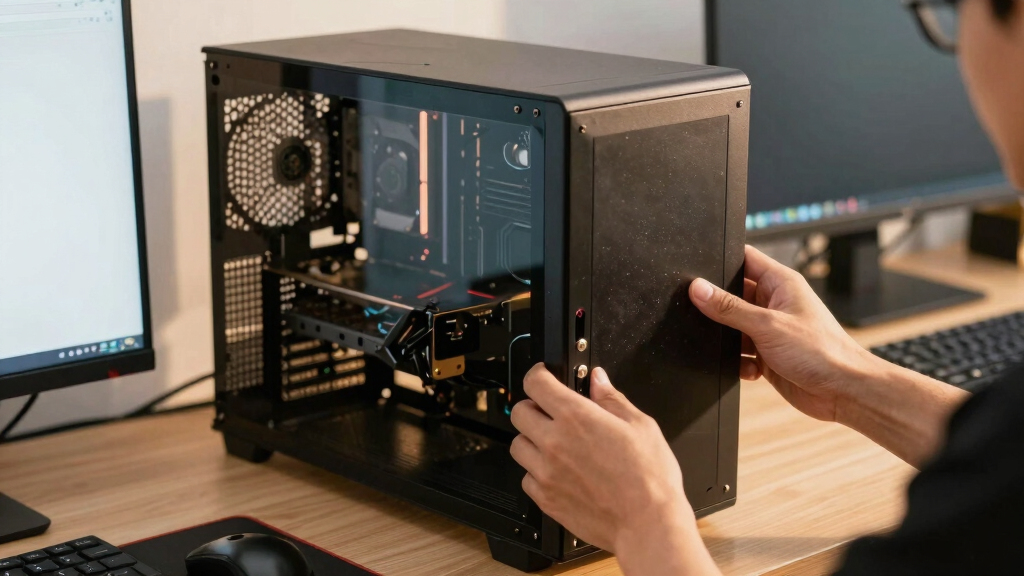
Thorsten Meyer AI frames the decision around five controls: GPU undervolting, cooler choice, case airflow, fan tuning and workstation placement. A DIY buyer handles those choices directly. A prebuilt buyer pays a vendor to handle more of that work before shipment.
As an affiliate, we earn on qualifying purchases.
Background
The guide places the article inside a broader series on reducing heat and noise in high-power AI workstations. It says the build-versus-buy question comes before tuning, cooling and placement because buyers first need to decide whether they want to own that engineering work.
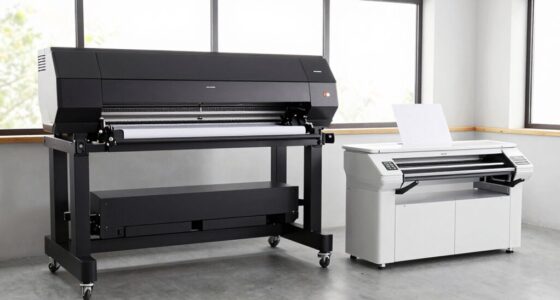
For prebuilts, the source names Puget Systems, BIZON and Lambda as AI workstation vendors, and also treats Mac Studio as a quiet prebuilt option for users whose workloads fit Apple’s platform. Vendor claims in the source include burn-in testing, thermal validation, fan-curve tuning, water-cooling options and warranty support.
“building is no longer automatically cheaper”
— Thorsten Meyer AI guide
“You can no longer assume DIY is the bargain.”
— Thorsten Meyer AI guide
“up to 30% lower noise and temperature”
— BIZON, as cited in the source material
custom gaming PC with high-end GPU
As an affiliate, we earn on qualifying purchases.
As an affiliate, we earn on qualifying purchases.
What Remains Unclear
Exact savings remain unclear without a same-day quote for the same CPU, GPU, memory, storage, power supply, case, cooling and warranty. Component prices can move quickly, and vendor configurations may differ in ways that make direct comparison difficult.
The source also cites vendor claims about testing, thermals and noise. Those claims should be read as seller-provided information unless independently benchmarked for a specific model.
As an affiliate, we earn on qualifying purchases.
What’s Next
Readers comparing options should price a matched configuration both ways, then weigh the value of time, warranty coverage, acoustic testing and control over parts. The next practical step is to request current prebuilt quotes and compare them against live retail component pricing for the same workload target.
AI workstation cooling solutions
As an affiliate, we earn on qualifying purchases.
As an affiliate, we earn on qualifying purchases.
Key Questions
Is building an AI workstation still cheaper in 2026?
Not always, according to Thorsten Meyer AI. The guide says component shortages have pushed up DIY parts costs, while some prebuilt vendors may benefit from bulk purchasing. The answer depends on the exact configuration and current prices.
Why would someone still build instead of buy?
A DIY build gives the buyer more control over parts, cooling, fan tuning and future upgrades. The guide says it can also be a learning process for users who want to understand and tune their own machine.
What does a prebuilt AI workstation offer?
The source says serious prebuilt vendors may provide thermal validation, burn-in testing, tuned fan curves, water-cooling options, warranty coverage and support. Those features can reduce setup time and troubleshooting.
What remains uncertain before buying?
The actual winner on price, noise and support depends on live quotes, retail parts costs and the workload. Buyers still need to compare equivalent systems rather than rely on a general rule.
Source: Thorsten Meyer AI